What it does
dsh-ios gives the agent a real iOS Simulator inside the conversation — and gives you the pixels. The agent can boot a device, build and run an Xcode project or Swift package, drive the UI by accessibility identity or by OCR’d text, read the unified log, and inspect processes, backtraces and leaks. You watch the device live in a persistent sidebar panel and can tap, drag, rotate and press Home directly on the video.
The same verbs work on a physical iPhone over USB: the plugin builds and launches WebDriverAgent on the phone, tunnels its control and screen ports over loopback, and streams the device into the same panel, cards and tools.
The design decision worth noticing up front: no image blocks and no screen-recording files. Visual bytes reach the UI only through signed, expiring URLs served by the DSH webserver.
| Capability | What the README documents |
|---|---|
| Live simulator | A serve-sim MJPEG stream proxied through signed /_dsh/dsh-ios/* routes into a right-side panel — the browser never touches serve-sim’s port |
| Real iPhone over USB | ios_real_start_wda builds and launches WebDriverAgent, tunnels control (REST) and screen (MJPEG) over loopback; the device must be unlocked and every real-account tap is gated by identify-before-tap rules |
| 22 agent tools | Devices, boot/shutdown, screenshot, interact, build & run, unified logs, an AXe-backed UI tree with tap-by-element, list/feed row actions, Vision OCR find/tap, SwiftUI preview hot reload, processes, backtrace, leaks, app info |
| Interactive panel | Tap and drag on the video; Home / rotate / screenshot / refresh toolbar; size modes (fit · 50–125% · S/M/L); frame styles (frameless / bezel / device shell); drag-resize to 960 px with double-click reset; landscape auto-widen |
| List & feed rows | ios_sim_ui_rows turns deep accessibility snapshots into indexed rows; ios_sim_tap_row taps inside a row and confirms by the counter’s expected ±1 change |
| SwiftUI preview | ios_sim_preview builds your previews as a dylib in a disposable host app outside your package and hot-swaps edits into the running simulator (~2–5 s) without relaunching |
How the agent drives the UI
Three layers, in order of preference, and the README is explicit about when each applies:
- Identity.
ios_sim_ui_treedumps the frontmost app’s accessibility tree (labels, identifiers, values, frames in device points);ios_sim_tap_elementtaps by exact match then case-insensitive substring, collapsing nested duplicates and listing every candidate when a match is ambiguous. - Text. When the tree is empty or degenerate — no-accessibility apps, badge counts, prices baked into images —
ios_sim_find_textOCRs the current screen with a Vision helper the plugin compiles from its bundledassets/ocr.swift, andios_sim_tap_texttaps the best match.ios_sim_wait_forpolls the same pipeline until text appears or disappears, returningmatched: falseon timeout rather than an error. - Rows.
ios_sim_ui_rowsplusios_sim_tap_rowexist because a list app’s only reliable confirmation is a counter moving by one.
Outputs are deliberately bounded: the UI tree caps at about 40 KB with truncated set and deepest levels pruned, OCR at about 40 KB with the lowest-confidence tail dropped, logs at about 300 lines / 30 KB, and a backtrace at about 200 lines. Each cap ships with a narrowing hint rather than silently truncating.
Debug tools are read-mostly and honest about degradation. ios_sim_backtrace is a one-shot batch LLDB (attach → backtrace → detach, never interactive) that falls back to Xcode’s non-suspending sample engine when macOS Developer Mode is off, and ios_sim_leaks reports the enable hint. Both refuse physical devices with a reason, and both always verify the target is resumed.
Requirements and install
-
macOS with full Xcode — not just Command Line Tools.
xcodebuild,xcrun simctland the simulator runtimes all ship with Xcode, and at least one iOS Simulator runtime must be installed. -
Node
>=24.11.0. -
DSH ≥ 0.1.0-rc.6 with the web bundle for the panel. That floor is what this listing records as
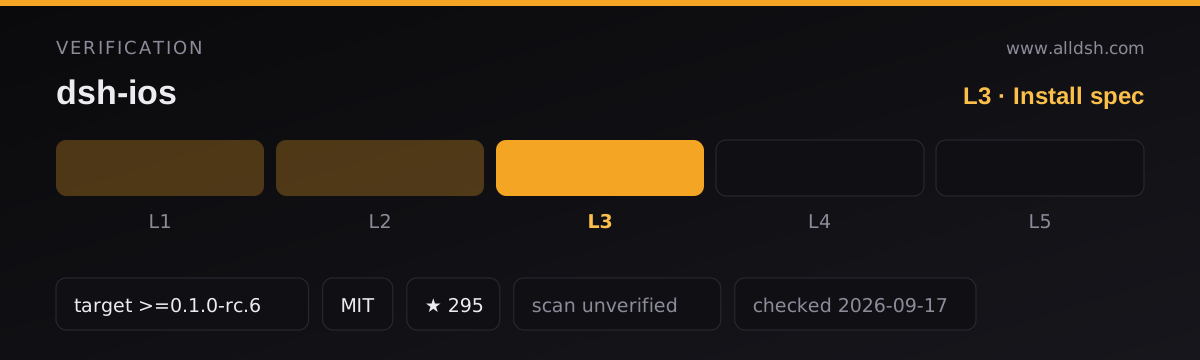
dshTarget, from the README’s requirements section; the release notes also state the plugin was tested with0.1.5-rc.1. Headless profiles work too — all 22 tools function, just without the live view. The listing is L3. -
Non-macOS hosts load the plugin and register all 22 tools, but every call returns an explanatory error. The single exception is
ios_sim_preview’sstatusaction, which truthfully reports{ running: false }. -
Install:
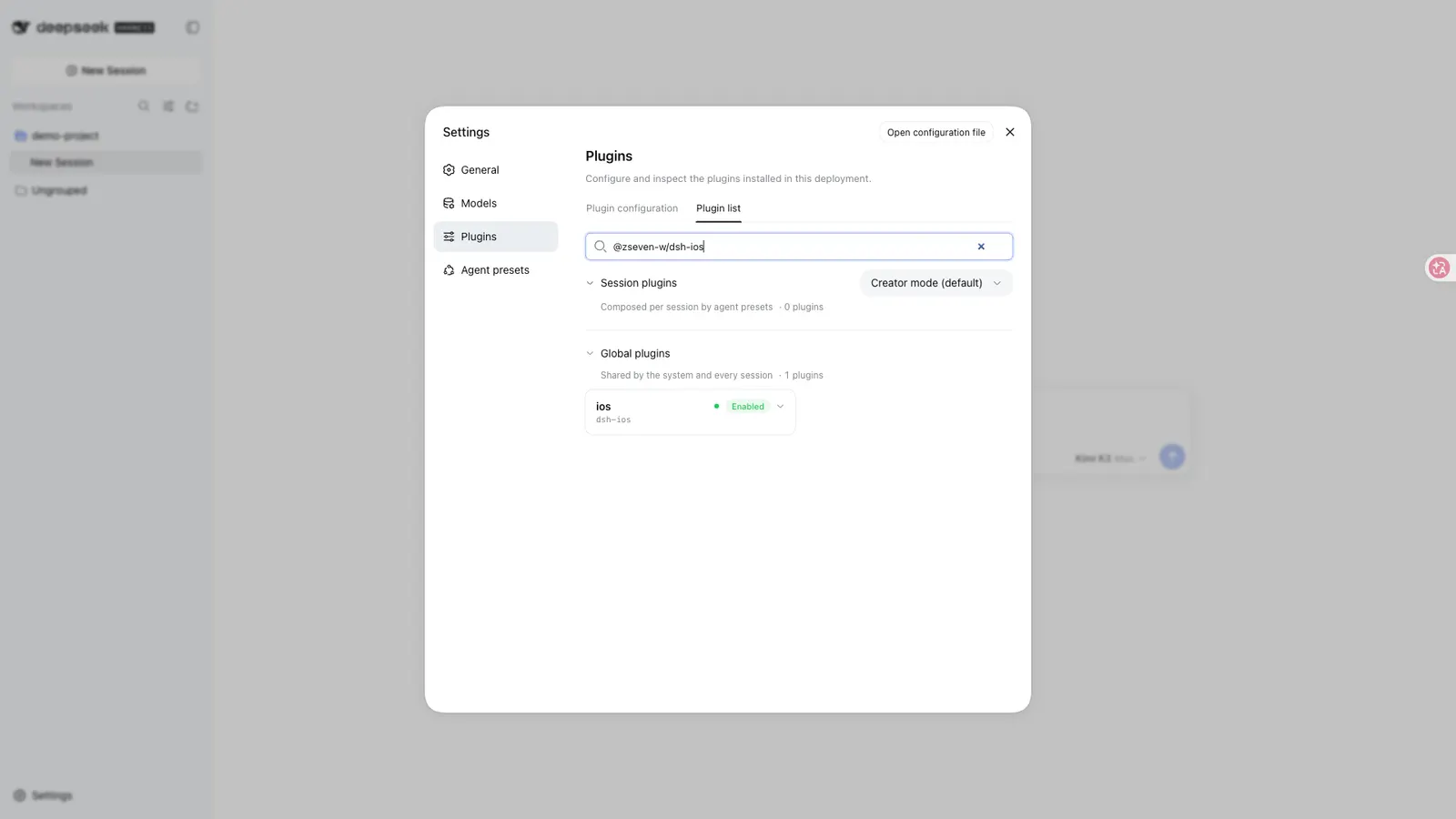
dsh plugin --profile web add @zseven-w/dsh-ios@latest -
serve-simships as a dependency (^0.1.45) and resolves locally on a real install; annpx -y serve-simfallback covers development trees and needs network on first use. It is the plugin’s only runtime dependency. -
Optional extras, each degrading with an install hint rather than failing silently:
- AXe for the UI-tree and row tools —
brew install cameroncooke/axe/axe, or let the plugin download a pinned release (v1.8.0, SHA-256 verified) into~/Library/Caches/dsh-ios/bin.DSHPLUGIN_IOS_AXE_BINoverrides resolution;DSHPLUGIN_IOS_AXE_OFFLINE=1disables the download. - Vision OCR — compiled on first use with
swiftcfrom the bundled Swift source into~/Library/Caches/dsh-ios/bin/ocr(zh-Hans + en-US). - lldb attach needs Developer Mode:
sudo DevToolsSecurity -enableonce.
- AXe for the UI-tree and row tools —
-
For a real iPhone: a data-capable USB cable (a Wi-Fi-only pairing cannot carry the port forward), an unlocked screen, Developer Mode on the device, and a WebDriverAgent checkout at
~/Library/Caches/dsh-ios/wda/src— the plugin builds from there and never downloads or clones anything. The first build installs a signedWebDriverAgentRunner; trust its certificate on the device when prompted, and re-runios_real_start_wdawhen a free-team signing profile expires (7-day lifetime). Team selection order is documented, withDSHPLUGIN_IOS_TEAM_IDfirst. -
No install-time lifecycle scripts. The declared scripts are
buildandtypecheckplus a large set ofdev-*-smoke.mjstests.
Network and data
The transport is loopback-only by construction, and the README spells out the fence:
- The browser never talks to
serve-sim’s port. Every byte crosses the DSH webserver origin through plugin-owned routes:/stream/(MJPEG proxy),/screenshot/(cached PNG),/ws?token=…(HID control relay), plus/grant,/captureand/status. - Tokens are HMAC-SHA256 capabilities (
base64url(payload).base64url(mac)) expiring within 10 minutes, signed with a per-DSH-home key at/cache/dsh-ios/stream-access.key(mode 0600, created atomically). - Every route applies a transport fence before any capability is consulted: loopback peer address, loopback
Host(so DNS rebinding is rejected), and Fetch-Metadata/Origin checks. The screenshot route serves only files inside the plugin cache directory, refusing symbolic links and enforcingrealpathcontainment. serve-simruns as a foreground child on loopback only, in a dedicated port range (3181–3244), so your ownserve-simon port 3100 is never touched, and--hostis never used.- On a real device, the WebDriverAgent control (device port 8100) and screen (device port 9100) tunnels are loopback usbmux forwards behind the same signed-route fence.
Lifecycle is managed, not left to chance. If a previous DSH host was killed ungracefully and its helper survived, the same device is adopted (the orphan’s handshake wins) and a stale helper squatting on a different device’s slot is reclaimed. A crashed stream restarts in about 5 seconds; with zero consumers the stream stops after 5 minutes. The real-device runner is deliberately exempt from idle reaping, because restarting it costs a multi-minute xcodebuild.
No telemetry is documented. One optional outbound call exists and can be disabled: the pinned AXe download. This listing is security: unverified — the plugin’s own security section is a design description, not an external audit.
Known limits
- macOS with full Xcode is a hard requirement. There is no Linux or Windows path; on those hosts the tools register and then refuse.
- iOS 26.2 simulators can break
ios_sim_leaks. Xcode’sleaksmay fail withFailed to get DYLD infoor minimal-corpse errors even with Developer Mode on. The README states there is no plugin-side fix and suggestsmode: "memgraph"or a different runtime. - Real-device automation has a 7-day clock. Free-team signing profiles expire;
profile-expiredis one of the coded statuses the panel reports, and the remedy is re-runningios_real_start_wda. - Real-device taps are real. The README states plainly that every tap on a physical device has real consequences and that you should never tap an unidentified control to find out what it does.
- Deep UI snapshots are expensive on a phone — the README measures an uncapped snapshot of a busy app at roughly 32 s / 751 KB versus about 2 s capped, and about 15–25 s per deeper level. Depth caps are a performance feature, not a limitation to remove casually.
- AXe and the OCR helper are additional installs (or one network download) on top of the plugin. The UI-tree and OCR tool families are unavailable without them.
- A full
ios_sim_build_runtakes minutes, as does a cold WebDriverAgent build. Neither is a fast loop. - Stars (292) are attention, not review. No listing on this site claims L4 or L5, and this one does not claim a smoke-tested install on this machine.
When to use it — and when not to
Use it if you develop iOS apps on a Mac and want the agent to actually operate the simulator instead of describing what you should tap: build and launch, drive by accessibility identity or OCR, read logs, attach a debugger, and watch it all live in a panel you can also touch. The SwiftUI preview hot reload and the row-action tools are the two features that are hard to get anywhere else. If you are building an agent workflow that must verify a UI rather than assume it, the identify-before-tap discipline is the right foundation.
Do not install it expecting Android or web automation (the same author ships dsh-android separately), a headless CI device farm, or a way to automate an iPhone without Xcode and a data cable. And do not run it on a machine without full Xcode — the tools will load and then refuse, which is worse than not installing it.
FAQ
Does it work without Xcode?
No. macOS with full Xcode — not just Command Line Tools — is required, because xcodebuild, xcrun simctl and the simulator runtimes come from it. On a non-macOS host the plugin loads and all 22 tools register, but every call returns an error explaining the requirement.
Can the agent tap things without guessing coordinates?
Yes, and that is the point of the tool split. ios_sim_tap_element taps by accessibility label or identifier, ios_sim_tap_text taps OCR-matched text when the accessibility tree cannot see it, and ios_sim_tap_row taps inside a list row and verifies the tap by the counter’s expected ±1 change.
Does the browser ever connect directly to the simulator stream?
No. The stream is proxied through the DSH webserver origin on signed, HMAC-expiring routes, behind a loopback peer, loopback Host and Fetch-Metadata/Origin fence. The README documents the route list, the 10-minute capability expiry and the screenshot path containment in detail.
Does it download anything on its own?
Only optionally and only once: the pinned AXe release (v1.8.0, SHA-256 verified), which you can disable with DSHPLUGIN_IOS_AXE_OFFLINE=1 or replace with your own binary. The plugin never clones WebDriverAgent — it builds from a checkout you provide at ~/Library/Caches/dsh-ios/wda/src.
Why did the stream stop while I was not looking?
That is the idle policy: with zero consumers — panel closed, no cards mounted, no active route — the stream stops after 5 minutes and restarts on the next tool call or panel open. A crashed stream restarts in the background within about 5 seconds. The real-device runner is exempt, because rebuilding WebDriverAgent takes minutes.