What it does
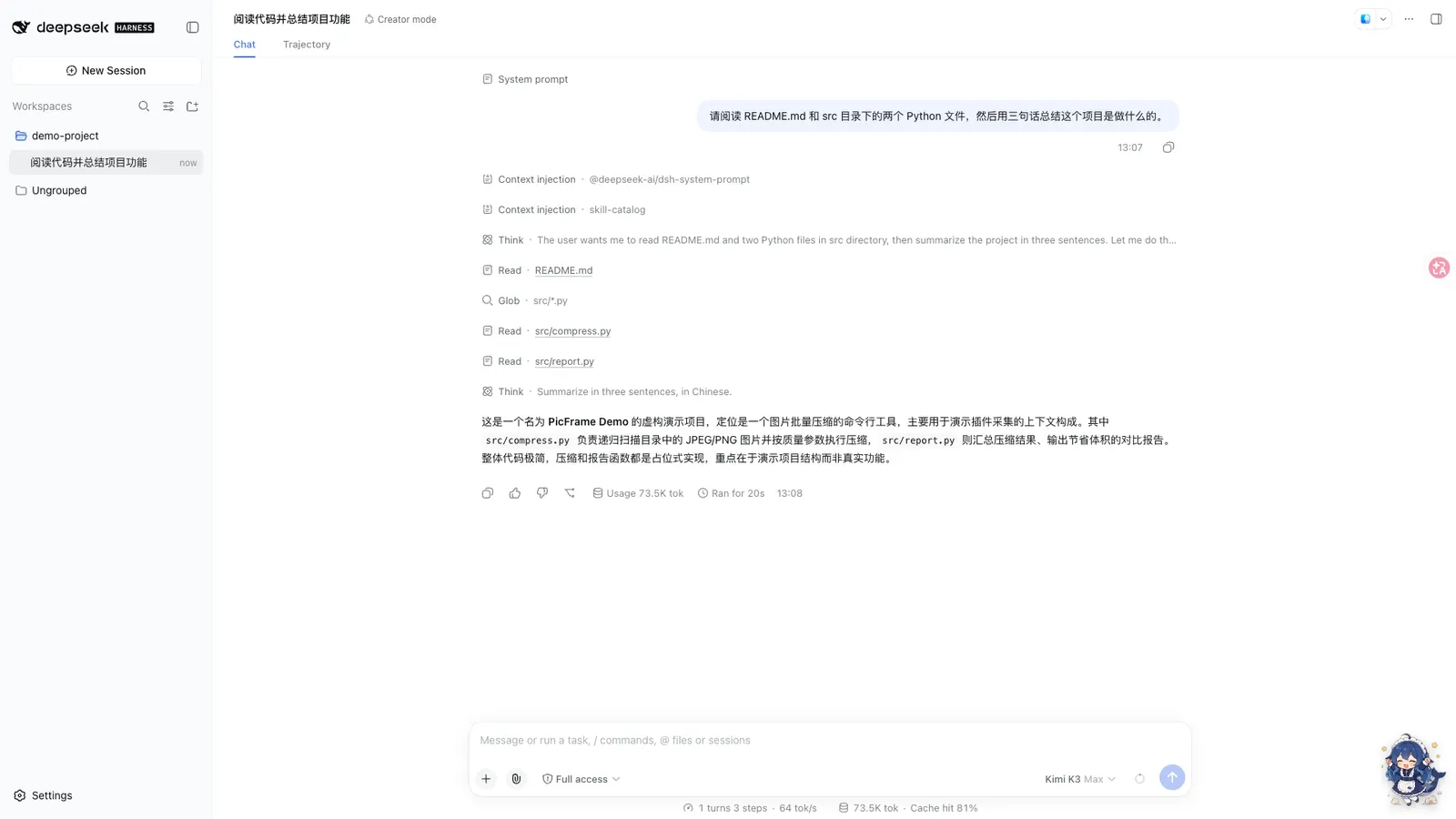
Whale Girl is a QQ-pet-style companion that floats at the bottom-right of the DSH Web GUI. You can drag her, feed her (🍗) and play with her (🎾); left alone she wanders, blinks and eventually naps. Underneath the charm is a real event hook: a 15-state sprite state machine driven by actual session and task events, and a growth ledger in which completed tasks, finished sessions and companionship time accrue into seniority levels, titles and memories.
She appears after you restart the web app post-install, and is deliberately hidden on onboarding pages. Click for the menu, drag to move, hover for a status bar with her level, task count and recent shared memories.
The state machine
The fifteen states and their triggers, per the README:
- Working states —
think(company while the session thinks, with occasionalworkingspells),wait(expectant, while a tool call awaits approval). - Outcome states —
celebrateon task done, level-up, new title or round done;erroron task failure or request error, settling into a briefdisappointed. - Session states —
welcomewaves at a new session. - Interaction states —
dragwhile dragged,eatandplayfrom the menu, each followed byjoy. - Idle cycle — periodic
walkwandering,sleepafter 60 idle seconds,wakeon interaction, andidlestandby with random blinks and turns as the default.
The full priority and transition table is documented in the repo’s docs/state-machine.md, and every character ships sprite sheets for all fifteen states — the state machine is part of the character contract, not per-skin decoration.
Growth, and what you can configure
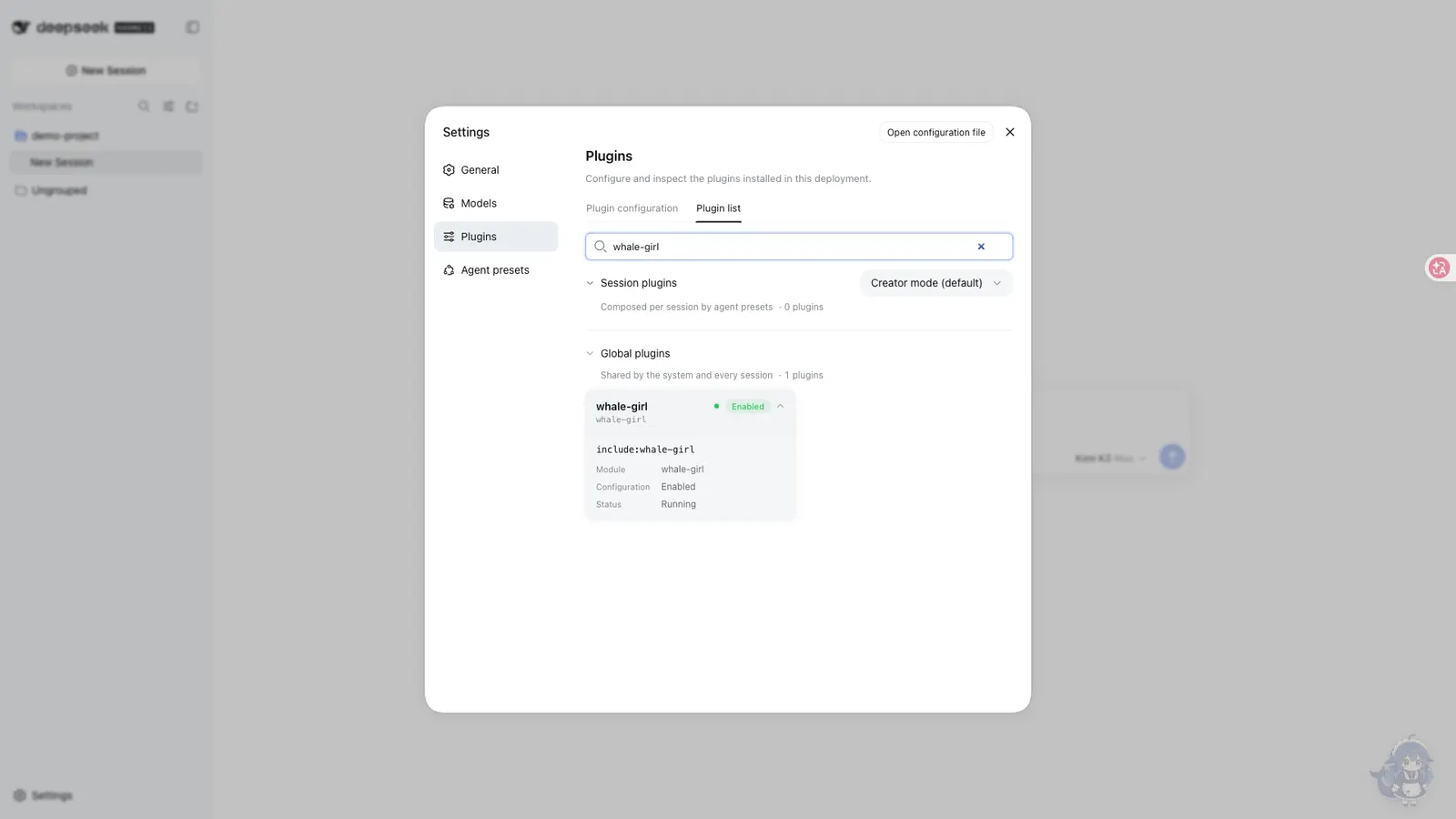
The growth layer is deliberately sealed: XP and title thresholds are not configurable, and the README says why — changing them would break the accumulation ledger. What you can tune lives in Settings → Plugins → Whale Girl: show-on-page, size (64–160 px, default 110), opacity (0.2–1), wandering, sleep delay, and the feed/play reply pools. Changes save and apply live, no restart; the fuller option list sits in the whale-girl: section of settings.yaml.
A Switch Character control cycles characters (or whale-girl:character in localStorage); it greys out honestly when the manifest holds only one. The README also pitches the repository as a reference implementation of the official bundle plugin format (dsh.bundle + cordis.patch.yml + lib/) — “official” here names the packaging mechanism, not an endorsement.
The optional desktop companion
Separately, desktop/ is a standalone Tauri app — Node engine plus a Tauri v2 shell, about 12 MB built — that keeps the whale girl resident on the OS desktop. It is not installed through dsh plugin: you install whale-girl-desktop from npm yourself, and the rendering shell needs a Rust toolchain (first cargo build --release runs 5–15 minutes). It talks to the plugin’s public endpoints (/state, /events, /presence, /interact, /config, /assets) without modifying the plugin; a presence contract hides the in-page pet while it runs and brings her back within a 45-second TTL after the companion exits or crashes. It defaults to a local DSH on port 3080; WHALE_GIRL_BASE_URL points it elsewhere.
Requirements
- A DSH
webprofile; the plugin is a bundle plus aweb-platform client, and a web restart is required after install — bundle layers compose at startup. - The only runtime dependency is
schemastery; there are no install-time lifecycle scripts. - No harness version is declared anywhere — no
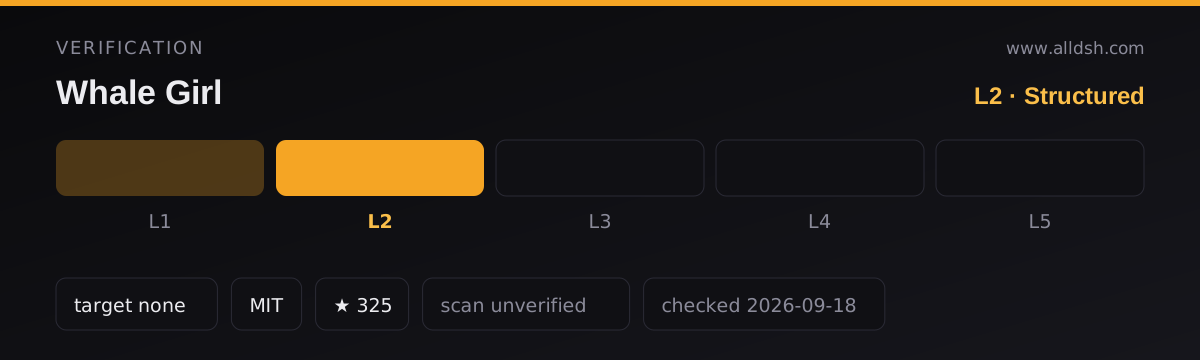
enginesfield at all, nodsh.compatibilityblock, no README range. That absence is why this listing is verification L2: the manifest and README are coherent and the package installs through the official profile mechanism, but there is no declared range to check your harness release against. Treat compatibility as unverified. - For the desktop companion only: Node ≥ 18 and Rust (cargo) for the shell build.
Known limits
- The artwork license is not stated. The README acknowledges the character design by a Bilibili creator (ZipZipPipe) and says the sprites were generated from their design — but no license terms for the artwork appear anywhere in the sources. The code is MIT; do not assume the MIT grant covers the character art, and do not redistribute the sprites without checking with the creator.
- Version
0.1.0— a first release, however polished the documentation. - The desktop companion is a separate manual install with a real Rust build cost; it is a companion project, not a plugin feature.
- The README’s badge row references third-party directories (dshfind, dsh.so). Those are directory badges, not audits — this listing’s own rating stays
security: unverified. - Configuration is split across two places (in-page card for common knobs,
settings.yamlfor the rest), and the semantic layer is intentionally sealed — if you want to re-tune XP curves, this plugin says no by design.
When to use it — and when not to
Use it if you like the QQ-pet formula and want a companion whose reactions mean something: the celebrate/error/wait states track real task outcomes, and the growth ledger gives long-running use a sense of continuity. The public-endpoint contract is also a genuinely clean integration seam if you fancy building your own companion shell.
Skip it if a persistent animated overlay in your work GUI sounds like a distraction rather than company, if unlicensed character artwork is a problem for your setting (a company laptop, say), or if you want desktop residency without maintaining a Rust-built side app.
Install
From npm:
dsh plugin --profile web add whale-girl@0.1.0The README’s primary path is the git source with committed build artifacts — dsh plugin --profile web add "github:vlln/whale-girl#main" — and either way you restart the web app afterwards; the pet appears bottom-right once the page reloads.