What it does
DSH Dafeiyu (大肥鱼, “BigFish”) is a desktop companion that lives outside the browser: a transparent, borderless, always-on-top native window showing a whale character whose animation and status card follow your real DSH session events — thinking, working, waiting for confirmation, done, error.
Two design decisions define it. First, it is driven by agent events only: it does not read your screen, does not watch other applications, and never mistakes your work in VS Code or a browser for DSH activity. Second, it shows only what DSH actually provides — the project directory name, the current phase (analysis / implementation / verification), the in-progress todo, real progress like “3/5 steps”, and the actual reasoning effort when DSH reports it. If DSH writes no structured todo list, the card shows phases only; the README is explicit that it will not fabricate a percentage.
With several sessions running, it surfaces the one that most needs attention — waiting-for-confirmation outranks error, then working, thinking, idle — and the status bubble can list multiple active tasks at once. It is bound to the DSH Host lifecycle: DSH launches it, it stays up when you close the browser tab, and it exits when the Host truly exits.
How it runs: bundled native helpers
This is the part to understand before installing. The plugin spawns bundled native helper executables at runtime, and the author discloses this openly:
- Windows 10/11 x64 and Linux x64 helpers are prebuilt with PyInstaller and ship inside the npm package (
runtime/bin/). No Python or PySide6 install is needed, and there is no second app to launch. - WSL2 runs the Windows helper through Windows interop (
cmd.exe) — install the plugin inside WSL, and the desktop window appears on the Windows side. - macOS 12.0+ gets an experimental native helper written in Swift/AppKit (Universal binary), which the README states was AI-assisted generated and merged after human review, replacing an unstable Qt/PyObjC prototype. The macOS binary is ad-hoc signed — not Developer ID signed, not notarized.
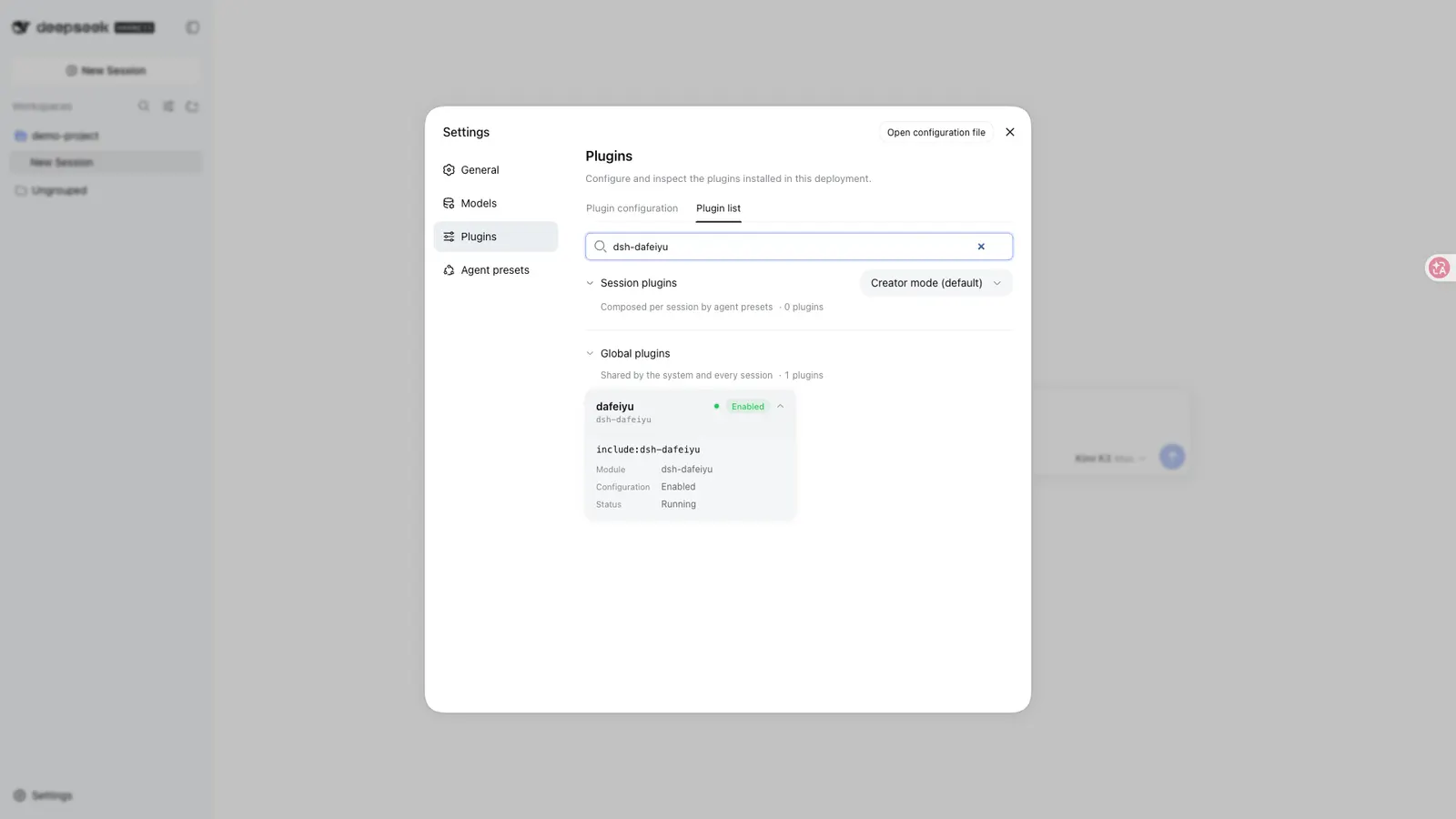
Interaction is direct: drag to move (position persists), click or double-click for short reactions, right-click for a menu with size, bubble and motion options plus “hide this session” and “close this session”. Settings live under Settings → Plugins → 插件配置 → 大肥鱼桌面伴侣 — enable toggle, character size (55–140%), bubble size and visibility, idle activity level, reduced motion, completion/error sounds, and whether sub-agent states participate (default off). Settings are stored by DSH and survive plugin updates. Note that the settings and desktop copy are currently Simplified Chinese only.
Requirements
- A supported desktop: Windows 10/11 x64, WSL2, Linux x64 with glibc ≥ 2.35 (the binaries are built on Ubuntu 22.04; a graphical session with
DISPLAYorWAYLAND_DISPLAYis required, X11/XWayland preferred, and Debian/Ubuntu desktops usually needlibxcb-cursor0), or macOS 12.0+ (experimental). - A working DeepSeek Harness WebUI and a
dshCLI withplugin --profile web. - Node
>=22.19, perengines. - No harness version is declared anywhere — no
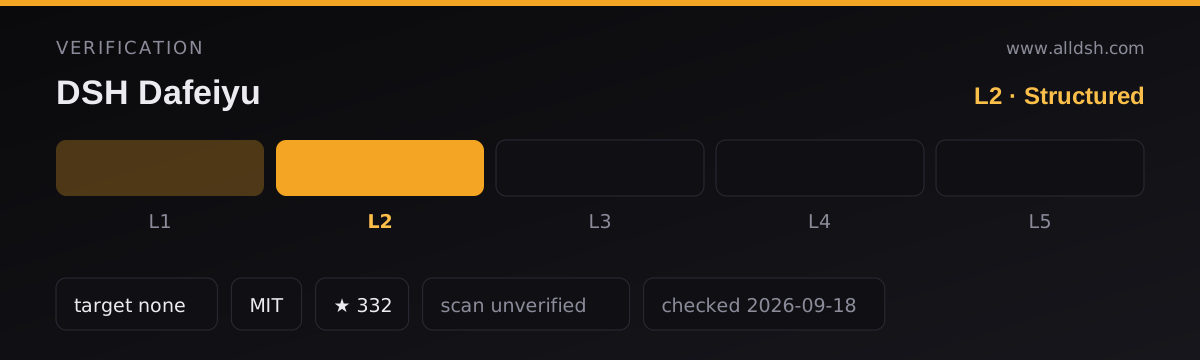
engines.dsh, nodsh.compatibilityblock, no README range. That absence is why this listing is verification L2: the package, manifest and docs are coherent and the plugin installs through the official profile mechanism, but with no declared compatibility range there is nothing to check your harness release against. Treat any harness upgrade as unverified until the author declares one. - No install-time lifecycle scripts —
package.jsoncarries test and helper-build scripts only. The native helpers ship prebuilt; nothing compiles at install time.
Privacy and boundaries
The README’s own list: it does not read or store model API keys; it does not take screenshots or read other windows; it sends no telemetry; it does not monitor keyboard input or other applications; it opens no new network ports — the settings card reuses DSH’s local web service. By default it follows only the most recently active top-level session. As with any listing here, that is author disclosure, not an audit.
Licensing: MIT code, separate asset terms
The split is easy to miss. The code is MIT, but the package.json license field literally reads SEE LICENSE IN ASSET_LICENSE.md. The current 16 character animations were selected and re-encoded from the community project dsh-pet (Copyright © 2026 PC2005-cloud) under its MIT terms, with the upstream license text shipped in the package (assets/dsh-pet-LICENSE.txt). The early BigFish frames are archived out of the package and their original restricted terms continue to apply. ASSET_LICENSE.md holds the full provenance and usage boundaries — read it before reusing the artwork.
Known limits
- You are running prebuilt native binaries from an npm tarball — PyInstaller executables on Windows/Linux and an ad-hoc-signed, notarized-nowhere Swift app on macOS. The author discloses this; the trust decision is yours.
- macOS support is experimental: CI-verified for the Universal build, AppKit rendering and lifecycle, but real-machine Apple Silicon experience is still being gathered through user feedback. Finder-extracting the
.tgzis the one path that triggers Gatekeeper — install the tarball directly instead. - Linux desktop verification is narrow: only Ubuntu 24.04 (glibc 2.39) has passed real-desktop acceptance; other distros are CI smoke-tested under Xvfb at best. ARM, headless SSH, containers and servers are explicitly not display targets.
- Progress percentages appear only when DSH writes structured todos; otherwise you get phases.
- UI copy is Simplified Chinese only in the current builds.
- Sub-agent status is excluded from the priority logic unless you opt in.
When to use it — and when not to
Use it if you work on a supported desktop and want ambient, glanceable DSH status while you are in other windows — the always-on-top card with real phase and todo progress is genuinely more informative than a taskbar icon, and the event-driven design means it never lies about who is working.
Do not install it on headless servers, SSH-only boxes or containers — there is nothing for it to draw on. Skip it if your policy forbids running bundled, unnotarized native binaries, if you need an English UI today, or if you want a companion that reacts to more than one agent’s world: by design, it only follows DSH.
Install
Fully quit DSH first — the Host, not just the browser tab. Then:
dsh plugin --profile web add dsh-dafeiyuStart the DSH WebUI as usual; the companion is launched by DSH automatically. Do not start the helper by hand. Alternatives: dsh-dafeiyu@alpha for the preview channel, or the .tgz from GitHub Releases installed unextracted (dsh plugin --profile web add <path-to.tgz>) — on macOS, do not Finder-extract it first. Updates are dsh plugin --profile web update dsh-dafeiyu with DSH fully closed.