What it is
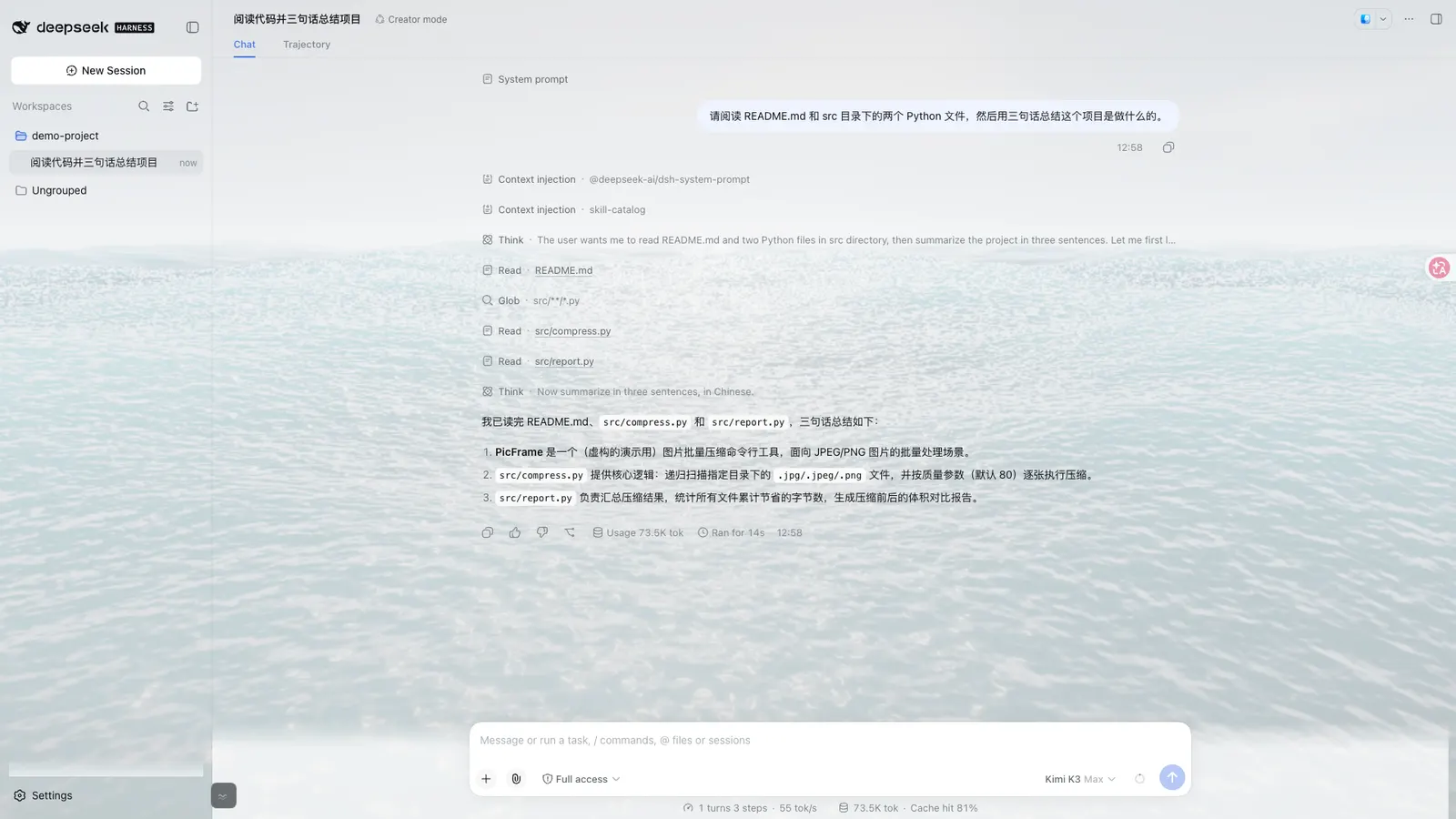
Open Sea Skin is an ocean appearance plugin for DeepSeek Harness: a real-time WebGPU-animated sea behind the conversation UI, with adjustable wave size, daylight-to-sunset lighting, and translucent glass panels you can dial from 40% to 90% opacity. The README is explicit that it targets DeepSeek Harness, not the DeepSeek chat website, and is unrelated to the OpenSea NFT marketplace.
Unlike a static wallpaper or a character-art skin pack, the renderer runs five Gerstner waves with reflections, foam and sky lighting in the browser (three.js and TSL on top of WebGPU). Architecture docs put the canonical runtime in shared/ and generate the plugin, extension and static-loader copies from it, so all three install paths ship the same ocean.
What it is not: not a model feature, not a tool pack, not a session behaviour change. The harness-plugin README states “Model Experience: None” — the plugin changes browser presentation and user settings only, and “never assembles or modifies a model request.”
Three install methods — pick one
The README’s table maps setup to path, and warns against combining them:
- DSH plugin (Harness Web / Desktop market). Repo
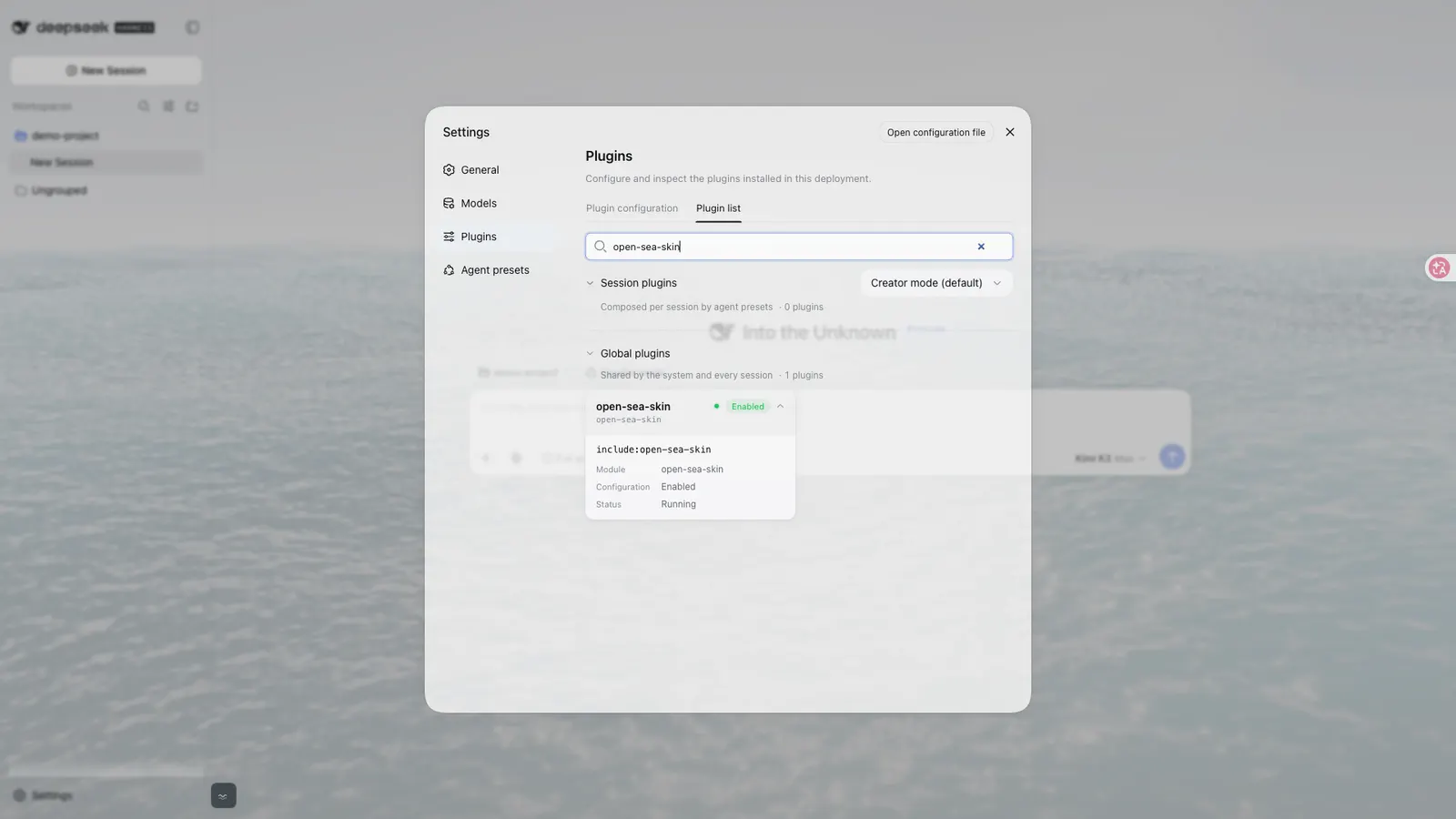
package.jsonisopen-sea-skin@1.2.4; npm’s publishedlatestis still 1.2.3. The README (checked 2026-09-12) says the language-sync fix is in v1.2.4 and not to useopen-sea-skin@1.2.4until it appears on npm. Documented commands:dsh plugin --profile web add open-sea-skin@1.2.3, or for the v1.2.4 fixdsh plugin --profile web add 'github:d-dev0101/open-sea-skin#v1.2.4'. Restart, reload, then open Skin settings lower-left. - Chrome / Edge extension. Download the release ZIP, enable Developer mode, Load unpacked. The extension verifies a local Harness page before injecting; permissions are only
storageplushttp://127.0.0.1/*andhttp://localhost/*. - Static frontend installer. For a built frontend that cannot take DSH bundles. Stop Harness, inspect and run
install.sh(curl -fsSL .../install.sh | bash), restart. It inserts one marked deferred script and copies assets underopen-sea-skin/, keepingindex.html.oss-backup. After a frontend upgrade, re-run with--update.
There is a fourth path — native source integration into a Harness checkout via harness-plugin/install-into-harness.sh — but that is for developers patching a source tree, not for normal installs. All paths share DOM id #__open-sea-skin__, so enabling two at once does not start a second renderer; still, one path is simpler to update and remove.
WebGPU is the hard requirement
Animated 3D rendering needs a browser with WebGPU. The renderer uses adaptive resolution, hidden-tab pause, frame caps and prefers-reduced-motion (low mesh, ~20 FPS, slowed time) to stay usable on weaker hardware, but GPU cost remains real. The README’s own advice: try the live demo before choosing an install method. Quality changes that alter mesh density reload the isolated ocean frame because those are boot-time decisions.
What it does not do
No new-tab or homepage hijack. The extension FAQ is blunt: it does not replace your browser homepage, does not skin chat.deepseek.com, and other local pages and homepage extensions stay untouched. It targets a verified local DeepSeek Harness page only.
No chat-data pipeline. Privacy doc and architecture docs state the skin does not collect or transmit chat data, prompts or conversations; extension permissions are limited to storage and local Harness hosts; there are no analytics SDKs, tracking pixels or remote host permissions. three.js and Geist fonts ship local.
No model surface. No tools, no slash commands, no credential use, no KV-cache effect — only presentation and the reversible glass theme-token layer.
Network claims, and how to read them
The skin claims local assets and no skin analytics or runtime CDN for the shipped plugin, extension and static path. That is a code-level claim the README and architecture doc make consistently, not an independent audit. One caveat the architecture doc itself records: the preserved site/ showcase (the original demo site, not part of the extension package) loads its documented dependencies from public jsDelivr URLs. If you only install the plugin/extension/static skin, that showcase is not on the path.
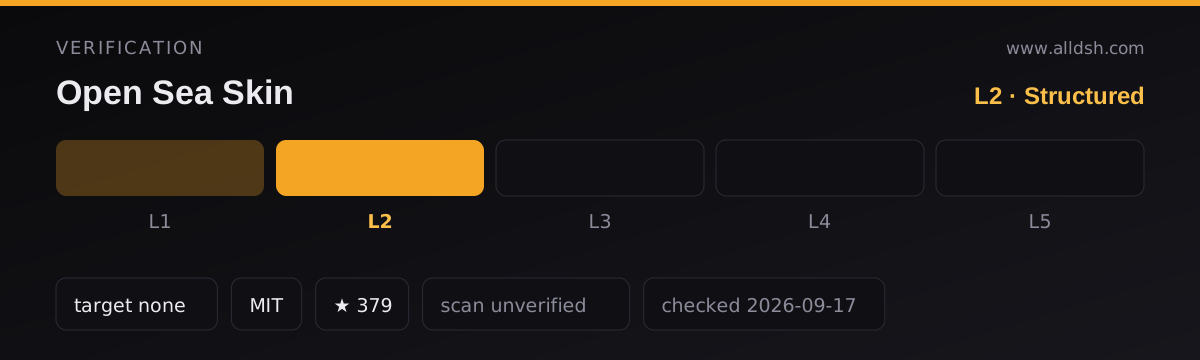
The static installer’s bootstrap is still curl | bash from GitHub raw — inspect install.sh before running. No published security scan sits behind security: unverified.
Requirements and limits
- Harness compatibility is not blanket. The published npm
dshblock is{ bundle: { patch: './cordis.patch.yml' }, client: { platform: 'web' } }with nocompatibilityentry, so this listing records nodshTargetand stops at verification L2. The harness-plugin source guide was verified against Harness0.1.2-alpha.3(commitdd6322d60, 2026-08-31); Desktop regression fixtures use DSH Desktop Beta2.0.5-beta.1shells for 24 layout/theme/opacity cases — not a full native Desktop end-to-end test. - Web only. Client platform is
web; the native package does not yet carry Electron/file-protocol assets. - No install-time scripts on npm. Repo scripts are build/test/prepublishOnly only — no
preinstall,install,postinstallorprepare. The published package ships prebuiltplugin/andnative-dist/assets. - Static path mutates frontend files and must be re-run after a Harness upgrade; uninstall removes only the marked loader and its asset directory, not sessions.
- Version lag: GitHub tag v1.2.4 ahead of npm 1.2.3; Desktop market may still show older current until its catalog refreshes.
- GPU budget: still heavy on integrated graphics or remote desktops; reduced-motion helps but does not eliminate cost.
- No public security review for this listing.
When to use it — and when not to
Use it if you want the DSH Web workspace to look like a living sea rather than a flat theme: real animated water, time-of-day light and tunable glass, without touching how the harness runs. Among DSH skins it is unusual for being GPU-rendered motion rather than static art or CSS recolours; try the demo first if your machine is modest.
Do not install it expecting a DeepSeek chat site theme, a new-tab takeover, or any agent capability. Do not install it as a “lightweight” skin on a weak GPU. Prefer the DSH plugin path if the plugin manager works for you; use the extension for local Harness in Chrome/Edge without rebuilding; reserve the static installer for prebuilt frontends, and inspect the shell script first.
FAQ
Does installing it change my new tabs or the DeepSeek website?
No. The extension verifies a local DeepSeek Harness page before injecting the ocean. It does not replace your browser homepage and does not skin chat.deepseek.com. Other local development pages and existing homepage extensions remain untouched.
Will WebGPU fail if my browser or GPU is weak?
WebGPU is required for the animated renderer. Adaptive quality, hidden-tab pause and reduced-motion softens weak hardware but does not remove the GPU requirement. If the browser has no usable WebGPU, expect the ocean not to render; try the live demo before installing. Mesh-density and adapter-priority changes reload the isolated frame at boot rather than mid-session.
How do I turn it off or remove it?
Turn the skin off in the quick-controls panel to keep it installed without the ocean. Remove the DSH plugin with dsh plugin --profile web remove open-sea-skin, then restart. For the extension, remove it from the browser’s extensions page. For the static install, stop Harness and run the installer with --uninstall; it removes its own marked loader and assets, not sessions. Browser appearance keys (ossEnabled, ossSea, ossTime, ossGlass, ossAutoCycle) remain in localStorage until you clear them.
Is every latest Harness or Desktop version tested?
No blanket compatibility claim appears in the sources. Native source integration was verified against Harness 0.1.2-alpha.3 at commit dd6322d60 (2026-08-31). Desktop regression tests use a Chromium shell fixture based on DSH Desktop Beta 2.0.5-beta.1 for 24 layout/material/theme/opacity combinations — not a full native Desktop end-to-end test. The published npm dsh block declares no compatibility range.
Does the skin send my prompts or chat data anywhere?
The privacy statement says the skin does not collect or transmit personal information, usage data, page content, prompts, conversations or identifiers. Extension permissions are limited to storage and the two loopback Harness hosts; there are no remote host permissions, analytics SDKs or tracking pixels. That statement describes Open Sea Skin only, not whatever the host application itself does, and it is an author claim rather than an independent audit.
How does it differ from other DSH skins?
Other skins in this directory lean on static art, CSS recolours or character packs. Open Sea is unusual for shipping a live GPU ocean (WebGPU + three.js + TSL, five Gerstner waves) with glass tokens applied through Harness theme overrides. This listing does not rank skins; if you want motion and light rather than fixed artwork, start from the live demo and check GPU cost on your machine.