What it does
HarmonyOS NEXT Skills is an offline documentation and automation library that gives an AI coding assistant local ground truth for HarmonyOS NEXT development — answers come from files on disk instead of model memory. It targets several agents (the README covers Gemini CLI, Claude Code, Codex and DSH), and on DeepSeek Harness it installs as a filesystem skill: a SKILL.md rule file, a large references/ tree and Python helper scripts, wired in through a Cordis bundle patch.
Set expectations correctly before installing: the README states that the DSH bundle does not install MCP servers, tools or apps, and that the repository is currently not a Codex plugin either. What the agent gains is a documented retrieval path — SKILL.md → KITS.md / TASK_MAP.md → INDEX.md → the target document — over a local copy of the API surface.
What is in the library
- API reference — ArkTS, ArkUI and system modules, organised for API-version confirmation, with per-version indexes under
JsEtsAPIReference. - API 26 snapshot — API 26.0.0 declarations, types and signatures; release
v1.3.37is the one that folded this snapshot in. The README says the snapshot can be regenerated from a newer DevEco Studio install withsync_api26_snapshot.py. - Kit and task navigation —
KITS.mdandTASK_MAP.mdlocate documents by kit or by task. - DevEco / emulator automation — HVD,
hdc,uitest, packet capture and diagnostics, including a document on DevEco emulator private interfaces and AI automation. The README warns that private-interface workflows require reading the corresponding document first, with an explicit artifact directory, desensitisation boundary and non-interactive mode. - A minimal project template —
empty-ability-app, an Empty Ability project used as a build and smoke-test fixture. - Automation scripts — Python helpers under
scripts/for device evidence, UI/UX, trace and command-line work, plus packaging and reference-consistency checks the maintainer runs before releases.
Requirements
- The DSH install is a GitHub dependency, not an npm package: the in-repo manifest is named
dsh-harmony-next(v1.3.37), and no npm publication is referenced anywhere in the sources. - The manifest declares no
engines, no dependencies and noscriptsblock at all — so there are no install-time lifecycle scripts, and nothing executes on install beyond unpacking the files and applyingcordis.patch.yml. - The helper scripts are Python 3. Regenerating the API 26 snapshot additionally requires a local DevEco Studio installation. The library’s headline use — reading the docs — needs nothing beyond the files themselves.
- The manifest has no client block: this bundle adds no web UI, panel or settings page to DSH.
- Harness version support, permissions and telemetry are all not documented: there is no
dsh.compatibilitydeclaration and no README statement about supported DSH releases. Assume undocumented rather than safe.
Licensing: read this part twice
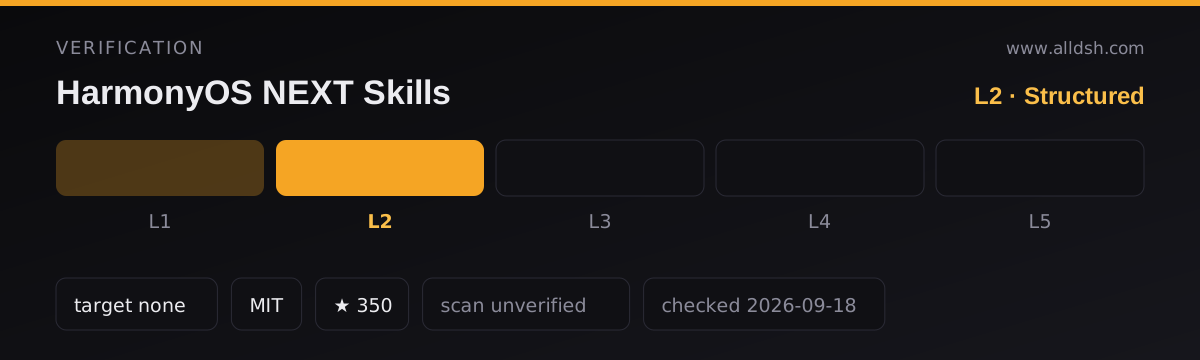
Two facts have to be held together. The package.json declares MIT, and the README’s license section says “MIT” — but the GitHub repository carries no license file that GitHub can detect, so the grant rests on those declarations alone. More importantly, the README states that the documentation content originates from Huawei’s official HarmonyOS materials, with copyright belonging to the original owner (版权归原作者所有). The MIT declaration covers the packaging; it cannot relicense Huawei’s documentation. Treat the reference tree as redistributed vendor documentation, and check Huawei’s terms before reusing it beyond local reference.
Known limits
- It is a snapshot, not a live source: API coverage is fixed at whatever the packaged declarations capture — 26.0.0 at
v1.3.37. Freshness depends on the maintainer regenerating snapshots as DevEco Studio releases land. - Beyond declarations, the official guides, samples and diff notes are described in the README as continuously supplemented — read that as incomplete.
- There is no MCP or tool integration: the agent reads files, and there is no structured query layer on top.
- The README is written in Chinese with an English companion file, and the reference content itself is Huawei’s — largely Chinese — documentation.
When to use it — and when not to
Use it when you write HarmonyOS NEXT code with an agent and want answers anchored to local API declarations — especially ArkTS/ArkUI work, API-version checks, and DevEco emulator automation, where hallucinated signatures are the usual failure mode. Offline also means the corpus works with no network and no API keys.
Do not install it for App Gallery policy, account or release questions — this is developer-reference material, not a policy source. And if your work targets API versions beyond the packaged snapshots, verify against Huawei’s live documentation instead of the local copy.
Install
dsh plugin --profile web add github:linhay/harmony-next.skillsThis site lists the web profile as its standard; the README’s own DSH line uses --profile demo with the same github: spec — substitute whichever profile you actually run. Other agents have their own commands in the README: a gemini skills install line for Gemini CLI and npx skills add variants for Claude Code and Codex.