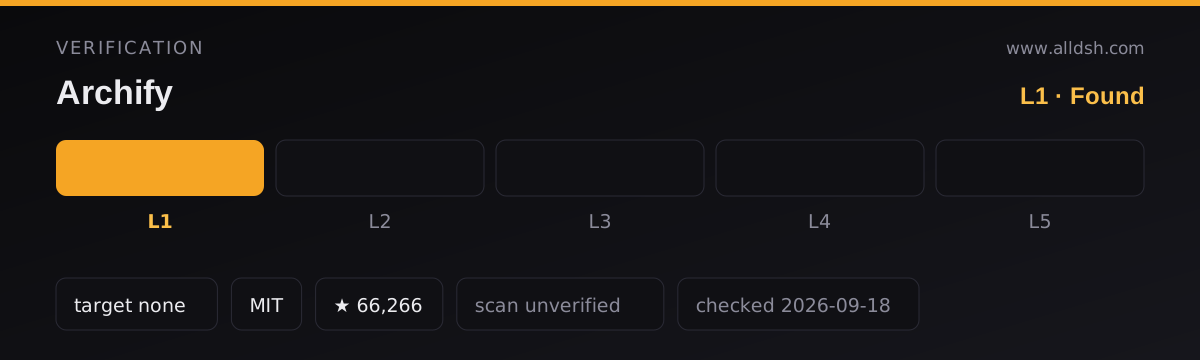
What it does
Archify is an agent skill, not a runtime extension: it ships no service and injects nothing into the harness. The agent authoring the diagram writes typed JSON — Archify’s intermediate representation — and Archify deterministically compiles that source into an HTML or SVG diagram. The repository is a Node.js renderer and validator with a zero-dependency CLI; the model does the drawing decisions, and the tool does the layout, validation and export.
That split is the interesting part. Because the intermediate representation is typed and the renderer is deterministic, the same JSON produces the same diagram, and a broken diagram is a validation failure with a machine-readable cause rather than a rendering that quietly looks wrong.
How a diagram gets made
Five stages, in the README’s own terms:
- Generate — the agent turns your description into typed JSON IR.
- Validate — bundled validators check schema, layout, HTML/SVG output, routing and label-to-route clearance.
- Preview — optional, and explicitly loopback-only: a local session watches one source file on a random
127.0.0.1port and reloads only verified revisions. - Deliver — a same-directory candidate is rendered and checked, and only a passing artifact atomically replaces the target.
- Iterate — the agent edits the source while unrelated structure stays stable.
When validation fails, validate and deliver return structured diagnostics with stable rule codes and the specific repair each subject supports, rather than a stack trace. The skill allows two correction rounds before it hands back for visual review.
The five diagram types
| Type | Use it for |
|---|---|
| Architecture | Components, services, storage and boundaries |
| Workflow | CI/CD, approvals, tool calls and runbooks |
| Sequence | API calls, cache fallback, auth and async traces |
| Data Flow | Pipelines, lineage, PII and consumers |
| Lifecycle | States, retries, waits and terminal outcomes |
Output is one HTML file by default, with PNG, SVG and WebM export plus 1200×630 share cards. Four presets ship (Signal Flow, Blueprint and Classic among them, with Classic as the default), and themes are dark or light. Motion is finite and reader-driven, respects prefers-reduced-motion, and never enters canonical exports — so a static export stays static.
Two features go beyond drawing. Architecture Delta compares validated before, delta and after snapshots and reports exactly what was added, removed, changed, moved or rerouted, with a machine receipt. Evidence-backed nodes mark themselves and open Git-verified files and line ranges pinned to one public commit, so a diagram can be checked against the code it claims to describe.
Requirements
Node.js. The CLI is zero-dependency and runs from a checkout; the README does not publish a minimum Node version for the skill itself. The DSH integration package is stricter — it pins Node ^22.19.0 || >=24.0.0 and targets the developer-preview harness.
Distribution differs by host. Other harnesses install it through the skills CLI or by dropping it into a skills directory, and Claude.ai and Project Knowledge take a ZIP upload. DeepSeek Harness is served by a separate community package, @tt-a1i/archify-dsh, which the README explicitly marks as not an official DeepSeek product.
When to use it — and when not to
Use it when you want a diagram that can be regenerated, diffed and validated rather than a picture someone drew once. The structured source is the point: you can review the JSON in a pull request, and Architecture Delta gives you a before/after account that says what changed.
Do not reach for it expecting a general diagramming tool. The README is unusually direct about scope: automatic Mermaid parsing, general-purpose auto-layout, hosted sharing and WYSIWYG editing are all intentionally out of scope, and it describes itself as neither a drawing editor nor a Mermaid theme. If you want a Mermaid renderer or a canvas you can drag boxes around in, this is the wrong tool.
Two more caveats from the source. The delta and share-card features are careful about what they do not claim — the review infers no impact, risk or merge safety, and the reach share card is documented as “without claiming runtime impact”. And the current version is a development prerelease, v2.17.0-dev.1, so treat the JSON schema as movable.
Compatibility notes
Because it is a skill rather than a runtime extension, it is insulated from most harness version churn — but the skill’s own JSON schema is the thing that can move, and Architecture Delta depends on stored snapshots staying readable. The README documents exactly one outbound network call: an optional update check that fetches a stable manifest to decide whether to show a reminder. It never downloads or installs updates, and it does not send your version, prompts, project data or an account identifier. ARCHIFY_UPDATE_CHECK_DISABLED=1 disables both the request and the reminder state.
FAQ
Is Archify a plugin or a skill?
A skill. It declares no harness service and has no root package.json in its own repository — which is why it does not appear in the automatic index and why its listing here is a hand-reviewed entry rather than a mechanically admitted one.
Does generating a diagram send my code anywhere?
The README documents one outbound call, the optional update check, and states it does not transmit prompts, project data, version or an account identifier. It does not claim diagram generation is offline, and it does not describe what the skill reads from disk while analysing a repository, so that part is unverified rather than settled.
Can I export to PowerPoint or print?
Exports are PNG (including a 1200×630 share card), SVG and WebM. The README does not mention print-specific output, so “print resolution” would be an overstatement — the documented sizes are the share card and full-diagram exports.
What happens if the generated diagram is wrong?
Validation is designed to catch it before delivery. Schema, layout, HTML/SVG, route and label-clearance checks must all pass before a candidate replaces the last known good artifact, and failures come back as rule codes with the supported repairs rather than a retry guess.