What it does
DSH Web is an aggregation layer rather than a single plugin. Its README’s package table lists sixteen npm packages: fifteen component extensions and the aggregate that pulls them together. Installing the aggregate gives the Web GUI a task board, phone remote control, an SSH terminal, usage statistics, a Git graph, a session archive manager and more, in one step instead of eight or nine.
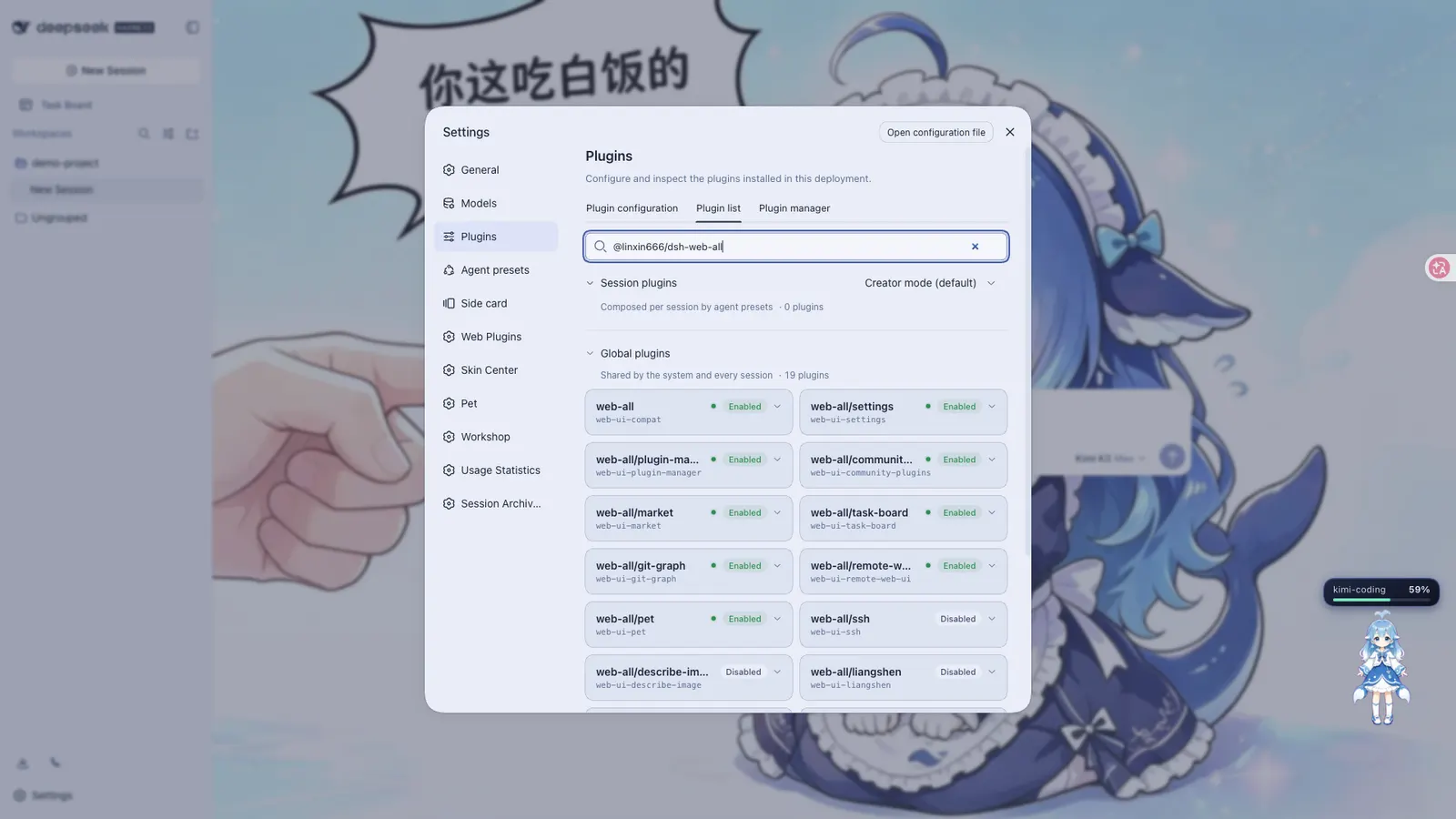
Everything mounts through the harness’s own profile mechanism, so no part of the harness source is patched. The repository is deliberately thin: its package.json declares a single dsh.bundle patch and depends on one published package, @linxin666/dsh-web-all. That makes the repository installable directly even though it contains almost no plugin code — the rows come from the npm package, and the repository only supplies the assembly manifest.
What it actually adds
- Task Board — five columns spanning planning, todo, in progress, done and failed, with cron-style triggers and optional session reuse. Scheduling runs in the harness Host, so it keeps working with the browser closed.
- Mobile Remote — pairing by QR code or link, after which the phone runs the official Web GUI itself rather than a cut-down view. Pairing tokens are single-use and time-limited, and one control revokes every paired device at once.
- SSH Ops — a web terminal, SFTP transfer and port forwarding, with optional one-click import of
~/.ssh/configand cluster execution across hosts by alias, environment or tag. Port forwards listen on loopback only. - Usage Statistics — token usage, provider balance and plan quotas over a 30-day window, with a token bank for official DeepSeek usage.
- Model Capabilities — per-model declarations of image input and reasoning tiers.
- Git Graph — a commit graph plus parallel sessions in git worktrees under
$DSH_HOME/worktrees/, on branches namedwt/<name>. - Session Archive Manager — archive views, search, and cascade deletion.
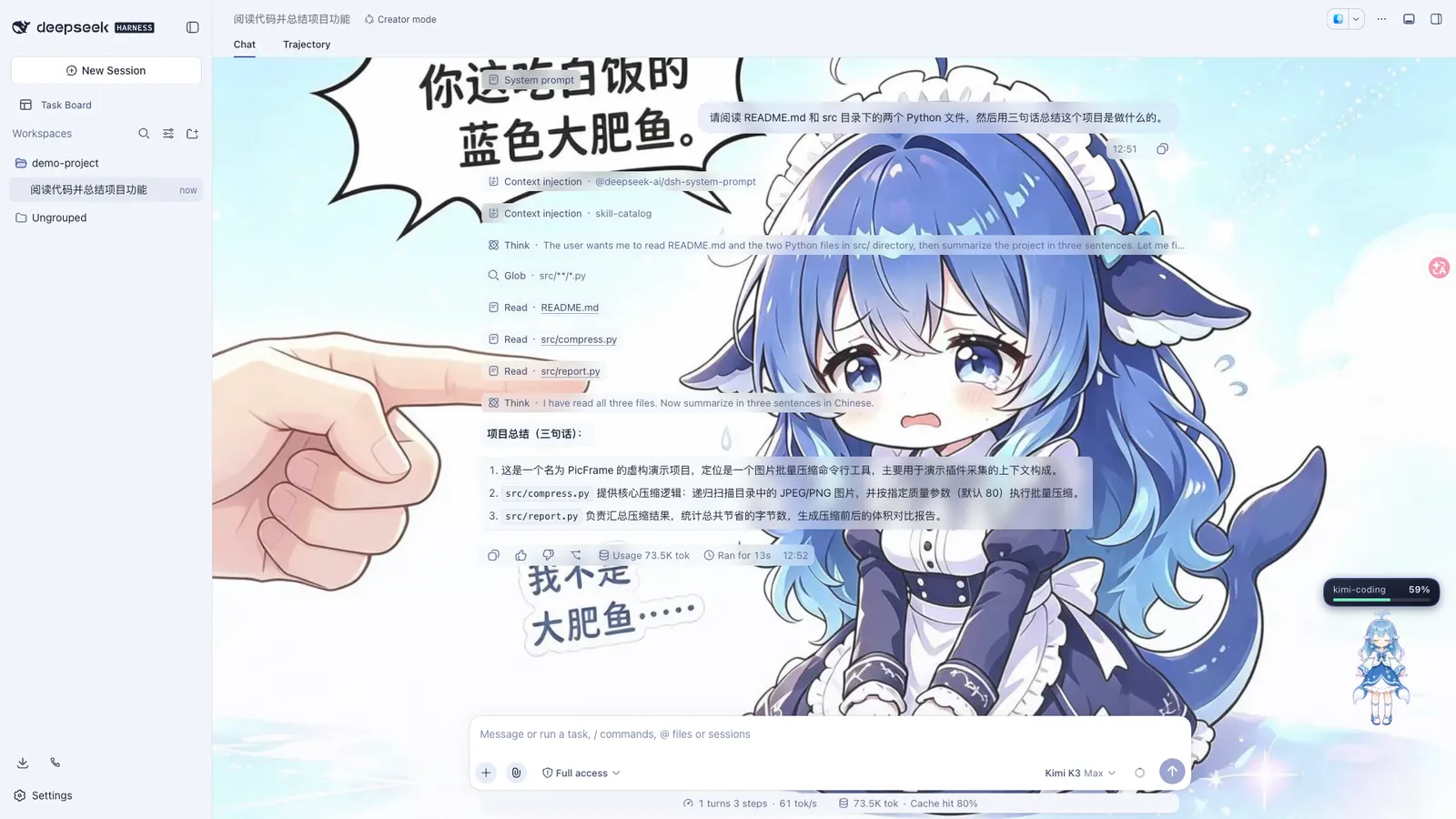
- Skins — asset directories carrying a
skin.jsonmanifest, all loaded by a single skin-centre package. Blue Fantasy ships as the default.
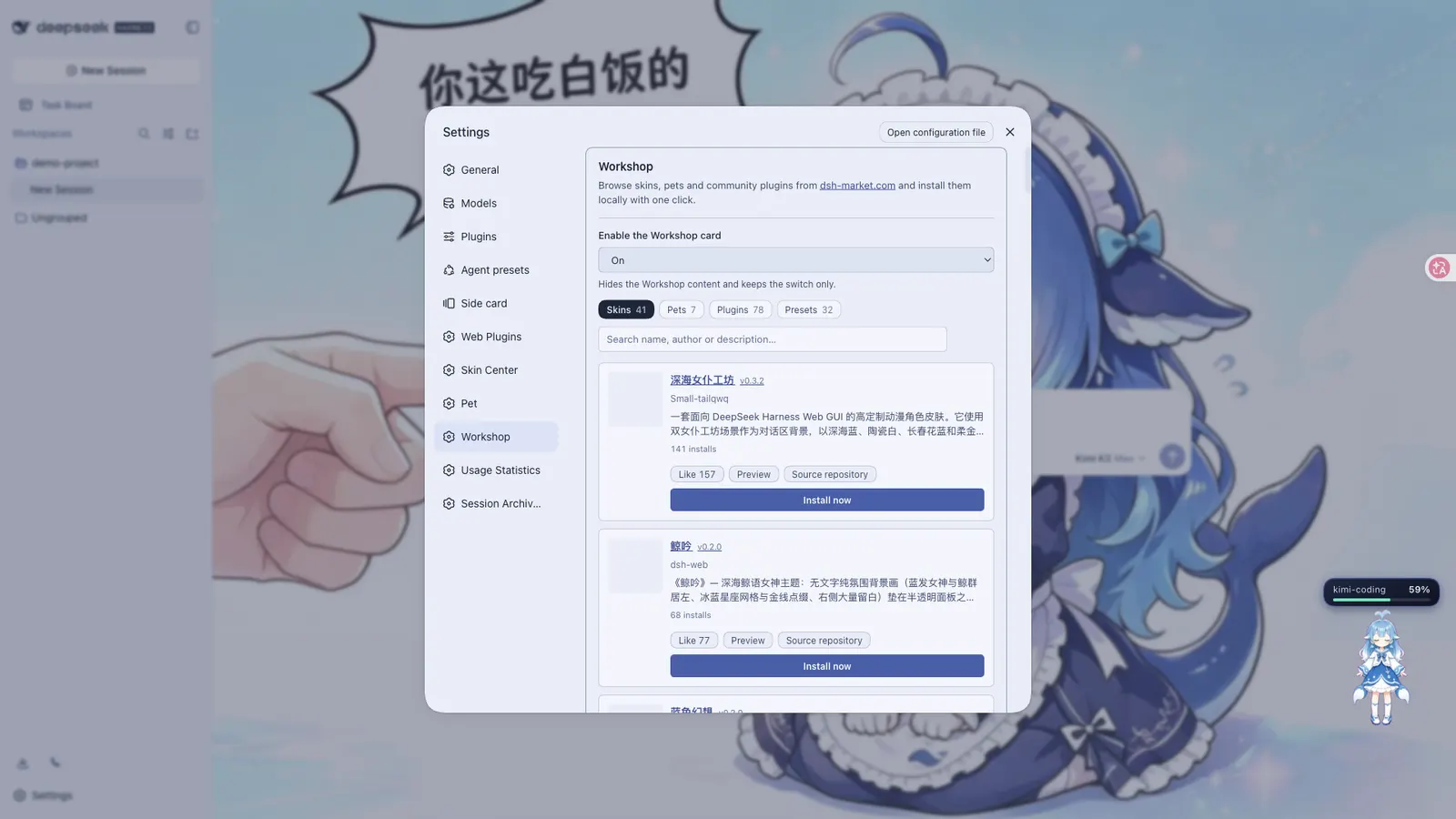
A desktop client for macOS and Windows, and the dsh-market.com workshop, sit alongside these in the same project.
Requirements
The npm route needs only a harness whose dsh web already starts. Installing from the repository instead needs Node.js 22 or newer and pnpm. The README advertises >=0.1.5-rc.1 as the DSH floor. The desktop client bundles its own runtime and needs no Node, npm or dsh CLI.
Known limits
The README states these plainly, and they are the part worth reading before committing:
- Task-board triggers missed while the Host is stopped or the machine is asleep are skipped, not replayed.
- SSH passwords and passphrases are stored in plaintext in
~/.dsh/dsh-ssh.json(mode0600), and reconnection can replay non-idempotent commands. Remote output is returned as-is, without redaction. - Mobile push depends on SSE. Cloudflare quick tunnels and Tailscale Serve do not pass SSE through, so the plugin degrades to polling and new messages can arrive seconds late.
- Session-archive deletion is a cascade and cannot be undone.
- The desktop installers are not code-signed, so expect a Gatekeeper warning on macOS and a SmartScreen prompt on Windows.
- Usage statistics do not backfill: counting starts when the plugin is first enabled.
- Model capabilities are declarations, not probes. A model can claim image support and still fail at request time.
When to use it — and when not to
Take the aggregate if you want the Web GUI to feel complete and you are content to move the pieces together. The README’s own advice is to read the changelog before upgrading, because one incompatible bundled row can affect the whole surface.
Do not take it if you want exactly one feature. Every component is published separately, and the README lists the individual installs for the task board, SSH, usage, model capabilities, pets and session archive. Two cases are worth calling out. If what you want is the right-hand panel, the aggregate already bundles Better Sidebar, so installing both is redundant. If you want a terminal interface, dsh-tui is a separate project aimed at that need rather than a component of this bundle.
Installing from the repository rather than npm brings its own friction, documented under troubleshooting: pnpm 11’s release-age gate can silently resolve older @linxin666/* versions and break the page, and the installer requests build permission for cloudflared, cpu-features and ssh2. A strict pnpm layout also needs nodeLinker: hoisted for sub-package resolution.
Compatibility notes
Rows from the bundle are namespaced with a web-ui- prefix, so a bundled plugin and its standalone package can coexist without duplicate mount ids — but configuration written by id has to use the prefixed form. Migration from the older @linxin666/dsh-web-ui-all package is handled by the plugin manager: remove the old package, install the new one, and roll back if any step fails.
Bundled skins and pets carry their own upstream licences, several of them non-commercial. One bundled skin, blue-fantasy, ships without a third-party licence declaration — the README flags this as awaiting confirmation from its author.
FAQ
Do I have to choose between the npm aggregate and the repository install?
Yes. Both produce the same plugin rows, so installing them together fails to mount on duplicate ids. The npm aggregate is the normal route; the repository route exists for development and debugging. The README describes them as alternatives, not layers.
If I install the bundle, can I still install one component on its own?
Yes. The web-ui- prefix keeps the two apart, and the host half registers once. The README notes there is no extra benefit in running both sources at the same time and suggests keeping just one.
Does it phone home?
The README does not describe telemetry as a plugin feature. The only trace is a badge endpoint URL in the README images, which is not explained in prose, so treat the question as unanswered rather than settled.
What happens to scheduled tasks when my machine sleeps?
They are skipped. The task board is driven by the harness Host, and a trigger missed while the Host is down or the machine is asleep is not queued for later. An optional power guard can block idle sleep — it is off by default, and it does not intercept lid close, manual sleep, hibernation or shutdown.