What it does
DSH Mobile puts your DSH sessions in your pocket. The plugin runs a mobile gateway in front of the stock DSH Web UI: a phone — either the companion Android app (a thin Kotlin WebView shell) or an ordinary mobile browser — connects over the LAN or a remote tunnel and gets the same sessions, workspaces, messages and tools, in a touch-organised layout. It also adds a /mobile in-chat command that lets the agent reshape the phone UI on request, and Android system notifications for finished or input-waiting tasks.
LAN and remote access are two independent stacks — separately toggled, with separately managed device lists — and neither modifies DeepSeek Harness source code.
LAN and remote paths
- LAN — the default, lowest-latency path. The plugin generates a private certificate, listens on a separate HTTPS port (default 3443), and pairs devices by QR code, link or key.
setuppicks and remembers the current network; switching Wi-Fi, hotspot or IP usually recovers without re-pairing. - Tailscale Funnel — the host components ship inside the npm package (Windows x64, Linux x64/arm64); no macOS build.
- cpolar — the official component is downloaded on demand after you confirm.
- cloudflared — quick tunnels (no account, random address per reconnect, rate-limited, testing-oriented per Cloudflare) and named tunnels (a fixed domain via your own token); the component is downloaded on demand.
- Self-hosted FRP — for VPS owners: copyable restricted templates, or one-click
frps+ Caddy deployment over SSH keys (Ubuntu/Debian + systemd, no passwords), with host-fingerprint verification before deploy or cleanup.frpcis pinned at 0.70.1. - Your own reverse proxy — pure configuration: a private HTTP backend (default port 3444) behind your existing Nginx/Caddy/Lucky, with source-CIDR checks and no tunnel component at all.
Every on-demand component is a pinned version, downloaded only after confirmation, and verified by exact size and SHA-256; cloudflared’s auto-update is disabled at launch so the verified binary is the one that keeps running. None of them installs a system service, touches PATH, or sets up autostart, and the plugin’s cleanup removes its managed files.
Security model
The threat model is unusually well documented, and the mitigations deserve a direct summary:
- Paired-device trust — mobile access runs on separate HTTPS with certificate pinning, and only paired devices pass. The README is blunt that a paired device is fully trusted and can operate the computer’s DSH: revoke it on the computer if the phone is lost. Revocation permanently deletes the device record and token digest, after which the old token simply gets
401. - Loopback-only admin API — the management API requires a loopback TCP peer, and the browser Host must be localhost, RFC1918 or IPv4 link-local; public IPs and arbitrary domains get 403. The README is explicit that you must never reverse-proxy the
/api/mobile-accessmanagement path to the internet. - WebSocket allowlist — the gateway passes only DSH’s first-party WS paths by default. Third-party plugin paths appear as pending items in Connection Diagnostics and can be allowed per exact path — no query strings, no fuzzy prefixes, and “allow all” is explicitly discouraged. Allowing a path still requires the authenticated, same-origin gateway; it opens no ports and bypasses no pairing.
- App-side protections — tokens and the LAN CA live in the Android Keystore; a device token is sent only to the exact Origin it was paired with; the native bridge uses
androidx.webkitWebMessage with exact top-level origin and main-frame checks and a message-size cap, notaddJavascriptInterface.
/mobile customization — and its blast radius
Typing /mobile <request> in a DSH chat hands the request to the agent, which edits files under $DSH_HOME/mobile-access/: mobile.css/mobile.js for interface and interaction, and extensions/ — whose host.mjs runs on your computer with your user’s permissions — when the phone UI needs host capabilities. The README’s own warning applies verbatim: only create and run host extensions you understand and trust. Changes push to connected phones immediately over the authenticated connection, with staged rollback if a new extension fails to activate.
Requirements
- Node
^22.19.0 || >=24.0.0, per the packageengines. - Harness — the README’s compatibility matrix is the basis for the
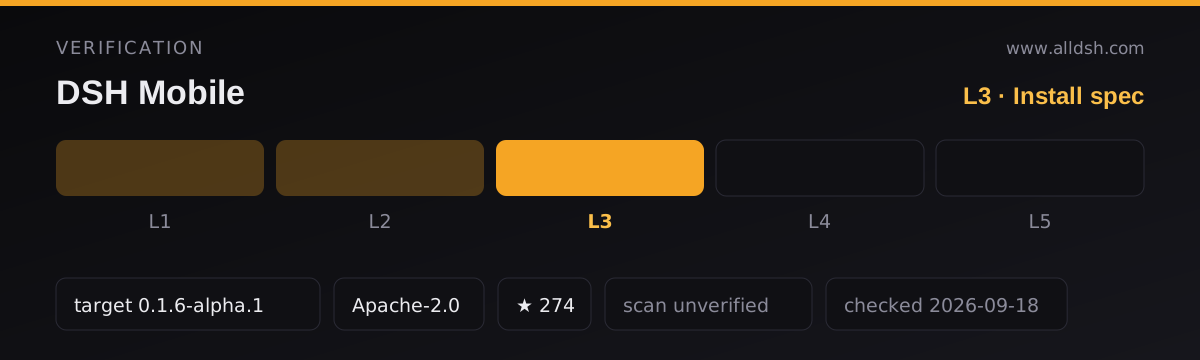
dshTargetabove. It maps plugin0.4.2and0.4.1to DSH0.1.6-alpha.1(verified against local source plus renderer-v2 contract checks);0.3.15–0.4.0to0.1.5-rc.2(contract checks) with0.1.5-rc.1covered by a community LAN test;0.3.14to0.1.3-alpha.2; earlier rows step down through0.1.3-alpha.1,0.1.2-rc.1,0.1.2-alpha.2/.1and0.1.1-rc.2. Since0.3.6the plugin no longer refuses to start on unlisted versions — newer harness releases fall back on CI contract checks rather than a hard gate. - Platforms — LAN, self-hosted FRP and own-proxy work on Windows, Linux and macOS; the three managed components (Funnel, cpolar, cloudflared) have no macOS packages, and the diagnostics firewall check currently covers Windows only. The Android app requires Android 10+; there is no iOS app. Plugin
0.4.2keeps working with the0.4.0app — existing devices do not need re-pairing. - Runtime dependencies are modest (
bonjour-service,qrcode,selfsigned,@deepseek-ai/schemastery); every harness package is an optional peer dependency, with ranges spanning0.1.0-rc.5to^0.1.6-0. - No install-time lifecycle scripts. The
prepackscript runs on the author’s machine at publish time, not on yours at install time. - Configuration, certificates, devices and custom files live in
$DSH_HOME/mobile-access/;exec dsh-mobile purge --yesremoves them on uninstall.
Known limits
- Remote tunnels inherit their providers’ limits: cpolar’s free tier is 1 Mbps, Funnel has non-configurable bandwidth caps, and cloudflared quick tunnels get a random address per reconnect with no availability guarantee. The plugin reduces traffic (paging, gzip, long-lived WebSockets) but cannot raise a provider’s quota. Funnel may be unstable on mainland-China networks — the README suggests cpolar there.
- Task notifications are an Android-app feature, opt-in from the app’s foreground menu, and depend on the WebView page staying alive — they are not general background push. Browser notifications are per-Origin and only display on the device running that browser.
- For compatibility with some community plugins the proxy page may embed HTTP pages; that content is unencrypted and browsers may block it as mixed content. Old WebView kernels get a bundled core-js shim, but the frontend still targets ES2022 — update Android System WebView first when something breaks.
- Named tunnels require the app to be in its “remote” flow when scanning the QR code, and the firewall check in diagnostics is Windows-only.
When to use it — and when not to
Use it when you want to leave a session running at your desk and keep steering it from the sofa, the office or another network. The pairing model and the per-path WebSocket allowlist are more careful than most remote-access plugins, and the README documents its own limits plainly.
Do not install it as a zero-trust remote gateway: paired devices are full-trust by design, LAN listening belongs on trusted networks only (the README says not to set up port forwarding yourself), and the /mobile extension mechanism runs host code as your user. If you need notifications that arrive with the app closed, this does not provide them — use a server-side webhook or bot channel instead.
Install
dsh plugin --profile web add dsh-mobile@latest
dsh plugin --profile web exec dsh-mobile setup
dsh --profile web
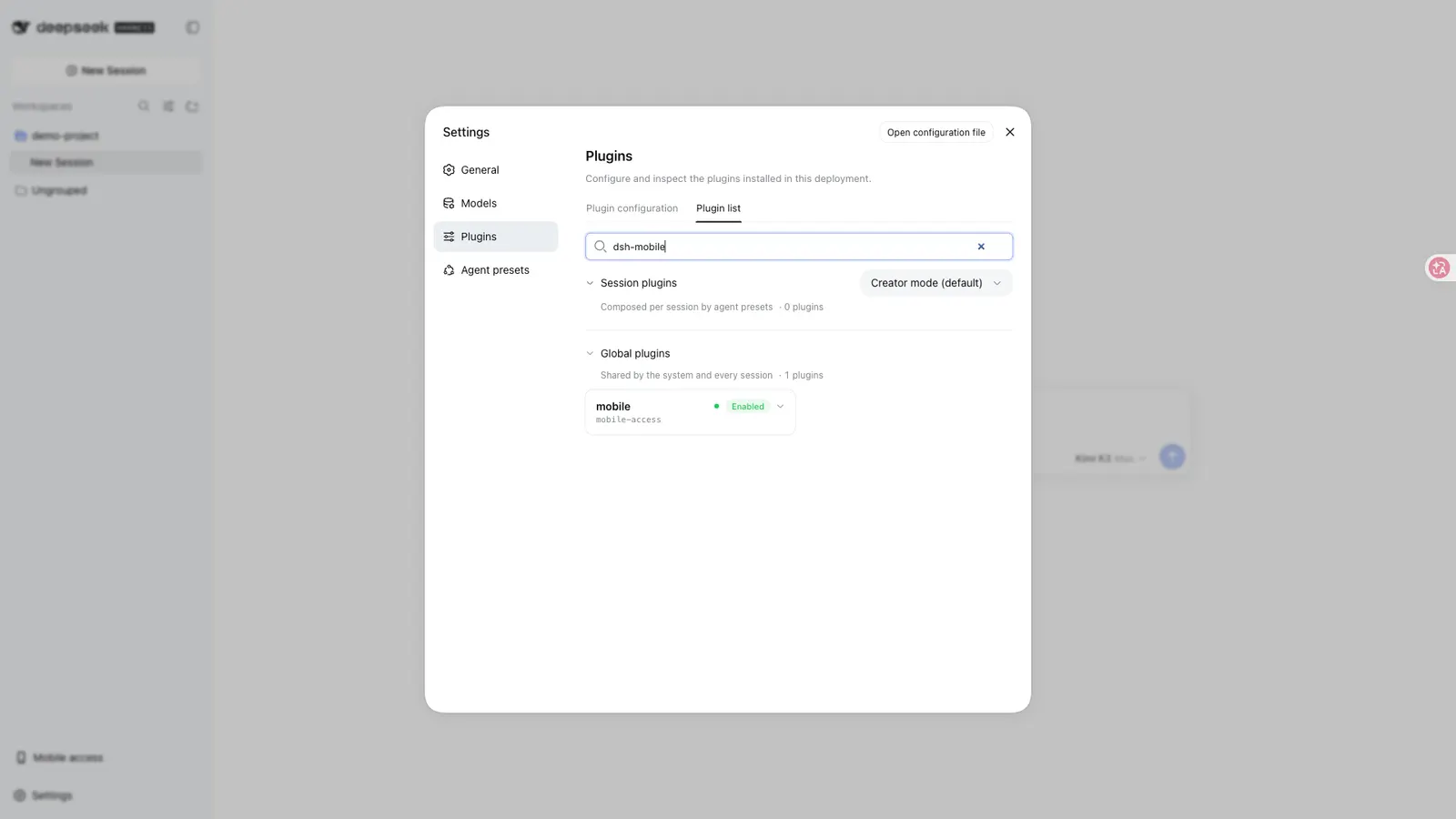
setup selects and remembers the current LAN — override with --address 192.168.x.x only if auto-selection fails. After the restart, open Mobile Access (移动访问) at the bottom-left of DSH to enable LAN or remote access and pair your phone. The Android app downloads from GitHub Releases; uninstall with dsh plugin --profile web remove dsh-mobile, adding dsh plugin --profile web exec dsh-mobile purge --yes first if you also want the plugin’s data wiped.