What DeepRead is
DeepRead is an evidence-first reading tool published as dsh-deepread, version 1.0.1, under the MIT licence. It ships in two compatible forms, and the difference between them decides almost everything else on this page.
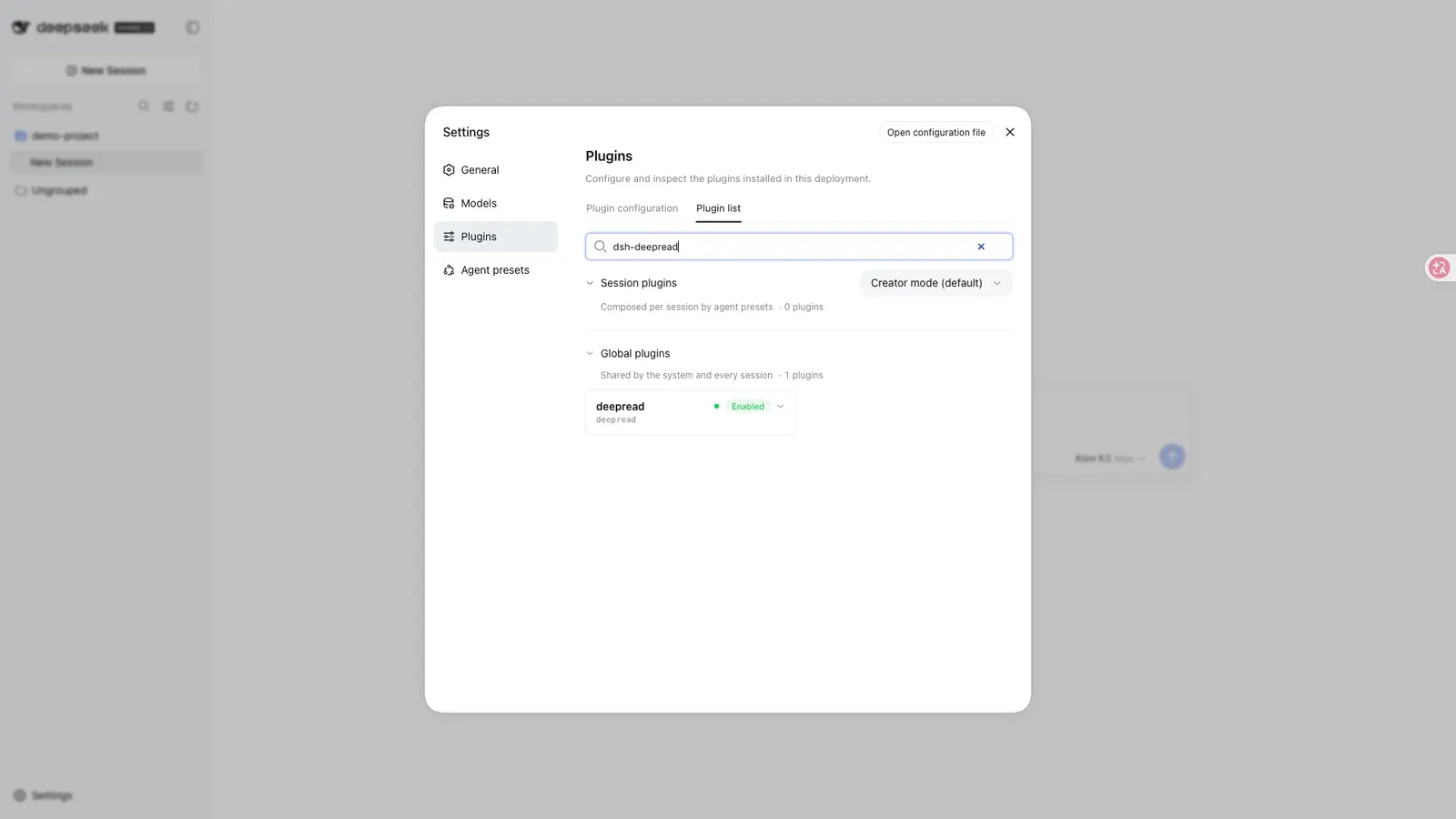
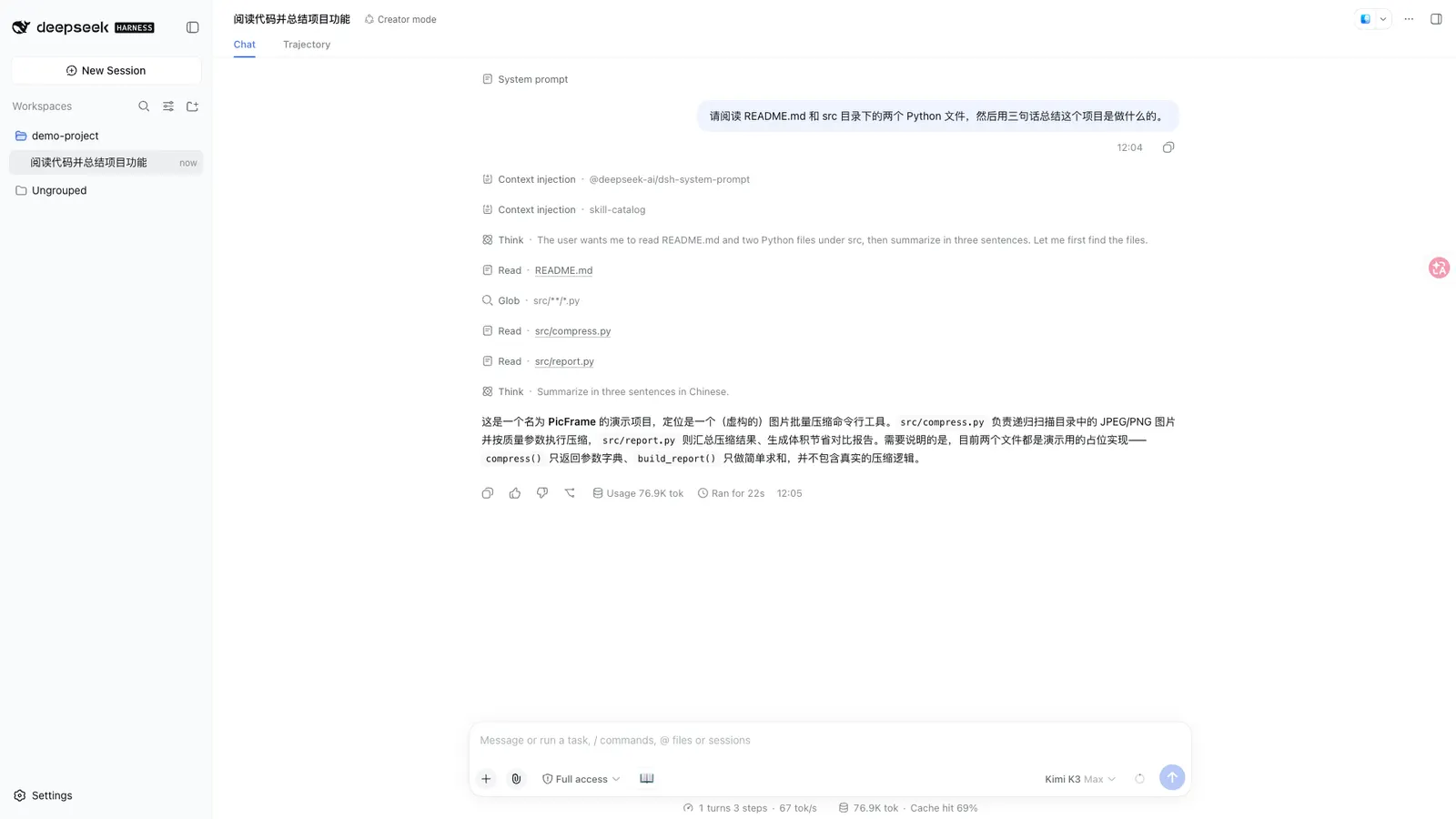
The first form is a portable Agent Skill for Codex, Claude Code and other Agent Skills-compatible tools. It has zero runtime dependencies: the agent follows the evidence-first reading workflow using its own file and web tools. The second form is a DeepSeek Harness host plugin for DSH Web, DSH headless and dsh-TUI. That form supplies a deepread tool, PDF extraction, an optional persistence/jobs/Web route, batch comparison, cost preview and HTML/FreeMind export. The browser client is an optional Web-only entry.
The README states that output is interchangeable between the forms: an exported .md or .html keeps working when handed to an agent on either host. The distinction still matters, because the skill form borrows your agent’s model and tools, while the plugin form “runs the pipeline by calling the model directly”.
What actually gets installed
The package identity comes from package.json: name dsh-deepread, version 1.0.1, "type": "module", licence MIT, main entry ./lib/types/index.js with types at ./lib/types/index.d.ts, and repository github.com/xiehuan123/dsh-deepread.
The dsh block declares three things. bundle.patch points at ./cordis.patch.yml, the file that inserts the plugin into the composition. client declares platform: web and injects two client packages, @deepseek-ai/dsh-api-session-controller and @deepseek-ai/dsh-client-ui-conversation — so the browser half is optional and Web-only. skills points at ./skills/dsh-deepread/SKILL.md, meaning the packaged skill travels inside the same npm tarball. The README adds a fourth surface: a dsh-TUI Community Consensus v0.15 manifest at dsh-plugin.json, which loads the Host entry at lib/types/index.js and deliberately does not load lib/client.js.
The host libraries are not bundled. @deepseek-ai/cordis, @deepseek-ai/dsh-storage-domain, @deepseek-ai/dsh-tools, @deepseek-ai/schemastery, react (^18.2.0) and zod are peerDependencies declared as *, which the README reads as “follow the host version”. The published file list also carries src/**/*.ts, test/, examples/, docs/, assets/, both README files and the .claude-plugin/, .codex-plugin/ and plugin.json manifests.
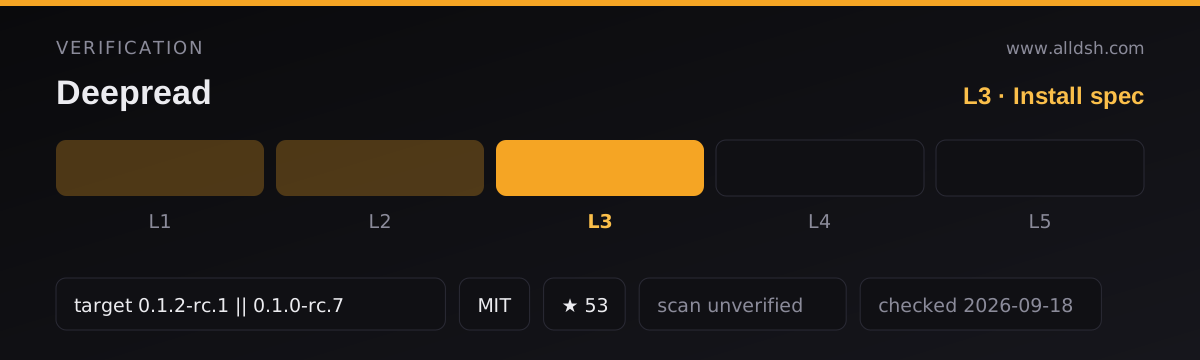
Two absences are worth naming. The manifest declares no permissions field, and neither source records a security review, an audit or a moderation process — the security: unverified marker on this listing is the listing’s own field, not a statement made by the package.
The pipeline: inputs, chunking, and where output lands
There are exactly three documented inputs. A url must be a stable WeChat article link on mp.weixin.qq.com; the README is explicit that anti-bot sites such as Zhihu and Juejin are not fetched and that you paste their text instead. A path is a workspace file, and the parameter table lists .txt, .md, .markdown, .html and .pdf. Finally, text takes pasted content.
One reader assumption has to be corrected here: EPUB, MOBI, DOCX and arbitrary web URLs are not in the documented input list, and the README does not describe a pluggable fetcher that would add them.
Ingestion is chunked by configuration, not by a fixed internal rule you cannot see. chunkChars defaults to 6000, maxParts to 20, maxInputChars to 400000, and timeoutMs to 900000 (fifteen minutes). deep, the default mode, auto-splits long material into section-by-section reads plus a summary; book processes a whole book part by part; batch takes 2–10 documents, each supplied as url, path or text, and adds a cross-document report with a comparison matrix, conflicts, complementarity and a synthesis.
PDF text comes from what the README calls a built-in pure-JS extractor, with Chinese ToUnicode mapping, page markers and object-stream/xref-stream support. No external PDF binary appears anywhere in the manifest, and package.json declares no such dependency — the extractor is described as living inside the package.
Output goes in-session first. export: none is the default; export: md | mm | html | all writes a Markdown report, a FreeMind .mm mindmap that XMind can import, and/or a light-and-dark HTML report into deepread-output/ in the workspace. Fetched article full text is cached in the deepread_url_cache storage domain (version 1, zod-validated, records holding url, text and fetchedAt) under $DSH_HOME/storages/, surviving process restarts, with a default TTL of 168 hours and a 200-entry cap whose expired rows are removed lazily on write. A composition without storageDomain degrades to an in-process cache. The Web panel’s “recently read” history is localStorage only, with no server round-trip.
Evidence, knowledge maps, and what “confidence” means
The claim-and-evidence structure is the product’s core. Leading claims are paired with a verbatim quote and a provenance marker the README renders as 【第N页】, and reports carry a dedicated citation table that locates arguments back into the source. Where the source does not support a claim, DeepRead is documented to say “source does not provide evidence” rather than fill the gap.
map mode is where the structure becomes visible. Its documented output is a core question and core conclusion, ten content categories (conclusion, sub-claim, mechanism, fact, data, case, hidden premise, objection, limitation, actionable advice), claim-by-claim evidence pairing, a key-data table with value and unit, time range, sample, baseline, source and location, eight relation labels (supports, refutes, causes, explains, depends on, exemplifies, contrasts, limits), a Mermaid mindmap, a FreeMind outline, and five active-recall questions. So “knowledge map” here means that specific set of artefacts, not an interactive graph database or an automatically linked note vault.
“Confidence” needs a careful reading. The README calls it “four confidence levels”: author intent, original facts & data, reasonable inference, and unverifiable. Those are classification labels for what kind of statement a passage is, applied during extraction. Neither source defines a numeric scale, a threshold, an aggregation rule or a measurement procedure behind them, and nothing in the sources calibrates them against ground truth. Read them as the model’s stated judgement about a passage’s status — not as a probability, and not as a score you can compare between documents.
There is a separate, genuinely measured quantity in the feature table, and it is easy to confuse with the above. “Self-calibration” refers to throughput, not to claims: the plugin measures real tokens per second from every model call and keeps a rolling average in storage so its time and cost estimates converge on your provider’s actual speed, with cold-start defaults per model family (DeepSeek/Kimi/Qwen around 100–110 tok/s, Claude around 70, GPT around 90). That calibration is about how long a read will take and what it will cost.
Does it call a model — and whose?
Yes, in the plugin form. The README contrasts the two forms directly: the Codex/Claude skill is the “methodology” form where the agent performs the analysis with its own tools, while the DSH deepread is the “tool” form where “the plugin runs the pipeline by calling the model directly”. Model involvement therefore spans extraction, structured generation and judgement: summaries, claim and evidence pairing, relation labels, the ten categories, data-table fields and recall questions are all produced with model calls, and the mode table prices quick as a single call and map, book and feynman as multiple calls.
Whose model is a question the sources answer only indirectly. Neither the README nor package.json names a provider or a model, and neither states that DeepRead needs an API key of its own. What the README does say is that rate and latency defaults are “picked per model family and can be overridden explicitly”, that estimates converge to “your actual provider speed”, and that a custom composition can supply its own values — which points at the model route the host harness is already configured with rather than one DeepRead ships. Because document content has to reach that route for the pipeline to run, your text is necessarily processed by whichever provider the profile points at. Neither source documents that provider, its region, its retention rules or any privacy policy, so treat those as unstated.
Network access has one more documented path. Fetching a WeChat URL requires an HTTP provider mounted in the profile — the README names @deepseek-ai/dsh-web-fetch-http — and because WeChat serves an anti-bot verification page, it recommends giving that provider a browser User-Agent. A cached URL is reused without network access unless refresh: true forces a re-fetch.
Requirements
The engines field in package.json is ^22.19 || >=24, and the README restates it as Node.js “22.19 or 24 and higher”. Since the harness’s profile plugin-install flow runs pnpm underneath, pnpm must be present on the machine.
Harness floors are given as a compatibility table in the README rather than as a single number. DeepSeek Harness Web 0.1.2-rc.1 is the validated baseline, with DeepRead 1.0.1 pinned for it; DeepRead 1.0.0 is meant for the older 0.1.0-rc.7 Web runtime. DeepSeek Harness headless 0.1.0-rc.7 is supported but runs without the budget HTTP route, and dsh-TUI 0.8.1 minimum (Community Consensus v0.15) runs without the Web route or browser UI at all. A custom composition that omits storageDomain is also supported, with URL cache and calibration falling back to in-process state. This listing’s own frontmatter carries a separate dshTarget marker; the README’s version names and that marker come from different schemes, and the README table is the one that states which DeepRead version pairs with which host.
Storage and state live in three places: exports in deepread-output/ inside the workspace, the URL cache under $DSH_HOME/storages/, and recent-read history in browser localStorage. Tunables exposed in the cordis row are timeoutMs (900000), chunkChars (6000), maxParts (20), maxInputChars (400000), cacheEnabled (true) and cacheTtlHours (168, with 0 disabling the cache).
Known limits and honest caveats
- No OCR. The README’s skill instructions say that scan-only PDFs should be OCR’d first. The extractor works on a text layer, and no OCR or vision step is documented anywhere in the package.
- URLs are WeChat-only.
mp.weixin.qq.comstable links are the documented URL input; the README directs you to paste text from sites with anti-bot pages. - Formats stop at five extensions for file paths, and EPUB/MOBI/DOCX are absent from that list.
- Batch is capped at 2–10 documents.
- The size ceilings are defaults, not guarantees.
maxInputChars400000,maxParts20 andtimeoutMs900000 bound a run, and the README does not state what happens when a document exceeds them, nor publish a page-count ceiling forbookmode. Do not assume an arbitrarily long book completes. - No accuracy figures. The README points at three real generated reports from public articles and says they are not hand-written mockups, which documents behaviour but is not a benchmark, a precision number or an error rate. There is no evaluation against ground truth.
- Unverifiable claims are labelled, not resolved. Marking a claim “no evidence provided in the original text” tells you the source lacked support; it does not tell you the claim is false.
- The cache stores full article text on disk in the
deepread_url_cachedomain, and the README says nothing about encrypting it. - Upgrade warning. Before replacing
0.5.4, the README requires reading the upgrade-and-rollback guide, including its browser-origin andDSH_HOMEretention conditions. - A known pnpm quirk. Some DSH releases create each profile as a pnpm workspace but forward add and remove without marking the workspace root, and affected pnpm versions stop before any DeepRead code runs with
ERR_PNPM_ADDING_TO_ROOT. The documented fix is to retry only that failed operation with-w(--workspace-root); the README also says not to delete pnpm caches or hand-editnode_modules. The README does not say which pnpm versions are affected. - Telemetry is not mentioned in either direction.
When to use it — and when not to
Use it when you need to check a claim before repeating it. The claim-and-evidence pairing, the citation table and the explicit “no evidence provided in the original text” marker are aimed exactly at research and fact-checking, and map mode exists for the case where you intend to cite something. Use feynman when the goal is to learn and retain material rather than to summarise it, and book when you genuinely need whole-book coverage rather than a chapter skim. If you already work on a DSH Web profile, the panel’s budget preview and background-job progress reporting are conveniences a generic summariser does not give you.
Be careful in several specific cases. Skip it if your source is a scanned PDF with no text layer — the documented path is to OCR it yourself first, and the plugin will not do that for you. Skip it for EPUB, MOBI or DOCX, and for ordinary web pages outside WeChat, unless you are willing to paste the text. Do not present its four confidence labels to anyone as calibrated probabilities; they are the model’s judgement about what kind of statement a passage is, and the sources publish no calibration for them. Do not send private or client documents through it on the assumption of a stated data policy, because neither source describes one. And if all you want is a one-line gist, a plain summariser may be the cheaper answer — DeepRead’s value appears when you need the trace from conclusion back to page.
FAQ
Is the “confidence” level a calibrated probability?
No, and the sources do not support reading it that way. The README calls the four levels — author intent, original facts & data, reasonable inference, unverifiable — “confidence levels”, but defines no numeric scale, threshold or measurement procedure, and publishes no calibration or accuracy figures. They are labels for the kind of statement a passage is, assigned during extraction, so they are a model’s stated judgement rather than a measured quantity. The README’s own “self-calibration” feature is unrelated: it measures tokens per second to improve time and cost estimates.
Does DeepRead need an API key, or a specific model?
Neither source says so. The README names no provider or model, states no API-key requirement for DeepRead itself, and instead describes rate and latency defaults “picked per model family” plus estimates that converge to “your actual provider speed” — which implies the plugin uses the model route your harness profile is already configured with. What the sources do not describe at all is which provider receives your document text, or under what retention or privacy terms.
Can I use it without a model at all?
The only documented model-free operation is the cost preview: estimate: true reports predicted token spend, model-call count and expected time per mode “without calling the model”, using a CJK ≈ 0.6 tokens-per-character heuristic, and estimate mode samples the first two PDF pages to extrapolate a budget for large files. Nothing in the sources describes producing a report, a knowledge map or a citation table without model calls. In the portable Agent Skill form the analysis is performed by your own agent, so that form needs an agent with a model too — it simply does not carry a runtime of its own.
Which documents can I actually feed it?
WeChat article links on mp.weixin.qq.com, workspace files with the extensions .txt, .md, .markdown, .html or .pdf, and pasted text. batch accepts 2–10 of these at once. Anything else — other websites, EPUB, MOBI, DOCX — is not in the documented parameter table, and for anti-bot sites the README’s advice is to paste the article text.
Does it handle scanned PDFs, or very long books?
Scanned PDFs are not handled: the README says scan-only PDFs should be OCR’d first, and no OCR step exists in the package. Long books have a documented path — book mode processes a whole book part by part — but the run is still bounded by maxParts (20), maxInputChars (400000) and timeoutMs (900000) defaults, and the README does not say what happens when a book exceeds those bounds. Treat very long books as untested territory rather than a guaranteed success.