What it does
DSH Wallpaper Engine puts your local Wallpaper Engine library behind the DSH web interface. It auto-discovers the Steam installation, lists your wallpapers, and renders the portable types as a fixed background layer behind the chat: Video wallpapers play through a <video> element, Web wallpapers load in an iframe, and Scene wallpapers are replayed by an in-plugin pure-JS scene renderer. Around that it wraps an iOS-style liquid-glass settings window (accent color, glass color, opacity), custom uploads, content-rating and type filters, hide/restore, playback-speed and flip controls, and rotating playlists.
Two clarifications keep the description honest. Application wallpapers cannot be embedded in a web page and are excluded from the picker by design. And the package description still advertises Scene wallpapers “as extracted static frames” — that line is stale: since v0.6 the README describes a full scene renderer (object tree, textures, puppet meshes, particles, CPU-implemented shader effects) producing a complete 3840×2160 frame, with main-texture extraction and the workshop preview image as successive fallbacks.
How it works
- Host side — a Cordis plugin locates Wallpaper Engine by reading Steam’s
libraryfolders.vdf(non-default drive installs work, and WSL/mnt/<drive>mounts are detected), enumeratesprojects/defaultprojects,projects/myprojectsandsteamapps/workshop/content/431960/*, then registers same-origin HTTP routes on the DSH webserver: inventory, media (with Range support), previews, scene frames, uploads, settings, media info and transcode streams. - Client side — a browser module fetches the list, paints the chosen wallpaper behind the three-column app, and registers a first-level Wallpaper Engine settings page with the liquid-glass cards, picker dialog, mascot pull-rope drawer and adjustment tabs. The manifest sets
dsh.client.immediately, so the client loads on start. - Uploads and state — custom JPG/PNG/MP4 uploads live in a plugin-managed directory (default
~/.dsh-wallpaper-engine/uploads, movable, content-deduplicated). One caveat: the v0.4.0 section says all settings moved to a host-side~/.dsh-wallpaper-engine/config.jsonwith automatic localStorage migration, yet several feature sections still describe selection, hidden state and playlists as localStorage-backed. The README contradicts itself here — treat the exact storage split as uncertain.
The plugin exposes no tools or prompt text to the model; the README states zero token overhead.
Requirements — and the update order you must follow
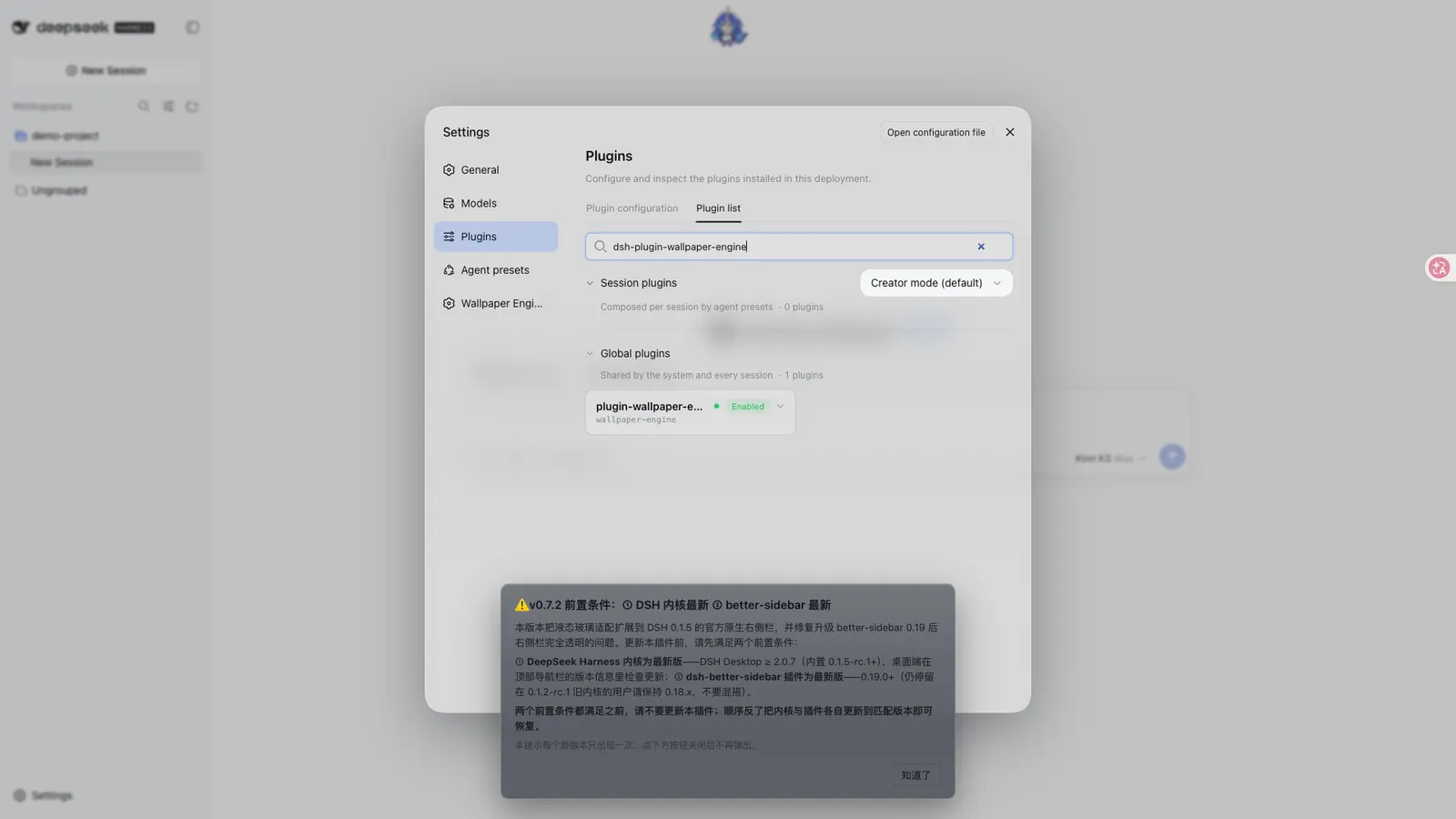
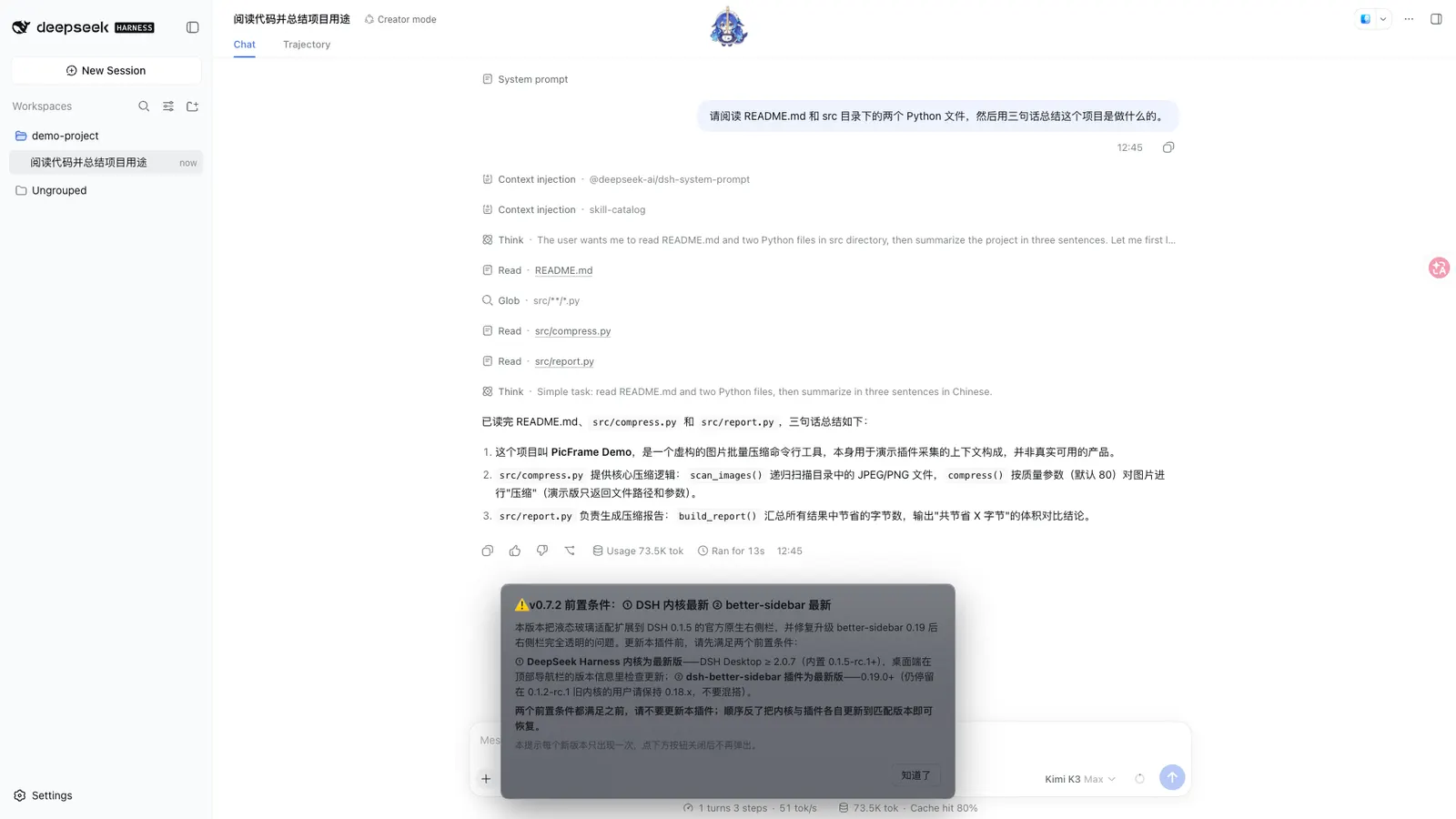
The README marks this as required reading, in bold: “两个前置条件都满足之前,请勿更新本插件” — do not update this plugin until both prerequisites are met. Since v0.7.2:
- DeepSeek Harness
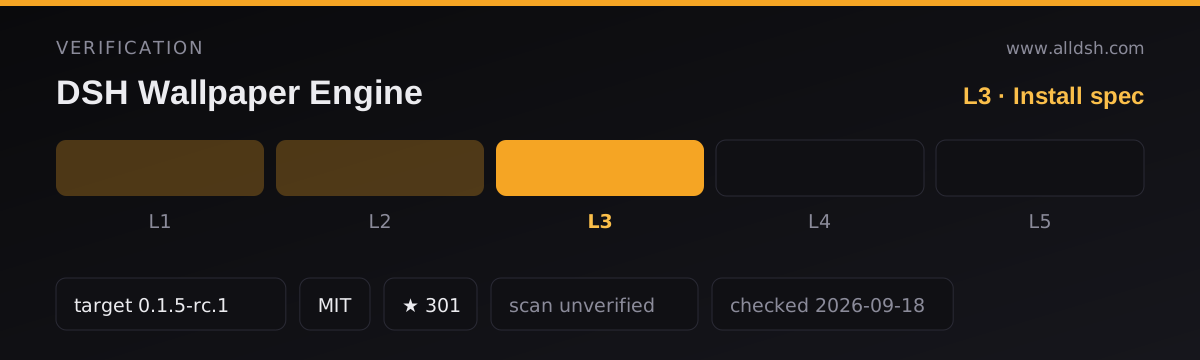
0.1.5-rc.1(DSH Desktop ≥ 2.0.7) first — via the desktop app’s version info or the releases page. - Then
dsh-better-sidebar≥ 0.19.0 —dsh plugin --profile web add dsh-better-sidebar@latest. The right-sidebar glass adaptation is built against it; users still on the 0.1.2-rc.1 kernel should stay on better-sidebar 0.18.x — do not mix. - Then this plugin. If the order was reversed, updating kernel and sidebar to matched versions recovers; no rollback of this plugin is needed. The README also suggests updating your other plugins, since old ones can fail to load on harness 0.1.5.
Note the mechanism: dsh-better-sidebar does not appear in the package’s peerDependencies — the requirement is a README instruction, not something the installer enforces.
Further requirements and disclosures, all from the README or manifest:
- A
preparelifecycle script exists:prepare: node scripts/prepare.mjsbuilds the client on git checkouts. This is whygithub:installs fail under pnpm 11, which blocks build scripts from git-hosted packages by default (ERR_PNPM_GIT_DEP_PREPARE_NOT_ALLOWED). Install from npm — the published package is prebuilt. - Runtime ffmpeg auto-download. For video thumbnails and fps-cap transcoding, ffmpeg resolves in three tiers: an explicit
DSH_WE_FFMPEGpath (or anffmpeg/folder inside the plugin directory), then an automatic download raced across npmmirror and GitHub (streaming write, magic-number and size validated, per-source timeout, cached under~/.dsh-wallpaper-engine/ffmpeg/, source overridable viaDSH_WE_FFMPEG_URL), then the system PATH. This is a plugin downloading executables at runtime — disclosed in the README, and worth knowing before first use. - It reads your Steam library files (the VDF and wallpaper directories above) and serves only enumerated files over its routes; the README states it does not expose the arbitrary filesystem, and that uploaded files stay on the local machine.
- Peer dependencies: Cordis
^4.0.1, the dsh client runtime/slots and host webserver at>=0.1.0-rc.6, React^18.2.0. Runtime dependencies include a GLSL parser, jpeg-js and a headless GL package for the scene renderer. Noenginesfield is declared. - Telemetry: not documented. Assume undocumented rather than safe.
Known limits
- Application wallpapers do not work — external windows cannot be embedded; they are filtered from the picker and rotation candidates.
- Scene wallpapers are static frames (scenes with embedded video textures play that video); pure-shader or unusual-texture scenes fall back to main-texture extraction, then to the workshop preview image.
- The fps-cap transcode needs ffmpeg and NVIDIA NVENC (
av1_nvenc, falling back toh264_nvenc); without either, the feature silently keeps the original video. Platforms outside the auto-download table (the README names musl/Alpine) get no download at all. - Occlusion pause applies to video only — web (iframe) wallpapers cannot be paused externally, only throttled by the browser when hidden.
- The browser must allow muted autoplay (loopback is fine on modern browsers). On Edge, video wallpapers render through canvas instead of
<video>to dodge an unclosable built-in toolbar overlay. - DSH Desktop’s immersive fullscreen/kiosk window had an intermittent whole-screen white flash on repaint; v0.6.4 mitigates it by reducing compositing layers — described as an optimisation, not a guarantee.
- The picker UI text is Chinese-English mixed; the bundle is not wired into the DSH locale namespace.
When to use it — and when not to
Use it if you run dsh web or DSH Desktop on a machine with Wallpaper Engine installed and want the interface to feel like yours — video or scene wallpaper behind the chat, glass panels everywhere, playlists rotating. The settings depth is genuinely large, and the host-side config file means it survives restarts, random ports and browser-data wipes.
Do not install it on a headless or TUI setup — there is nothing to paint behind. Do not install it before updating the harness and dsh-better-sidebar in the order above, and do not install via github: on pnpm 11 expecting the prepare build to run. If runtime downloads of ffmpeg binaries are unacceptable, pre-provision DSH_WE_FFMPEG or skip the fps-cap and video-thumbnail features. On macOS there is no Wallpaper Engine client — use the community-maintained fork dsh-plugin-wallpaper-engine-mac instead. And if a busy background hurts readability, the README’s own advice is to lean on the darkening, border, blur and opacity sliders — no single preset fits every wallpaper.
Install
dsh plugin --profile web add dsh-plugin-wallpaper-engineRestart dsh web, then open Settings → Wallpaper Engine. macOS users install the separate community package instead: dsh plugin --profile web add dsh-plugin-wallpaper-engine-mac (maintained by Jerry; repository ruijiaang-lab/dsh-wallpaper-engine). Avoid github: installs — the npm package is prebuilt and sidesteps the pnpm 11 build-script block.