What it does
dsh-univer-office gives a DSH session a working office environment: the agent creates and edits spreadsheets, documents, presentations, Base (multidimensional) tables and canvases, imports existing .xlsx / .docx / .pptx files, verifies its own output, and leaves the result in the conversation for review. Everything it edits lives in a .univer file inside the session workspace.
The part most likely to be misread is where the capability comes from: this is not a client for a hosted office service. The package ships its own runtime — a bundled Gateway HTTP/WebSocket service, a bundled Viewer, a one-shot Unit Content Worker, and a render machine page for layout checks, screenshots and PDF printing — with the Univer JavaScript SDK inlined at build time. Only the native and large packages (libsql, the @univerjs-pro bindings, puppeteer-core, @puppeteer/browsers) install from npm. No account, login, API key or cloud project appears in either README or in the architecture document.
The author is DreamNum Co., Ltd. — the company behind Univer, the dream-num/univer open-source spreadsheet engine — and the package’s author field says exactly that. Its homepage is https://office.univer.ai.
The five content types
Sheet (formulas, charts, pivots, filters, validation, images), Doc (rich text, tables, images, charts, headers, footers, pagination), Slide (pages, text, shapes, images, charts, SVG layouts), Base (tables, fields, records, views with formula fields, filters, grouping) and Board (shapes, connectors, images, charts, routing). Sheet and Doc round-trip .xlsx and .docx, Slide .pptx, Base exports .xlsx/.csv/.tsv, and Board has neither import nor file export. All five support inspection and screenshots; Sheet, Doc, Slide and Board print to PDF, and Slide alone gets the layout lint.
What a “worktree” is here
The README’s “isolated worktrees for multi-agent collaboration” does not mean git worktree — nothing in the architecture document mentions git. The mechanism is the file’s own storage layer: .univer is a SQLite database opened through libsql, with format versions v0/v1/v2, a migration path with backup, and separate tables for collaboration, worktrees, history and assets. A write starts in a draft worktree, becomes ready when submitted for review, and ends merged or discarded; trunk is the shared line and the Gateway is the single source of truth for committed revisions.
Versioned changes are therefore per-unit changesets in that database, indexed by a history@1 table rebuilt from core changesets: all five unit types get time-grouped history, read-only views can inspect it, and an editable trunk view can restore a version. Drafts compare against a pinned trunk or another active worktree with semantic diffs. merge and discard need an explicit user request and a DSH tools/pre-execute approval — the model cannot decide them.
Where files and data land
The .univer file is created where the agent is told to create it, inside the session workspace. Every tool path is bound to that workspace and re-checked against a realpath scope; a browser file request must first bind a live DSH session and pass the same check. Exports, screenshots and PDFs go to authorized workspace paths, and screenshots are also saved as persistent DSH image attachments so a vision-capable model can read them back. Downloaded SVGs cache under $DSH_HOME/cache/dsh-univer-office/resources; telemetry de-duplication state lives under $DSH_HOME/telemetry/dsh-univer-office/.
The Gateway listens on 127.0.0.1, starting at port 9080 and stepping upward when one is taken. It is loopback-only, but the README is explicit that it “does not enforce DSH session authentication”: the viewerBaseUrl option for a remote DSH requires a proxy that forwards HTTP and WebSocket traffic to the Gateway and restricts that origin to trusted users.
Installation, and the scripts that run
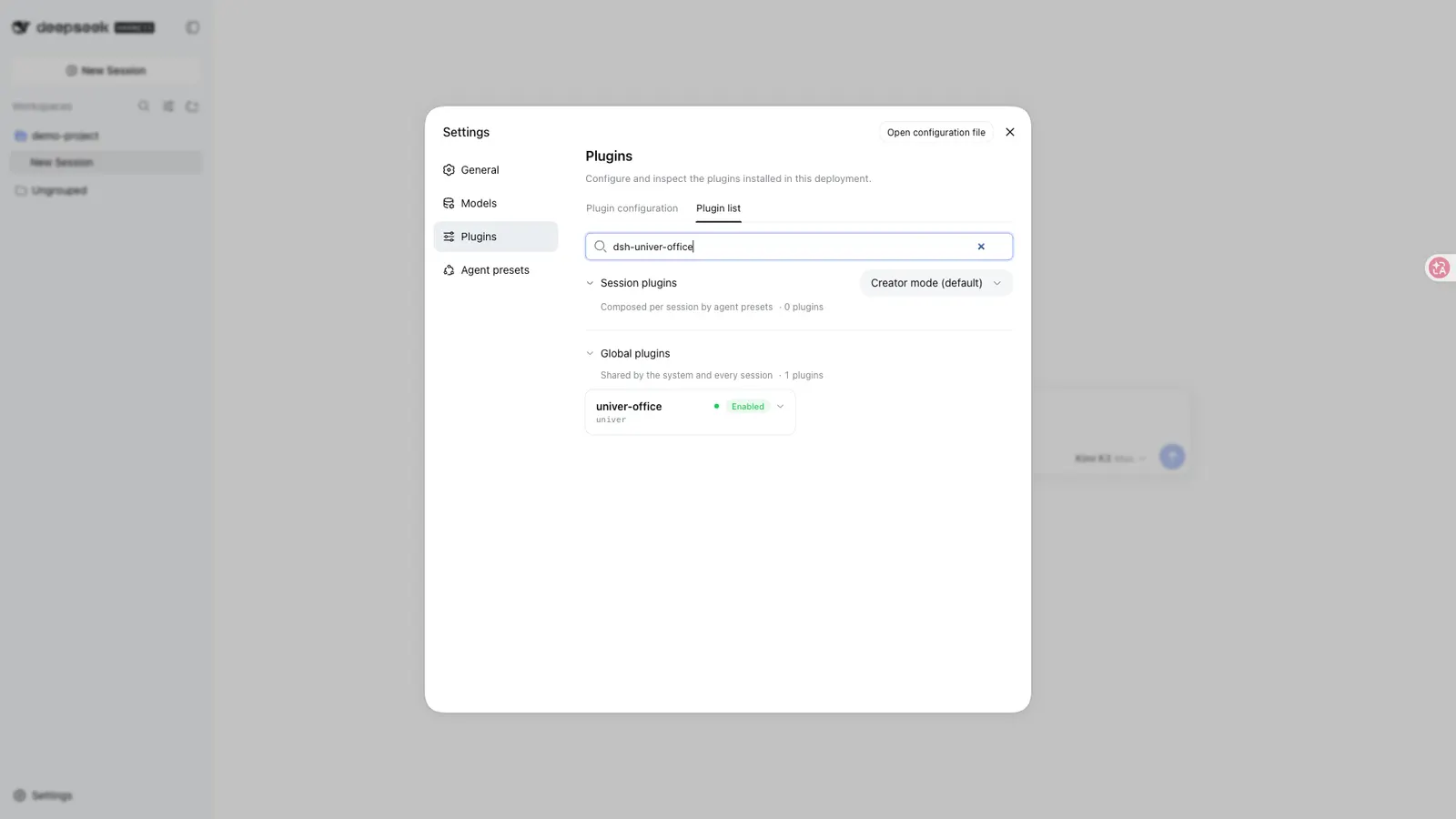
Install with dsh plugin --profile web add dsh-univer-office, then restart DSH and refresh the browser page. dsh plugin forwards to pnpm, so this resolves the published tarball, which already contains the built lib/ and artifacts/.
Two lifecycle scripts are declared, and both matter if you install from source:
prepare:pnpm run build && simple-git-hooks. The build compiles five targets (host library and browser client, Unit Content Worker, Gateway, render machine page, Viewer), andsimple-git-hooksinstalls acommit-msghook running commitlint. It executes when the package is installed from a git or local spec rather than the registry, and needs pnpm plus the full toolchain (package.jsonlists 195 dev dependencies). The README states the published package deliberately declares nopostinstall, which the architecture document ties to DSH profile build-script approval policy.uninstall:node scripts/telemetry-entry.mjs uninstall, which spawns a detachedlib/telemetry-entry.jsprocess to send the uninstall telemetry event.
Telemetry is on by default: dsh_plugin_activated, dsh_plugin_daily_active and dsh_plugin_uninstall_hook go to a Univer-operated endpoint compiled into the package, https://univer.ai/api/telemetry/cli in the published 0.2.14’s lib/build-info.json. Its payload allowlist is a random UUID, event name, package name and version, build commit, platform, arch, Node major version, event source and state schema version; the README says “never file contents or paths”. Turn it off with DO_NOT_TRACK=1 or telemetry: false. The other outbound path is the resource library, whose SVGs download over HTTPS from URLs in @univerjs-pro/cli-assets’s manifest.json pointing at cdn.jsdelivr.net and cdn.undraw.co. No other outbound call is documented.
Weight, and the bundled Univer license
This is a heavy plugin. npm reports the published 0.2.14 tarball as 270 files and 179,562,863 bytes unpacked, and it installs six runtime dependencies: @univerjs-pro/cli-assets (33,811,356 bytes), puppeteer-core (about 5.8 MB), @puppeteer/browsers (about 438 KB), libsql (about 44 KB) and two native bindings that pull a per-platform package through optional dependencies. Slide layout checks and SVG text measurement need a local Chrome/Chromium, pointed at with UNIVER_RENDER_BROWSER; the README does not say the plugin downloads one, and install time is not stated.
One more thing the package ships: src/workers/unit-content/license.ts calls itself an “Application-owned 90-day development license. Issued 2026-08-14 and must be replaced on the 90-day rotation”, recording domain localhost and an expiry of 2026-11-15. What happens on expiry is not documented. The plugin’s own license is Apache-2.0 in the README, LICENSE, package.json and the GitHub API; the @univerjs-pro/* packages inspected publish with no license field in their npm metadata, while @univerjs/core is Apache-2.0.
Requirements
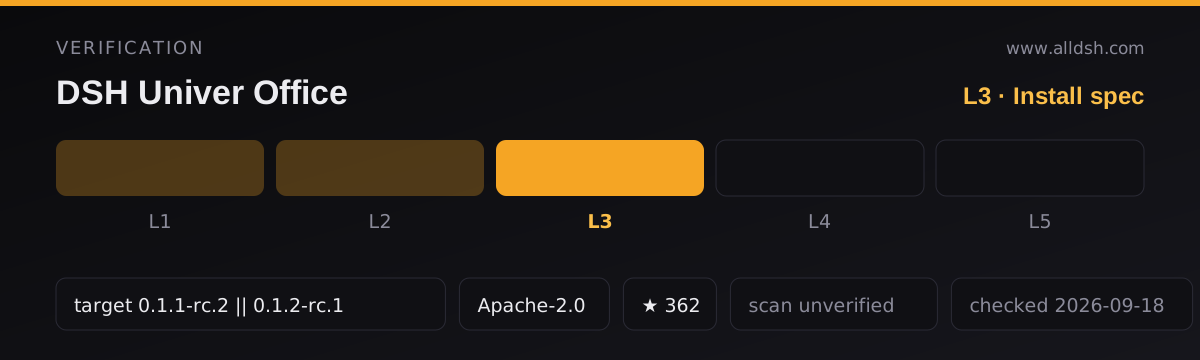
Node >=22.19.0, from engines, plus a harness at 0.1.5-rc.1 or later 0.1.5 releases (^0.1.5-rc.1) according to the main README and main’s peerDependencies. Note that main is not what npm publishes: the dshTarget recorded above quotes the published 0.2.14 README, which commits only to 0.1.1-rc.2 and 0.1.2-rc.1. The client platform is web; no headless or CLI-only path, permission model or supported-OS list is documented.
One mismatch is worth checking before you install. npm’s latest is 0.2.14, published 2026-09-04; its README says “Supported DSH versions are 0.1.1-rc.2 and 0.1.2-rc.1”, and its peerDependencies pin those two releases. The main branch, pushed 2026-09-15, declares ^0.1.5-rc.1 in both places — but its package.json still says version: 0.2.14. The tarball npm serves today is not the build whose README describes 0.1.5-rc.1 support.
Known limits
- Board has no file export, and Base and Board have no import path. Slide master pages, layout pages and speaker notes are outside the editing scope, as are Board mind maps, tables, ink and advanced editing.
- Import and export are ribbon actions in trunk views; draft previews disallow them.
- Documents are verified by readback, layout lint and screenshots, not by a human opening the file in Excel or PowerPoint — that is not a rendering-fidelity guarantee.
- The project is about a month old (created 2026-08-15) and the runtime is large: a service process, a migrating SQLite format, and native dependencies.
When to use it — and when not to
Use it when the deliverable is a real office artifact — a workbook with formulas and charts, a layout-checked deck, a formatted report — and you want to watch the agent build it and then approve or discard the result rather than discover an overwritten file. The draft, compare and review loop is the distinctive part, and what makes two agents on one file tractable.
Do not install it expecting a light dependency: if all you need is “write me an .xlsx and read it back”, a much smaller plugin will do. Nor is the worktree loop a backup system — approval happens before merge, and what an expired bundled license does to an existing file is not documented.
The other office plugin on this site, kw78/dsh-office-tools, is a different project by a different author with a different mechanism — its own dependency-free OOXML engine and eight word_* / excel_* / ppt_* tools. Neither README mentions the other, this plugin does not depend on it, and the two documented tool-name sets do not overlap.
FAQ
Does it need an account, a cloud service or an internet connection?
No account or cloud project is documented. Editing, storage and rendering are local — a bundled Gateway, a SQLite .univer file in your workspace, npm-installed native packages. Two things reach the network: the compiled-in telemetry endpoint, and SVG downloads from cdn.jsdelivr.net and cdn.undraw.co.
Is “worktree” git?
No. The sources never mention git. draft, ready, merged and discarded are states of the Univer collaboration layer persisted as tables inside the .univer SQLite file, with trunk as the shared line.
Does installing it run code?
Two scripts are declared. prepare (pnpm run build && simple-git-hooks) builds all five targets and installs a commitlint git hook; it runs when you install from a git or local source and needs pnpm plus the full dev toolchain. uninstall spawns a detached process to send the uninstall telemetry event. The published package declares no postinstall.
Which DSH version do I need?
It depends which build you install: npm’s latest (0.2.14) declares 0.1.1-rc.2 || 0.1.2-rc.1, while the main branch, still numbered 0.2.14, declares ^0.1.5-rc.1. Check the manifest of the exact version you install.