What it does
TokenLedger answers a question most usage panels get wrong: not just how many tokens you burned, but which relay site actually served the request. It groups usage by the normalized origin of each provider’s baseURL — so several keys on the same site collapse into one row named by its domain, not by whatever alias you gave the route — and again by project and by model.
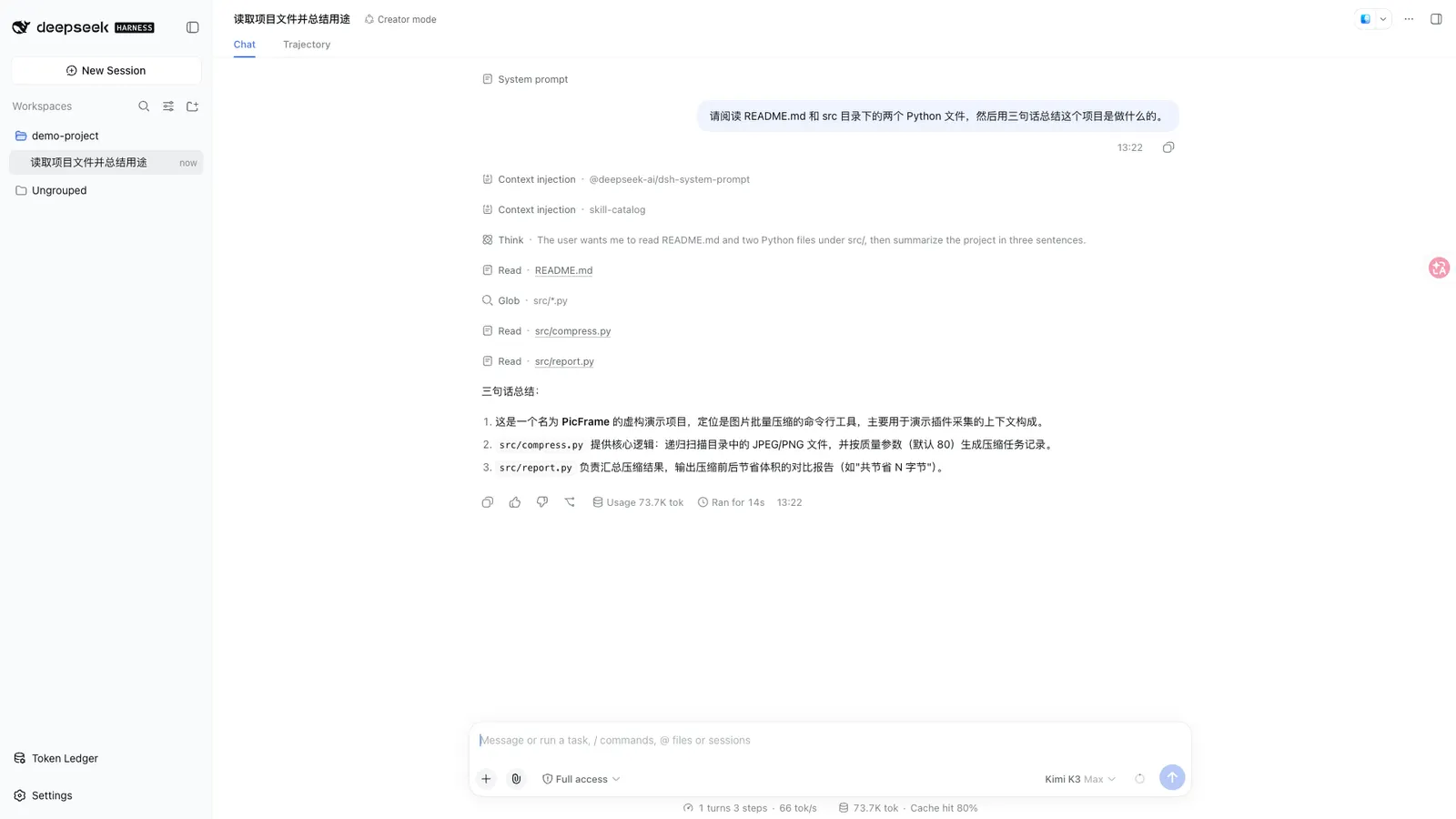
The pitch is zero configuration: it discovers relay sites from the host’s own provider settings, reading only the baseURL and never the credential sitting next to it. A sidebar panel (「用量账本」) in the Web GUI shows the result; the /tokenledger command family answers the same questions from the chat, reading the same queries with no second aggregation.
What the panel shows
- Three windows — today / this month / all time, with drill-downs by site and by model, a cache-hit rate, and a one-year activity heatmap whose hover shows that day’s model mix.
- Balances — DeepSeek official, the New API family (One API, VoAPI and other forks), Sub2API, Moonshot/Kimi and Z.ai/GLM, each read with the ordinary API key already configured on the route. OpenRouter is the exception: its credits endpoint only accepts a Management Key, and the panel says so instead of leaving you a bare 401.
- Subscription quotas — for plan-sellers with no balance to read (OpenCode Go, Kimi For Coding, MiniMax Coding Plan, Z.ai Coding Plan, and Sub2API’s plan variants): each rolling window — 5-hour / daily / weekly / monthly — gets a progress bar, a percentage and a reset time. A wallet and a plan can coexist (Z.ai has both) and are read independently.
- Cost estimation — a configurable rate table with effective-date segmentation, bucketed pricing and peak/off-peak windows. Unpriced models show a dash, not a guessed 0.
- Export and diagnostics — CSV/JSON export, index health, and a count of rows that could not be attributed, listed separately rather than silently bucketed.
Sessions are attributed by the directory they were started in — not by workspace id — so sessions launched in subdirectories still count; sessions with no recorded cwd get their own “未记录目录” row instead of being dropped, which keeps the per-project rows summing to the total.
Privacy architecture
This is the part the README engineers most carefully, and it deserves its own read:
- Content is never read. Only counts and identifiers: token numbers, model names, provider route names, site domains. Prompts, tool arguments and response bodies are neither read nor stored.
- Credentials stay host-side. Keys are resolved per request from the host’s credentials service by
apiKeyEnvreference, discarded after use, and travel only in theAuthorizationheader — never in a URL query string. The browser never receives a key. - Loopback lockdown. The two HTTP endpoints (
/api/tokenledger/usage,/api/tokenledger/balance) are registered as exact routes, putting them outside the RPC trust boundary; their handlers reject non-GET methods and validate both the peer socket address (not spoofable) and the Host header. - User-declared endpoints are bounded in code, not by convention. You can declare a balance endpoint for an uncovered provider, but the request can only go to the origin of an already-configured provider; the path must be absolute with a single leading slash and is re-validated after construction; only GET is ever sent; credentials still come only from that provider’s own
apiKeyEnv; cross-origin redirects fail closed; responses are size-capped and time-limited; and declared endpoints cannot override the built-in readers. - Relay fingerprinting needs no credentials — it works off the route’s 404/401 signatures, probed once and remembered.
Requirements
- A
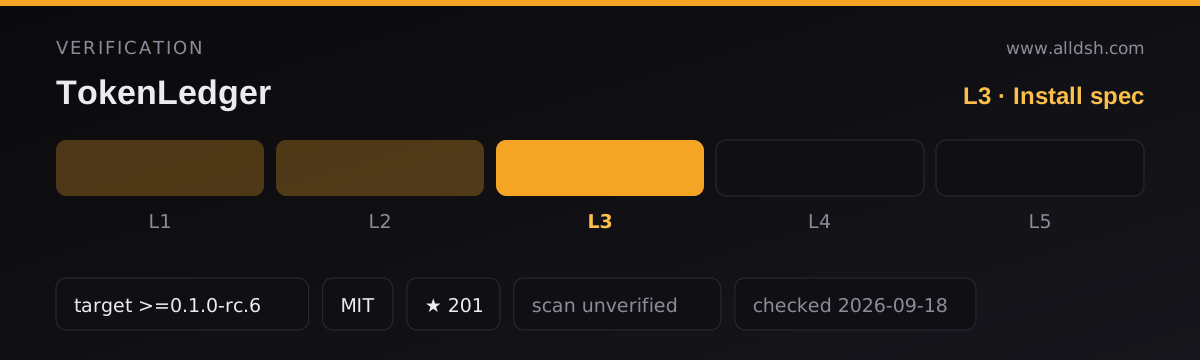
webprofile of DeepSeek Harness. The README requires@deepseek-ai/dsh >= 0.1.0-rc.6, and the badge agrees. Note the basis: the package manifest declares nodsh.compatibilityblock and noengines.dsh, so that floor comes from the README alone, not from machine-checked metadata. - Node
>=22, perengines. - The client platform is
web, injectingdsh-client-localeanddsh-client-ui-primitives; the browser half has no build step (a hand-written__ModuleLoader__bundle with React provided by the host). Peer dependencies are@deepseek-ai/cordis ^4.0.2and an optional@deepseek-ai/schemastery. No install-time lifecycle scripts —package.jsoncarries only test scripts. - The same package also ships a Blue-host manifest (
blue.plugin.json): on a Blue host it mounts a native dashboard and overlay commands instead of the text command; on a plain Harness/Web install none of that activates. - The README is Chinese-first; panel copy follows suit.
Known limits
- Install source divergence. The README installs from GitHub (
github:zh667/TokenLedger, repo version0.1.1-blue.0at collection time); the npm registry also carriesdsh-tokenledger, but its published release lagged the repository. Follow the README’s GitHub spec — it is the path the author tests. - Pinning needs a full 40-character commit SHA. The README’s spec table shows short SHAs fail with
Could not resolve, because the package manager matches refs againstgit ls-remote. - Subscription endpoints have no public schema. When a vendor moves a field, the card tells you where it looked — but the number is absent until the adapter catches up.
- 「未知路由」 rows mean the serving route is no longer in your provider config (renamed, deleted, or from another machine). The data is not lost — the route name is stored — and re-adding the route under the same name re-attributes history on the next reindex.
- Days are split in the host’s local timezone (the panel labels which).
- Cost figures are estimates from your rate table; nothing here is a bill.
- Attribution is frozen into records at fold time and history is never rewritten — changing the relay set drops the index and rebuilds it from scratch.
When to use it — and when not to
Use it if your traffic runs through one or more relay sites and you want to know which site, project and model actually burned the tokens — with balances and subscription windows in the same panel, and without handing the panel your keys. The declared-endpoint escape hatch makes it usable even with providers the built-in table does not cover.
Do not install it expecting enforcement: it observes and reports, it does not block or throttle anything. Skip it on headless or CLI-only setups (the panel is Web GUI), and think twice if you are unwilling to let a plugin read your provider baseURL list at all — that read is the discovery mechanism, and there is no offline mode.
Install
Per the README, from GitHub:
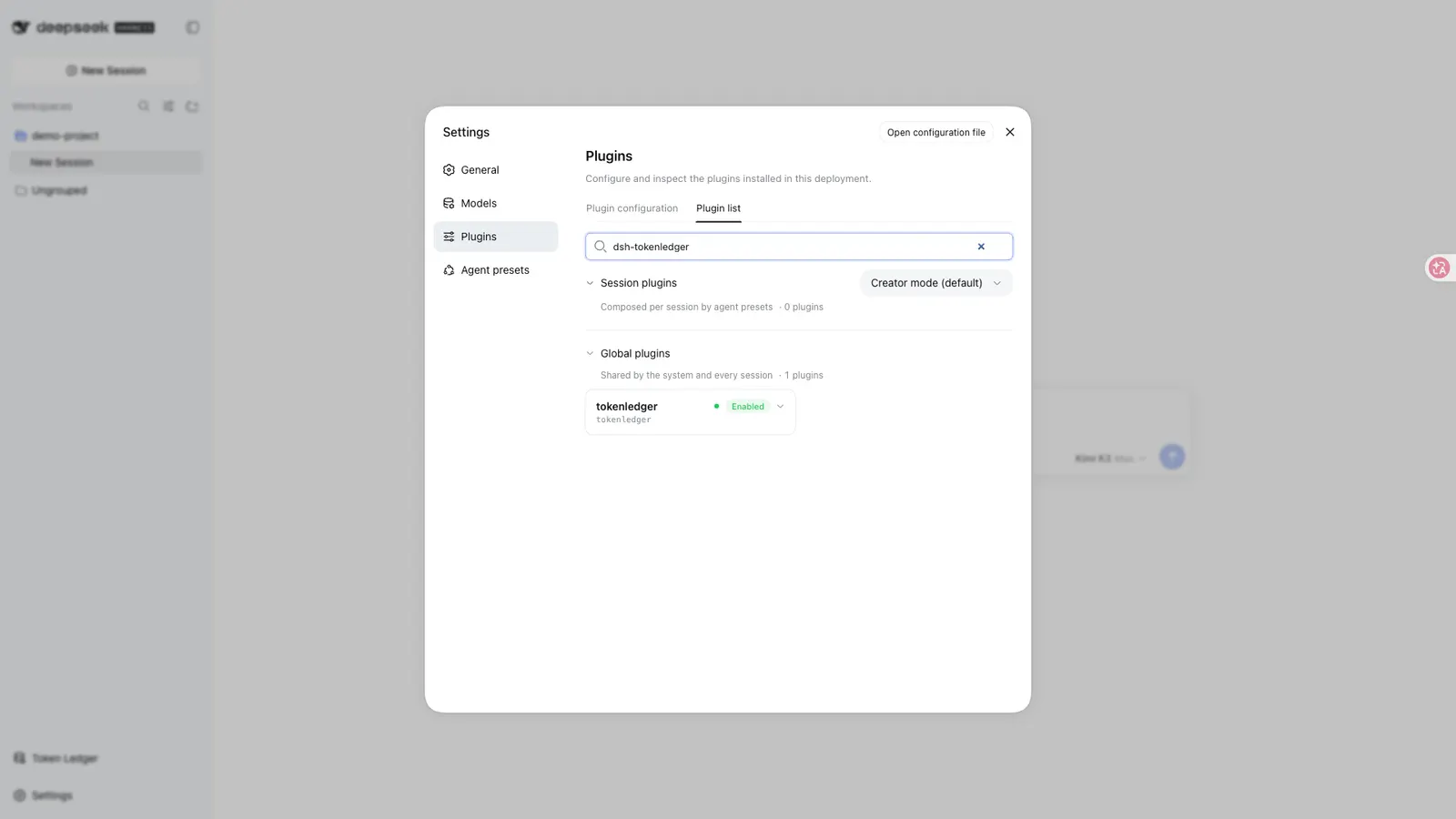
dsh plugin --profile web add "github:zh667/TokenLedger"Then fully restart the running dsh web and hard-refresh the browser; the 「用量账本」 entry appears at the bottom of the sidebar. Run /tokenledger diagnostics after install if a relay site you expected does not show — it prints the current route attribution against the index.