What AgentTeams actually is
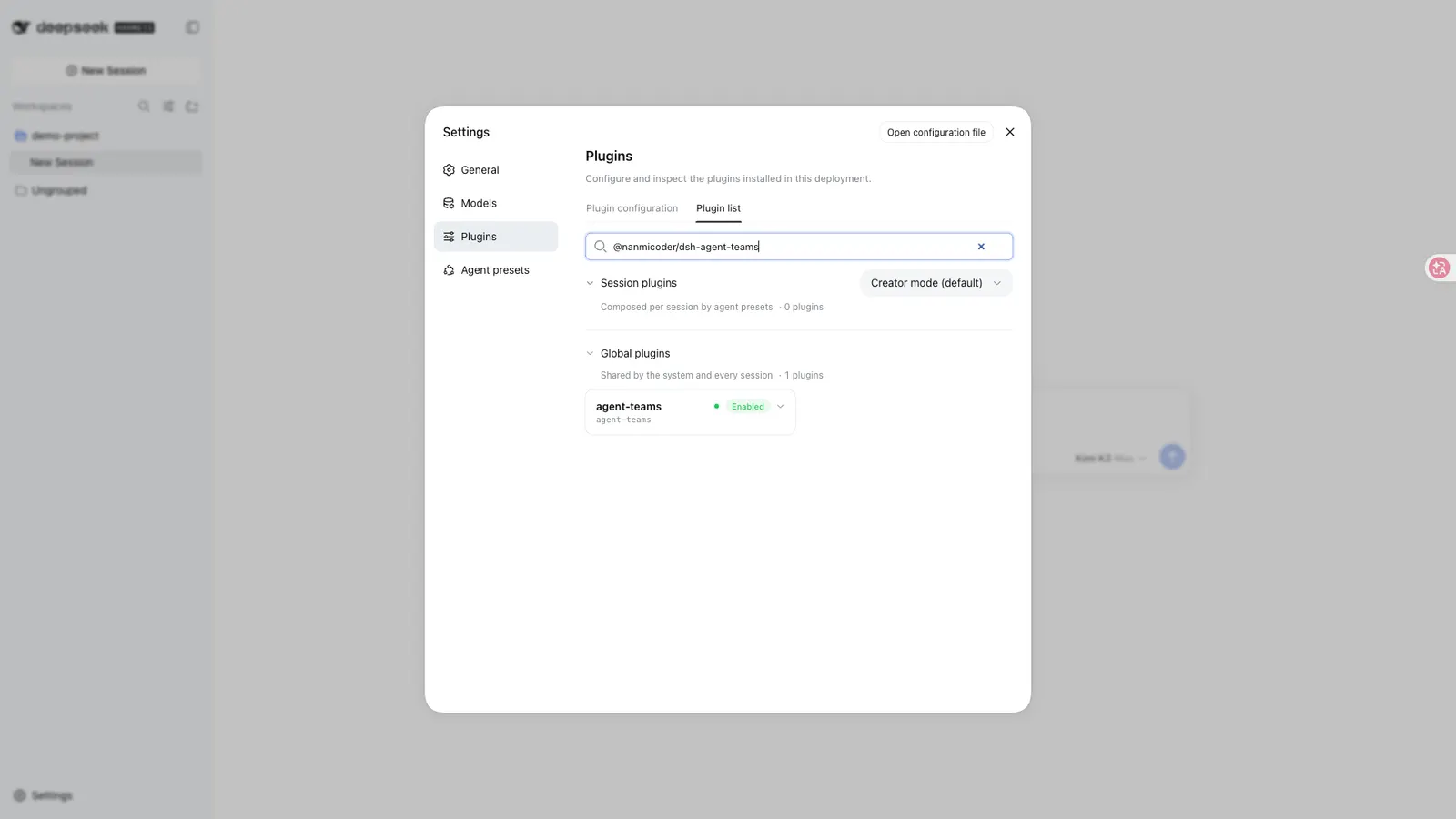
AgentTeams (@nanmicoder/dsh-agent-teams) turns the DeepSeek Harness session you are already in into the captain of a small agent team. You describe a goal in natural language; the plugin supplies the team protocol, the coordination tools, persistent state and a scheduler, so that one session can assemble durable sub-agents, split the goal into dependency-aware tasks, and coordinate the work through direct messages.
It is not a separate workflow engine and not a second runtime. The members are continuable DSH sub-agents, and the state they share is written to disk. The package declares a dsh.bundle patch plus a Web client half: dsh.client.platform is web, and it injects seven packages — six @deepseek-ai/dsh-client-* entrypoints plus @deepseek-ai/dsh-api-session-controller — so the visible surfaces — the activity panel, conversation cards, the plan editor — belong to the Web GUI, not to a terminal.
What it does
- Captain-led delegation. The first session creates the team, assigns roles, and consolidates the final result. The core protocol is already in the captain’s system instructions, and the README says it stays there across history compaction.
- A durable roster. Members are continuable sub-agents that can be woken for focused follow-up turns.
- Dependency-aware tasks. Tasks move through explicit states and cannot be claimed before their dependencies finish. The captain keeps 13 coordination tools; members get four team tools plus their ordinary coding and research tools.
- A shared scheduler and mailbox. Real
running / idle / readystate is used to atomically claim one ready task per idle member and wake it. Messages that cannot be delivered live stay in the durable mailbox and are retried at a later status boundary. - A slash command.
/agent-teams <goal>is a closed-namespace host command, so no “use AgentTeams” phrasing is required. The command line is preserved in the chat as an ordinary follow-up. - A live activity panel. The Web UI combines segmented progress, a collapsible roster and an interactive task DAG; running tasks show the member’s model, and completed archives retain their member and task history.
- Plan before execution. A normal run stages an unspawned roster and DAG first — no child session is created and no task is claimed. Only Approve & Run enables scheduling, and each member’s session is created when its first task is ready.
Requirements
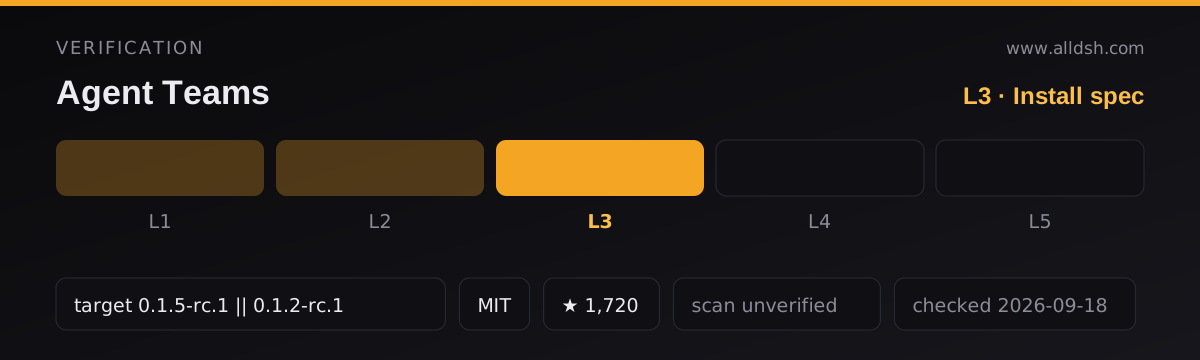
The package’s engines field requires Node ^22.19.0 || >=24. The README recommends DeepSeek Harness 0.1.5-rc.1 and keeps three older host targets — 0.1.2-rc.1, 0.1.2-alpha.5 and 0.1.2-alpha.2 — in its compatibility list; it tells users on older or unlisted hosts to keep a working pair and follow an older-version and diagnostic guide. The README is explicit that installing the plugin does not upgrade the Harness itself, and that desktop apps embed their own Harness core, so upgrading a global CLI does not upgrade the embedded one.
Neither source states any API key, LLM provider, account, operating-system or disk-space requirement. They do state that the package has no dependencies block, that the host packages it needs are declared as 24 peerDependencies, every one of them marked optional, and that it is MIT-licensed, authored by 程序员阿江 (Relakkes).
The version question: 0.1.18 versus 0.1.17
The two sources for this entry disagree, and it is worth saying so instead of picking one quietly. The published package.json declares "version": "0.1.18". The README, by contrast, builds its whole install story around 0.1.17: the recommended pair is Harness 0.1.5-rc.1 plus AgentTeams 0.1.17, the release notes are for v0.1.17, and the README states that the default npm latest tag points to 0.1.17, so a fresh profile would resolve to it even without an exact pin.
From these two files alone, a reader cannot tell which version a fresh install actually receives today. Treat 0.1.18 as what the manifest says and 0.1.17 as what the documentation instructs; check the registry if the difference matters to you.
Known limits
memberMaxDepthdefaults to0, so team members cannot create nested sub-agents. Setting it to1explicitly permits one descendant level, and the README notes the limit also covers runtime and code-tool calls.- One captain leads one active team at a time.
- State is file-backed under
<workspace>/.agent-teams/and is serialized within one DSH process. Concurrent processes editing the same team are not coordinated — this is not a multi-process or multi-user protocol. - The panel reports persisted state as-is. The README warns that models may occasionally finish work without performing the expected task-state update, so the DAG can lag reality.
- Scope control is a completion-time audit, not host write interception. The opt-in quality gates check requirements → implementation → verification → review → integration after the fact; they do not stop a write while it happens.
- There is no per-member model or reasoning prompt. Only an explicit heterogeneous-team request supplies a member-specific provider and model; a member on the captain’s route inherits its snapshot, and continuations restore that snapshot.
- No cost, token, rate or concurrency ceiling is stated.
maxMembers: 8appears in the README only as a value inside a configuration example — neither source calls it a default or a hard cap. Do not read it as a team-size guarantee. - An idle member that still owns an open attempt stays parked until it is messaged or explicitly reassigned.
- Historical panels need saved team state or archives; sessions from early versions that deleted teams without retaining archives cannot be fully reconstructed from logs.
When to use it — and when not to
Use it when one workspace holds a goal that genuinely splits by perspective — a review across performance, security and product angles, or research feeding an implementation feeding a verification pass — and you want the split to survive turn boundaries with a visible DAG and a record of who did what. The plan-then-approve staging is the reason to prefer it over ad-hoc delegation: nothing is spawned and no work is claimed until you approve.
Do not reach for it if you need work coordinated across concurrent DSH processes, if you need nested delegation beyond one level, if you need a hard budget or team-size limit that the plugin enforces, or if you need writes blocked during execution rather than audited afterwards. None of those are claimed. And do not treat it as a replacement for DSH’s native sub-agent tools: the README says default members report through team messages only, specifically to avoid duplicate native parent reports — the design assumes it coexists with them.
What these sources do not say
Telemetry, outbound network access and credential handling are not stated in either file, in any direction. Neither source makes a performance or benchmark claim, and nothing in them describes cloud storage, OS-level sandboxing, or multi-user operation. The entry’s own metadata carries numbers and a compatibility target, but those come from the directory’s curation rather than from the README or the manifest quoted above. Where this page and your own reading of the sources differ, the sources win.
FAQ
Does AgentTeams create nested sub-agents?
No. memberMaxDepth defaults to 0, which is stated to prevent team members from creating nested subagents; the README also says the limit covers runtime and code-tool calls. Setting it to 1 is an explicit opt-in to one descendant level.
Which version should I install?
The sources conflict, so this page does not choose for you. package.json declares 0.1.18; the README recommends 0.1.17 and says the npm latest tag pointed at 0.1.17. Verify against the registry before pinning.
Is there a team-size, cost or concurrency limit?
No ceiling of any kind is stated. maxMembers: 8 appears only as a value inside a configuration example and is never described as a default or a cap, so it should not be quoted as one.
Can I trust the activity panel as ground truth?
It reports persisted state as it is. The README warns that models may occasionally finish work without performing the expected task-state update, so treat a stale-looking DAG as a known failure mode rather than a bug you can rule out.
Does it replace DSH’s native sub-agent tools?
No such claim is made. Members are built on continuable sub-agents, and the README says default members report through team messages only in order to avoid duplicate native parent reports — the plugin is designed to sit alongside the native tools.