What it is, mechanically
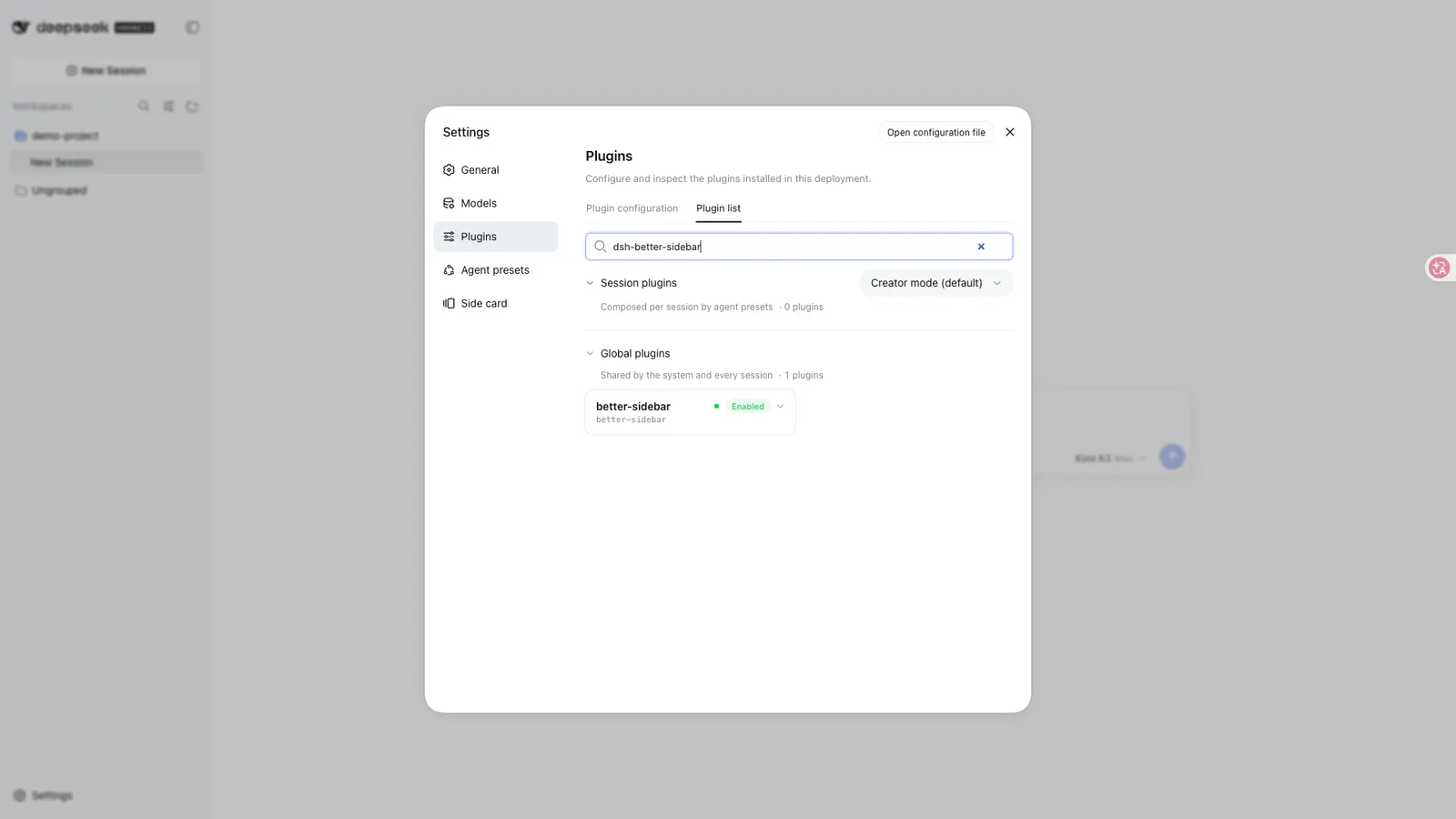
dsh-better-sidebar is a single npm package with two halves. The host half runs inside the DSH process and exposes session-scoped routes — a /sidebar/api/* JSON surface, a /sidebar/file media route, a /sidebar/html preview route and a /sidebar/ws/terminal WebSocket — behind the same host-header trust fence DSH uses for /api. The client half is a web client that DSH loads into the page; it declares bundle.patch in its dsh block, so mounting it is what the package is for.
What it does not do any more is draw the right-hand column itself. From v0.19.0 the plugin registers its tab types and tab bodies into DSH’s own native right sidebar and routes file opens through dsh-resource://file/…; the plugin’s private floating-window API was retired in that same release. What it still owns is the bottom workbench — a split pane tree that persists per session.
The package also provides a Cordis service, ctx.betterSidebar, which other plugins use to register sidebar tabs and file viewers through registerTab and registerFileViewer, plus registerFileIcon from v0.19.0. The eight built-in tab types and six built-in viewers go through the same API that outside plugins get, so a third-party page is not a second-class citizen.
What it actually does
The README’s own framing is a service-based sidebar framework plus a ready-made workbench. Concretely:
- File workbench. A lazily loaded directory tree — symlinks are shown by target type, dangling links flagged, and paths are unified across platforms (UNC paths included) — with a CodeMirror editor covering the usual language set, plus global filename search, upload and drag-and-drop, a right-click menu, and an
@filebutton that references a path into the composer. File and folder icons are coloured and sourced from DSH’s ownui-primitivesgraphics. - Preview. Images, Markdown (with a lazy-loaded Mermaid renderer under
securityLevel: 'strict', README-grade embedded HTML sanitised through DOMPurify, and a floating outline), HTML through a same-route sandboxed iframe, and PDF in the browser’s native viewer. A sensitive-content layer is on by default and works in two strengths, which is worth knowing before you rely on it: a path that looks like a credential file is masked whole, while an ordinary file has only the values that match credential shapes blanked (api_key:,Bearer,sk-,AKIA,ghp_, PEM blocks and similar), with field names preserved. It has a toggle in the preview panel, the choice is remembered in local storage, and it changes display only — session data is untouched. - File changes. One unified tab with two views: a Git view with diffs, history, stage, commit and revert, and a “this turn” view that tracks every file the model read, wrote or edited. Diffs render as unified hunks with paired changes, in-line character highlighting and syntax colouring.
- Real terminal. xterm.js driving a node-pty shell rather than a simulator, with transcript replay after reconnect, a configurable shell and shell arguments, and optional
terminal_*tools injected for the model. - Embedded browser. Multiple page tabs with back, forward, refresh and an address bar, content in an opaque-origin sandbox iframe with the sandbox state shown in the UI.
- Task page. Subagent topology and a background job list with exit codes, live output and a force-terminate action.
- Side conversation (beta). An independent thread that inherits the main session’s context — including an in-flight turn, frozen honestly as interrupted — runs without entering the main conversation, and can be promoted to a top-level session.
- Declarative settings, per-session persistence of layout, tabs and panels, and a UI that follows the DSH language.
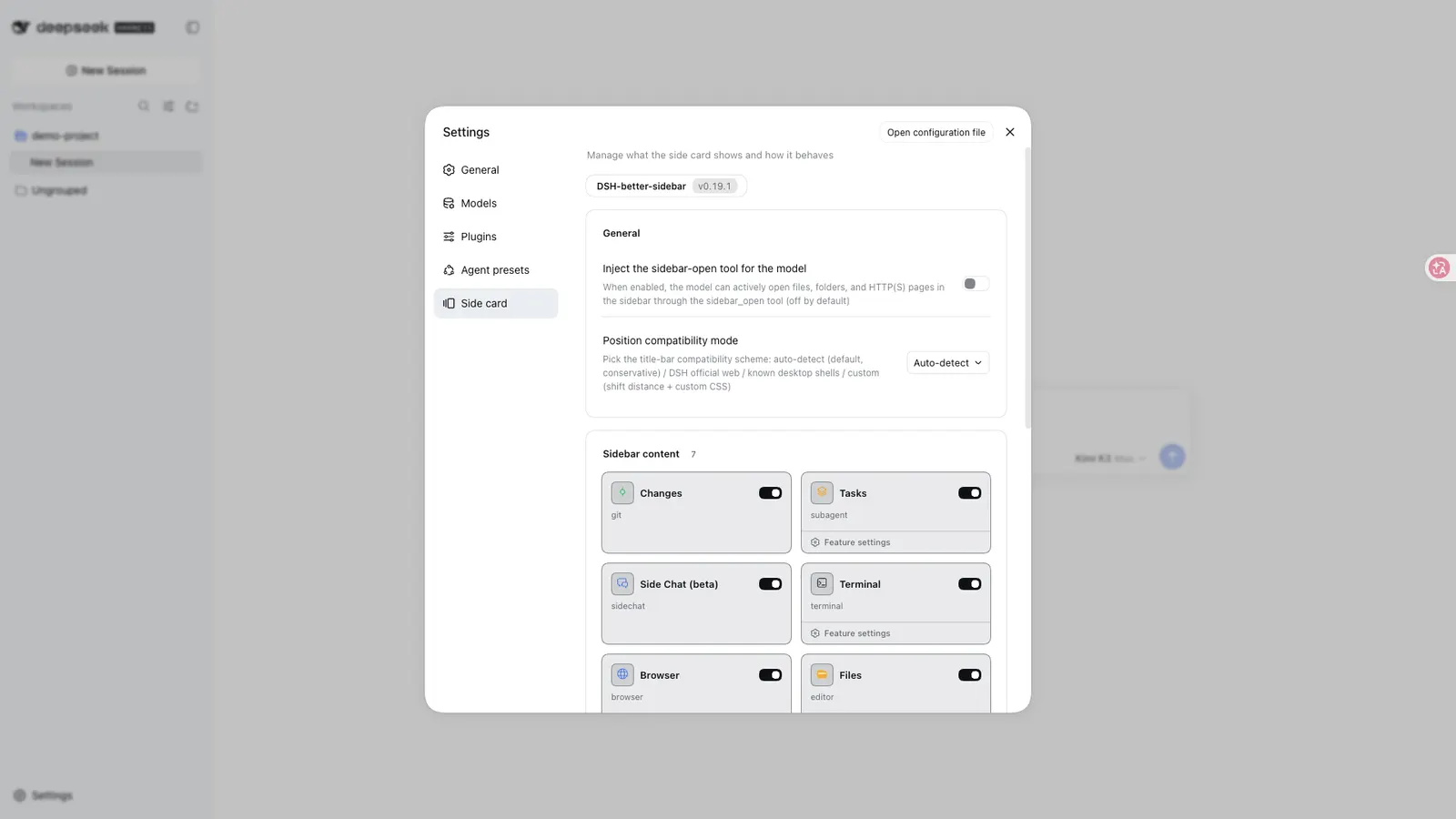
Two model-facing tools are gated behind settings, and both are off by default — this matters, because a reader could otherwise install it expecting the model to be able to open files: sidebar_open, which lets the model open a file, a folder or an HTTP(S) page in the sidebar, and the optional terminal_* tools above. Enabling the open-tools setting injects exactly one tool; disabling it unregisters the tool and drains its pending queue. Those are the model-facing surfaces the sources describe, not a complete inventory.
The extension API other plugins build on
ctx.betterSidebar is the part with the longest reach. It appeared in v0.4.0, gained ability probing, state subscription, tab badges, lifecycle callbacks and per-plugin settings in v0.12.1, and added registerFileIcon in v0.19.0. A registering plugin declares the service in its inject list and registers inside ctx.effect(...), so unload removes the tab, viewer or icon with it.
Icon matching is priority-ordered: exact file names, then extensions, then directory names, with folder and folder-open as the reserved directory extensions. Worth knowing before you register one: a catch-all with an empty extension list takes over every path the built-in classifier did not claim specifically.
The public cost of this design is version coupling. The README asks integrators to read the external-plugin guide in the repository, and it is the API — not a clever DOM hack — that the ecosystem is expected to use.
Requirements
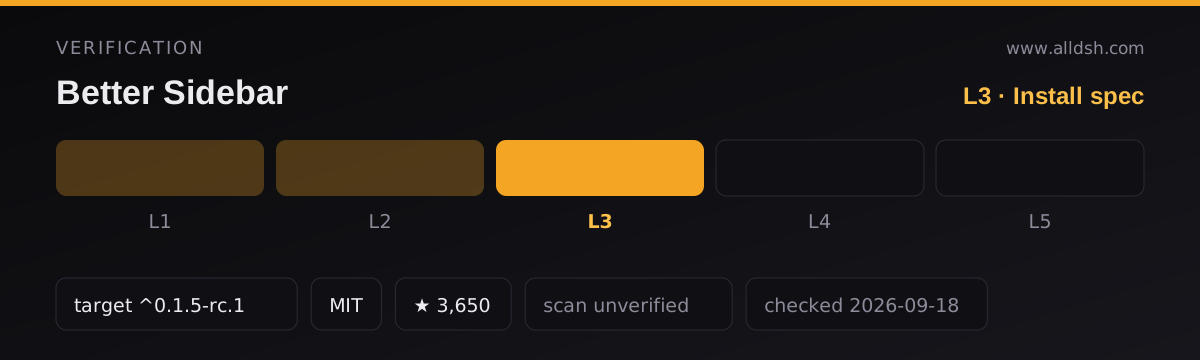
- DSH 0.1.5-rc.1 or newer. v0.19.1 is verified on DSH 0.1.5-rc.2, and rc.1 users can run the same package. Older hosts need older plugin lines pinned: DSH 0.1.5-alpha.2 with
0.19.0-alpha.1, the 0.1.2-rc.1 stable line with0.18.x, and DSH at 0.1.1-rc.2 or earlier with0.17.1. Asking for the wrong pairing is the most likely way to get a plugin that mounts and misbehaves. - Node.js ≥ 20 and pnpm ≥ 10, with a working
dsh web. - Installation is not one step. The first attempt fails, because pnpm 11 blocks the
node-ptybuild script. The documented fix is to approve builds in the web profile directory and run the install again — the README says the dependency is already written at that point. A one-shot script and a registry-based path exist too, and the README warns that enabling two channels at once double-mounts. - A hard browser refresh (Cmd/Ctrl+Shift+R) after installing or updating. Client changes are hot-loaded; the host half needs a DSH restart.
node-ptyis a native module. It prefers a prebuilt binary for your Node version and otherwise needs a compiler toolchain: VS Build Tools on Windows, make/g++/python3 on Linux, Xcode CLT on macOS. A missing or brokennode-ptyno longer takes the server down — the terminal renders a banner with a repair command and a retry button.
Known limits
- Git is partial. There is no push, pull or fetch. Remote operations are left to separate ecosystem plugins, so read the Git view as local source control, not a Git client.
- Office previews are not built in.
.docx,.xlsxand.pptxmoved to a separate third-party plugin; without it those files fall back to a code or download view. - No file watcher and no automatic polling. The Markdown preview has a manual refresh button, and refreshing asks before discarding an unsaved draft.
- The HTML preview renders the saved file, not the editor draft.
- Dragging a terminal tab into another split remounts it, which reopens the shell.
- The embedded browser has no login state. Third-party cookies are restricted and some sites refuse to be framed by
X-Frame-Optionsorframe-ancestors, in which case the panel shows the reason and an open-in-browser link. The address bar rejectsjavascript:,data:,file:and loopback addresses. - Sandboxing can be turned off. Page content is sandboxed by default, but the settings page can disable it per capability behind a warning, after which content shares the interface’s origin. Treat that switch as the security boundary it is — the README’s warnings are about trusted content only.
- Platform validation is uneven. macOS is verified daily; Windows and Linux are covered by unit tests. A green cross-platform test suite is not the same evidence as daily real-machine use, and the README claims no more than that.
- On narrow screens (under 768px) there is no bottom panel: its tabs fold into the right sidebar as a full-width drawer.
When to use it — and when not to
Use it if you want the working surfaces of an IDE sitting next to the conversation in DSH: reading and editing files, watching a diff land, running a shell, watching subagents, opening a page without leaving the harness. Use it too if you are writing a DSH plugin that needs a sidebar page or a file viewer — this is currently the shared registration surface for that, and building on it means your tab lands in DSH’s native sidebar with the others.
Do not install it because the DSH web profile feels empty. If all you want is what DSH already ships, this plugin’s value is the extra tabs, viewers and the extension service, not a different kind of interface.
Do not evaluate it as a trust boundary. The README documents a host-header fence on its routes, atomic file writes, session-working-directory limits on media and preview routes, a Git CLI that never sets an identity, and a sandboxed preview path — but it documents no audit, no certification and no moderation. Nothing here has been certified, and “unverified” is the honest reading of the security posture on this listing.
Do not assume it is offline. The sources state no telemetry, no analytics and no privacy policy, and the embedded browser and address bar exist precisely to reach other sites. The absence of a telemetry statement is not a promise of no telemetry — it is an unanswered question.
Finally, do not install it for Git remotes or for Office documents. Both were deliberately moved out to ecosystem plugins, and it will not do them for you.
FAQ
Is it a plugin or a platform?
It is one plugin that also acts as a platform. Two halves ship in one package, and the host half publishes ctx.betterSidebar so other plugins can register their own tabs, file viewers and file icons. The built-in tabs use that same API, which is why the README calls the ecosystem “capability-equal” rather than “extended”.
Does it replace the DSH sidebar?
Since v0.19.0 it does the opposite: it stops drawing its own right-hand panel and registers its tabs into DSH’s native right sidebar, retiring the older floating-panel approach along the way. What it still owns is the bottom workbench. Versions before v0.19.0 behaved differently, so an older pinned release does not match this description.
Can I push, pull or fetch with the Git panel?
No. The README lists “no push/pull/fetch” under known limitations and treats remote operations as a separate plugin’s job. Staging, committing, reverting, history and diffing are the documented Git surface — a deliberate scope line rather than an unfinished one.
Does it collect telemetry or send my code anywhere?
The sources do not say. The README documents no telemetry, no analytics, no privacy policy and no outbound request made by the plugin itself, and this listing will not convert that silence into a promise. The plugin does make network calls on your behalf when you open a site in the embedded browser or load a model-requested page in the sidebar; that is your traffic, not telemetry the plugin is documented to report. Treat the question as open.
Why did my first install fail?
Because pnpm 11 blocks the node-pty build script, and that failure is expected rather than a sign of a broken package. The README’s fix is to approve builds in ~/.dsh/profiles/web and run the install again. If the terminal later reports that node-pty failed to load, the same approval step plus a rebuild is the documented repair, followed by a DSH restart and a retry.