What it is, mechanically
dsh-synapse is a pure presentation layer for conversations that already exist inside DeepSeek Harness. One npm package ships three JavaScript files (index.js host plugin, client.js client bootstrap, app.js canvas UI), a stylesheet, and a cordis.patch.yml that inserts a service with id synapse into the web profile. It has zero runtime dependencies — not even a peer — and the published 0.4.1 tree is plain ESM JavaScript, not TypeScript output.
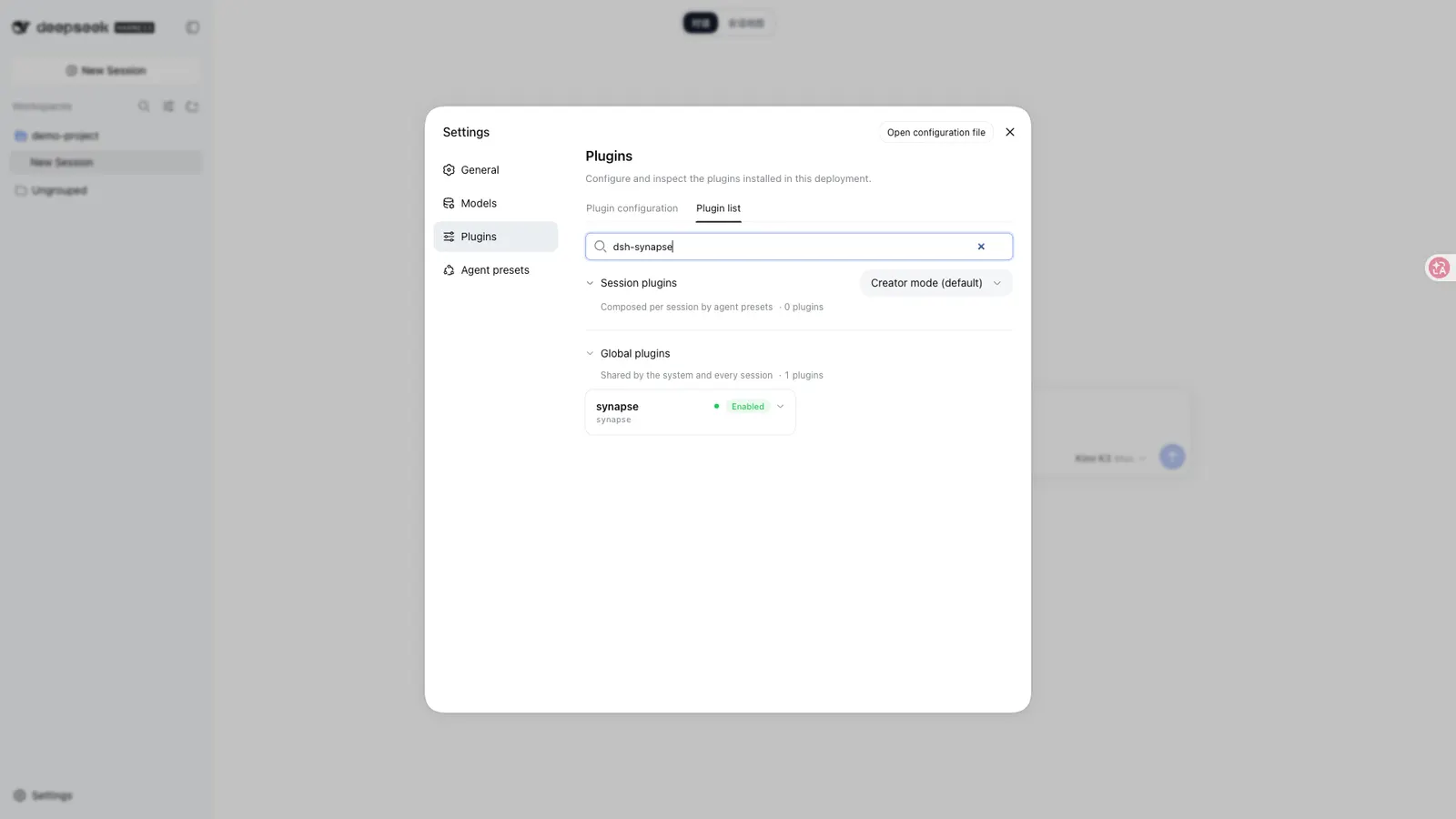
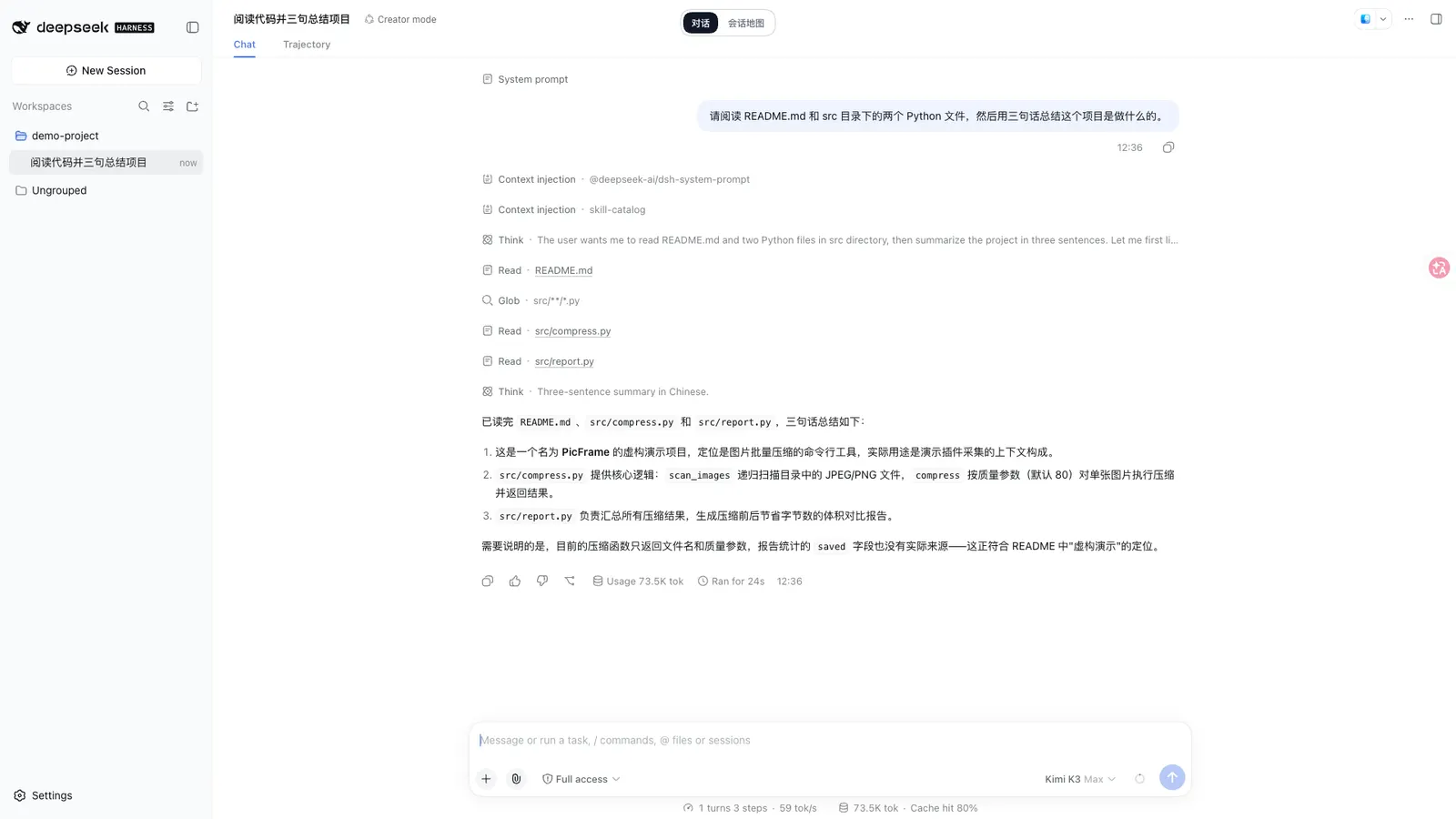
After install, DSH’s top bar gains a Session Map switch. That page is served from the existing DSH Web server under /synapse/… routes (page, app.js, styles.css, deepseek-mark.svg, and a /synapse/api/* JSON surface). The architecture document is explicit: no second HTTP process, no second model runtime, no replacement of auth or permissions. Switching between map and native chat keeps the same underlying DSH session.
The canvas, and what “branch” means here
Committed DSH session events are projected into cards. With the default autoProjection: true, sessions are grouped by working directory into a workspace titled DSH 任务; each user question becomes a card, following assistant messages fold into that turn, and the final assistant reply is the visible answer. Projected card text is capped at 8,000 characters — longer messages get a truncation marker and full text stays in the conversation detail view.
Branching is not a parallel history the plugin invents. Branch on a completed answer creates a new session through DSH’s native fork path; the map connects the child card to the parent at the durable seedLength cut in the session header rather than at a free-floating canvas coordinate. Card positions are visual metadata only and never decide lineage.
Canvas behaviour is ordinary and well documented: pan and zoom up to 4×, drag cards with persisted positions, expand/collapse descendant subtrees, one-click focus on the current session, Markdown tables, and tool call/result pairs folded into the related assistant answer by callId.
How it integrates without becoming a second chat app
The host half (index.js) is a Cordis apply(ctx, config) plugin that:
- listens to
session/createdandsession/event, replays existingctx.sessions.list(), and coalesces projection writes during event bursts; - registers the
/synapseroutes onctx.webServer; - serves actions such as activate-session, open-session, branch, and sessions/sync back through the native session bridge.
The client half injects @deepseek-ai/dsh-client-runtime and is marked immediately: false, so the UI is loaded when the user enters the map rather than eagerly at boot. Config keys are only dataFile, autoProjection, projectionWorkspaceTitle, and trustedHosts.
The boundary statement that matters for power users: the plugin does not add system-prompt prose, tool schemas, provider routing, request headers, or approval context. It reads events only after DSH commits them. The docs therefore claim no model-experience effect and no invalidation of a reusable KV-cache prefix — a claim that is structural (nothing touches the request path), not measured.
Where the data lives
DSH session logs remain the conversation store. Synapse writes a separate file at $DSH_HOME/synapse/workspaces.json (overridable via dataFile) containing workspace mapping, card layout, fork anchors and related organisational state. Deleting that file resets the canvas; it does not delete sessions. Uninstalling leaves the file in place so a reinstall can migrate and restore the layout.
A second, non-durable layer may live in browser localStorage for dragged positions and other interaction preferences. Private-browsing or local-storage failures must not break DSH conversations — they only lose visual preference persistence.
There is also an 8,000-character projection cap, a trustedHosts list for the /synapse Host check beyond localhost/127.0.0.1, and a cross-process lock file beside workspaces.json. The lock and external-modification warnings are real, but the docs still advise one dsh web process per profile because last-writer-wins remains possible.
Requirements and installation
- Node
>=22.19.0fromengines. - Harness with the
dsh pluginprofile mechanism (docs say 2026-08 or later) and the web profile. Other profiles are not supported by the bundled patch. - Install from npm (recommended by the project):
corepack pnpm dsh plugin --profile web add dsh-synapse. The registry tarball ships prebuiltindex.js/client.js/app.js. - Install from git runs the package
preparescript, which is"prepare": "pnpm run build"→node --checkon the three entry files. That is syntax validation only — no compiler, no remote fetch — but it is still install-time code execution on a git install. pnpm 10+ may block it until you copy the fullallowBuildskey it prints into the profile’spnpm-workspace.yaml. - Harness target is undeclared. There is no
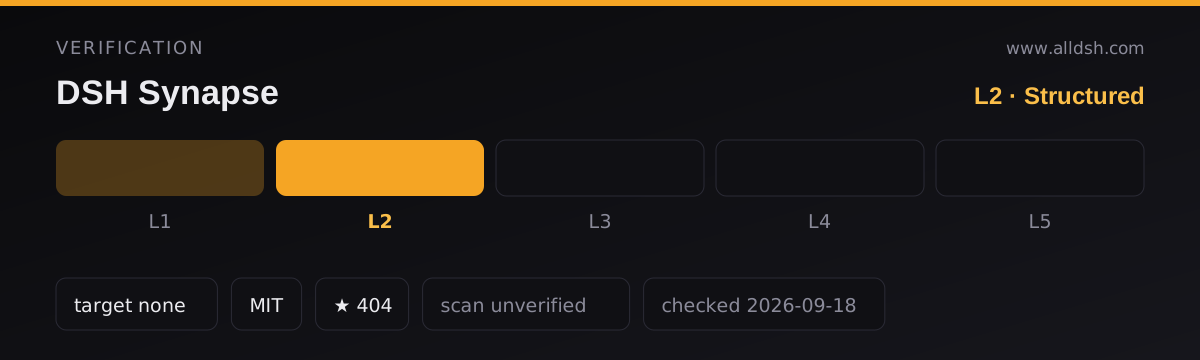
dsh.compatibilityfield and no peer dependency on@deepseek-ai/*. Compatibility is therefore left at verification L2 with nodshTarget; the only hard claim is “web profile, plugin mechanism from 2026-08”. - Network: none documented beyond the DSH web server itself.
index.jsusesnode:fs/promises,node:crypto,node:pathand in-process Cordis events; client fetches are same-origin to/synapse/api/*. No telemetry, analytics or third-party HTTP client appears in the package. - Open issues at listing time include real operational bugs: streaming
autoProjectionrewritingworkspaces.jsonwith unbounded growth and blocking the event loop (#26),/synapse/api/sessions/syncfailing past ~32 KiB (#27),<system-reminder>/AGENTS.mdinjects rendered as user cards (#23, #31), and archived sessions still appearing on the map because the plugin does not filter DSHarchivedSessionIds(#21). Several open pull requests were also open when checked. Last push to main: 2026-08-26.
Known limits
- Web profile only. CLI / TUI / other profiles get nothing from the shipped patch.
- Not multi-writer. Two
dsh webprocesses on the same profile share one JSON file; locks and warnings do not guarantee safety. - Projection is a projection. System reminders and agent-injected context can appear as ordinary user cards (open bugs). Archived sessions are not filtered. Tool pairing in old v3 migrations is order-based, not
callId-based. - Security review is unverified. No third-party scan of this package is on record; the MIT license and clean dependency tree are not an audit.
- Maintenance snapshot. ~395 stars and ~44 forks on a repo created 2026-08-16, with last code push 2026-08-26 and a non-trivial open-issue queue. Stars are not maintenance.
When to use it — and when not to
Use it if long multi-branch conversations are hard to navigate in the linear native chat, and you want a workspace canvas that still drives the same DSH sessions — send, open, fork and archive stay on DSH’s own machinery. It is one of the cleaner “interface only” plugins: zero dependencies, routes on the existing server, and no model-request surface.
Do not install it expecting a second agent, a task board, or a substitute for DSH session storage. Do not run two web instances against one profile while it is installed. And treat the open autoProjection / sync-size bugs as live risks if you generate large, streaming-heavy workspaces — one dsh web instance and an eye on workspaces.json size is the practical mitigation until those land.
FAQ
Does it replace or copy my DSH conversations?
Neither. Session logs stay the source of truth; Synapse only projects already-committed events into cards and sends user actions back through the native session bridge. Deleting workspaces.json loses canvas layout only.
Does branching create a second history?
No. Branch uses DSH’s native fork and anchors the child to the parent at the durable seedLength boundary. Canvas coordinates never define conversation lineage.
What does the install-time prepare script do?
On git installs, prepare runs pnpm run build, which is node --check over index.js, client.js and app.js — a Node syntax check with no compiler and no network. Registry installs use the prebuilt files; the project recommends that path specifically so no build-script permission is required.
Will it change model behaviour or burn KV cache?
Not by design, and the source matches the claim: no system-prompt injection, no tool-schema changes, no provider routing, no request-header mutation. It only reads events after DSH commits them, so an otherwise reusable KV prefix stays reusable.
Where is my data, and what leaves the machine?
Canvas metadata is $DSH_HOME/synapse/workspaces.json plus optional browser localStorage. Nothing in the package opens outbound third-party connections; client traffic is same-origin to the DSH web server. No telemetry library is present.
Does it work without dsh.compatibility?
There is none. That is why this listing stays at verification L2 with no dshTarget. The docs only require a profile-capable Harness (2026-08+) and the web profile; compatibility with any other harness pin is unstated by either source.
Can I install from GitHub instead of npm?
Yes, and that is when prepare runs. pnpm 10+ may block the script until you copy the printed full key (tarball URL + commit, not the bare package name) into allowBuilds. The npm tarball is the simpler, prebuilt route.