What it does
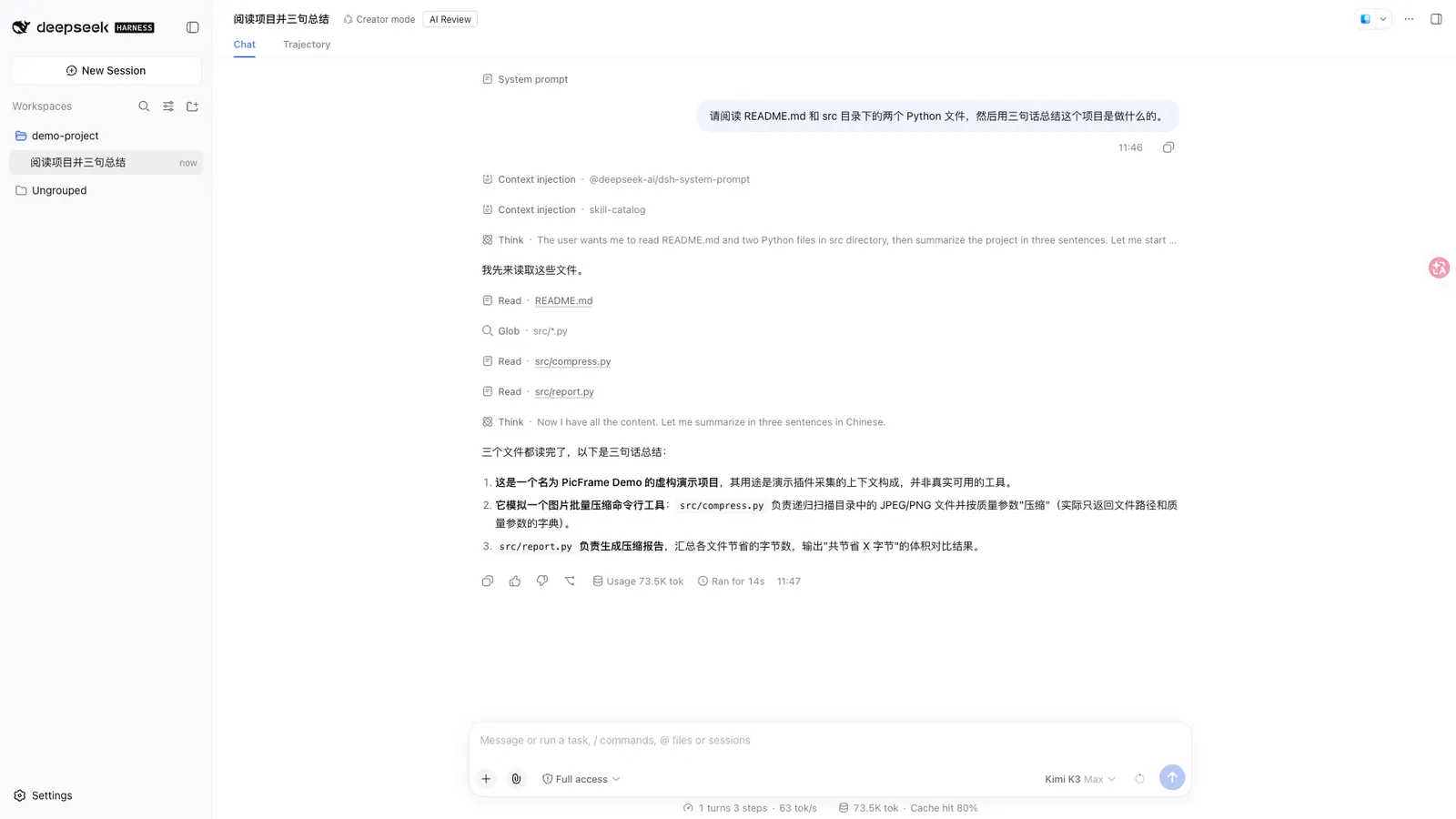
dsh-auto-review answers one question: when an action crosses the sandbox boundary, who approves it? Its answer is a second model. It registers an answerer on DSH’s approval/request chain that hands the decision to a read-only reviewer subagent, which reads the workspace and the already-streamed tool-call arguments and returns a structured verdict — { decision, reason, riskLevel } — rather than a yes/no guess from a pattern.
That distinction is the whole design. Pattern-based auto-approvers decide before dispatch, with no evidence: they match the command text and hope. Here the reviewer opens files, and the README is explicit that sensitive values in the arguments are redacted before the reviewer sees them.
Out of the box the shipped patch AI-reviews bash and write. Everything else — including edit, in-place modification — delegates to the human chain until you say otherwise. That default is the conservative one, and it is worth knowing before you install: this plugin does not turn on “approve everything”.
Four properties worth checking in any auto-approver
It uses the official seam. The answerer claims only the requests it owns (the ai policy) and delegates everything else via next(). The human approval flow is never short-circuited, so this composes with the harness rather than replacing its approval path.
The reviewer is read-only and non-delegating. It is a one-shot fork with a read/glob/grep tool allow-list. Reviewer asks are recognised by identity and delegated, and maxDepth plus the allow-list keep the reviewer from spawning its own reviewers. It can look; it cannot act.
It fails closed. A reviewer crash, a timeout, or a schema mismatch resolves through fallbackPolicy, whose default is rejected. The failure mode of the reviewer is a denial, not a silent approval.
Every decision reconstructs from the session log. The chain is approval/asked → autoReview/verdict (or autoReview/rejection) → approval/decided, logged as ignorable events, with an optional invariant companion enforcing that the marker and the event always agree. You can audit why a call was approved after the fact.
Deny reasons reach the model
A denial is not a dead end. The reviewer’s reason is injected into the denied tool result, linked to the call id, so the calling model learns why instead of retrying the same call. Fallback and never-policy rejections inject auditable markers too ([auto-review], [auto-review-fallback], [auto-review-never]), and a denyGuidance string is appended to every injected reason as anti-circumvention text.
There is also a rejection circuit breaker — three consecutive denials, or six of the last ten verdicts, per turn — because a model that keeps getting denied will keep trying.
Requirements and install
-
Node
^22.19.0 || >=24.0.0. -
A DSH release inside the declared peer range
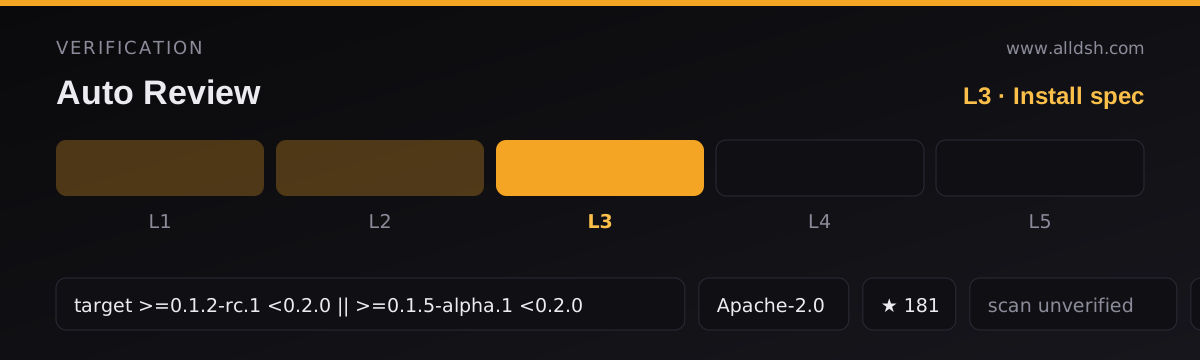
>=0.1.2-rc.1 <0.2.0 || >=0.1.5-alpha.1 <0.2.0. The README records the harness asdsh-v0.1.5-rc.2(GitHub tag, verified 2026-09-11) and describes dual-line support, with the plugin feature-detecting both published host lines. That declaration is what makes this listing L3. -
From npm (published releases, prebuilt):
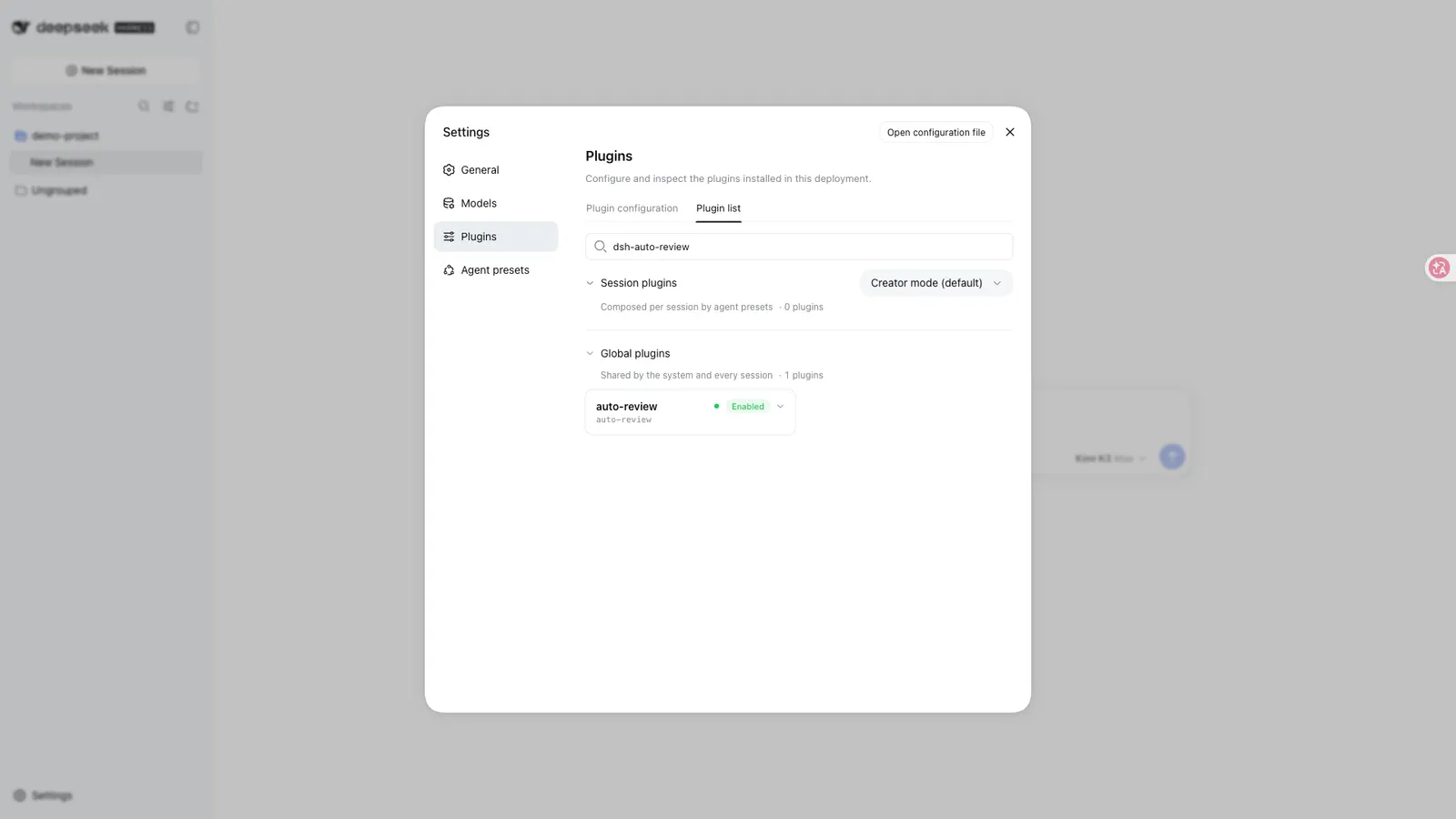
dsh plugin --profile web add dsh-auto-review -
From git (latest
main) — this channel builds the package on install and needs the build permission the CLI prints:dsh plugin --profile web add "github:PerryLink/dsh-auto-review#main"Add the printed
allowBuilds: { esbuild: true }key to the profile’spnpm-workspace.yamland re-run. If the install stops atERR_PNPM_IGNORED_BUILDSforkoffiornode-pty— pulled in by the eval harness — runpnpm approve-builds. -
Uninstall:
dsh plugin --profile web remove dsh-auto-review.
Configuration
All tunables are Schemastery config fields, changeable from cordis.yml. An id-targeted override replaces the whole row, so restate every key you need. The ones that change behaviour most:
| Key | Default | Meaning |
|---|---|---|
toolsPolicy.default |
human |
Policy for unlisted tools — delegate to the human answerer |
toolsPolicy.overrides |
{} |
Per-tool policy: ai / human / never |
riskRules |
[] |
{pattern, policy, field?} rules matched before the tool table |
fallbackPolicy |
rejected |
Reviewer failure: rejected (fail closed) / delegate / allow-once |
reviewerModel |
(inherit) | Reviewer model id; unset inherits the session agent’s route |
reviewerTimeoutMs |
60000 |
Verdict deadline; on expiry the fallback policy applies |
reviewerTools |
[read, glob, grep] |
The reviewer child’s allow-list (must be non-empty) |
maxReviewsPerTurn |
10 |
AI-verdict budget per turn; beyond it, requests delegate |
contextBudget |
{turns: 2, maxChars: 4000} |
Compact transcript for the reviewer; turns: 0 disables it |
circuitBreaker |
{consecutiveDenies: 3, windowDenies: 6, windowSize: 10} |
Rejection circuit breaker |
reviewerModel is the key to read first. Left unset, the reviewer inherits the session agent’s route — the same model reviewing its own request. Setting it to a different model is what makes the review genuinely second-opinion, and the plugin’s own framing (“why a second model instead of rules?”) is really an argument for setting this.
contextBudget.turns: 0 is a trap the README warns about itself: a reviewer with no transcript context denies actions the user already authorised, so the runtime warns when turns: 0 meets an ai policy.
Known limits
- Stars (170) are attention, not review. This listing records
security: unverified; no third-party scan or independent audit is on record, and no listing on this site claims L4 or L5. - By default the reviewer is the same model as the agent. Unless you set
reviewerModel, you are asking a model to approve its own request with more evidence — better than a pattern match, weaker than a genuinely independent reviewer. - The default policy set is narrow on purpose. Only
bashandwriteare AI-reviewed out of the box;editand everything else still go to you. If you want fewer prompts you have to widentoolsPolicyyourself, deliberately. - The git channel builds on install. That is a real install-time execution surface; the npm channel ships prebuilt artifacts and avoids it.
- Native dependencies. The eval harness pulls
koffiandnode-pty, which can requirepnpm approve-buildson some setups. - The name is crowded — check you have this one. The
dsh-plugintopic carries a cluster of near-identical “auto review” plugins copying the same Codex approve-for-me pattern; at the time of writing the others sit at 0–2 stars while this one is at 170. The README states this is the only official repository and that same-name repositories under other accounts are not affiliated. - The reviewer is not sandboxed by this plugin. It is a subagent with a tool allow-list; its safety comes from what it is allowed to call, not from a separate process boundary.
When to use it — and when not to
Use it when you want to stop clicking approve on every bash call, but you are not willing to hand the decision to a regex. The verdict loop — evidence in, structured verdict out, reason fed back to the model, everything reconstructable from the log — is a more defensible middle ground than either extreme, and it is the reason this listing is in the agent collection rather than filed as a convenience.
Do not install it expecting an unattended agent. The default covers two tools, the reviewer is your own model unless you change it, and the failure mode is denial — which means a badly configured reviewer will block work rather than let it through. If what you actually want is a permission mode that stops asking, that is a different shape of plugin; if you want the agent’s own output checked against a standard, aegis and ouroboros gate the task, while this gates the action.
FAQ
Does it replace the human approval flow?
No. It adds an answerer that claims only the requests it owns and delegates the rest through next(). Requests it does not claim still reach you exactly as before.
What happens when the reviewer fails?
The default fallbackPolicy is rejected. A crash, a timeout, or a malformed verdict denies the request rather than approving it. You can switch to delegate (send it to the human) or allow-once, but the shipped default is the safe one.
Can the reviewer approve destructive commands?
Only if you let it. The shipped patch AI-reviews bash and write; a riskRules entry with policy: never can hard-disable a pattern regardless of the reviewer, and riskPolicy.maxAutoAllow caps which allow verdicts are honoured. rm -rf / and git push --force are the README’s own examples of never rules.
Is the reviewer a different model?
Only if you set reviewerModel. Left unset it inherits the session agent’s route. The plugin supports a different provider or model, and that is the configuration that makes the “second model” claim literal.
How do I audit what it decided?
Every decision is reconstructable from the session log as approval/asked → autoReview/verdict → approval/decided. Denials also carry the reviewer’s reason into the tool result, so the model’s context shows why it was refused.